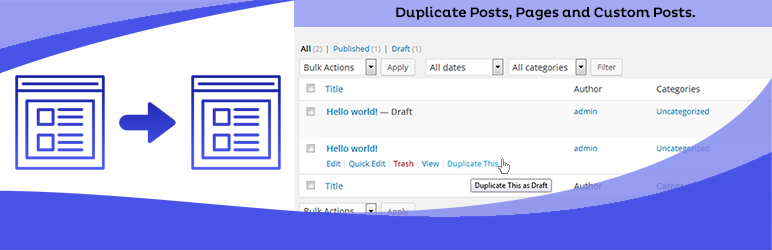
Duplicate Posts, Pages and Custom Posts easily using single click
Free
3M+ installs 4.8★ (465)
Search and Replace everything in WordPress. Easily find and replace media, images, text, links and more with a single click using a simple user interf …
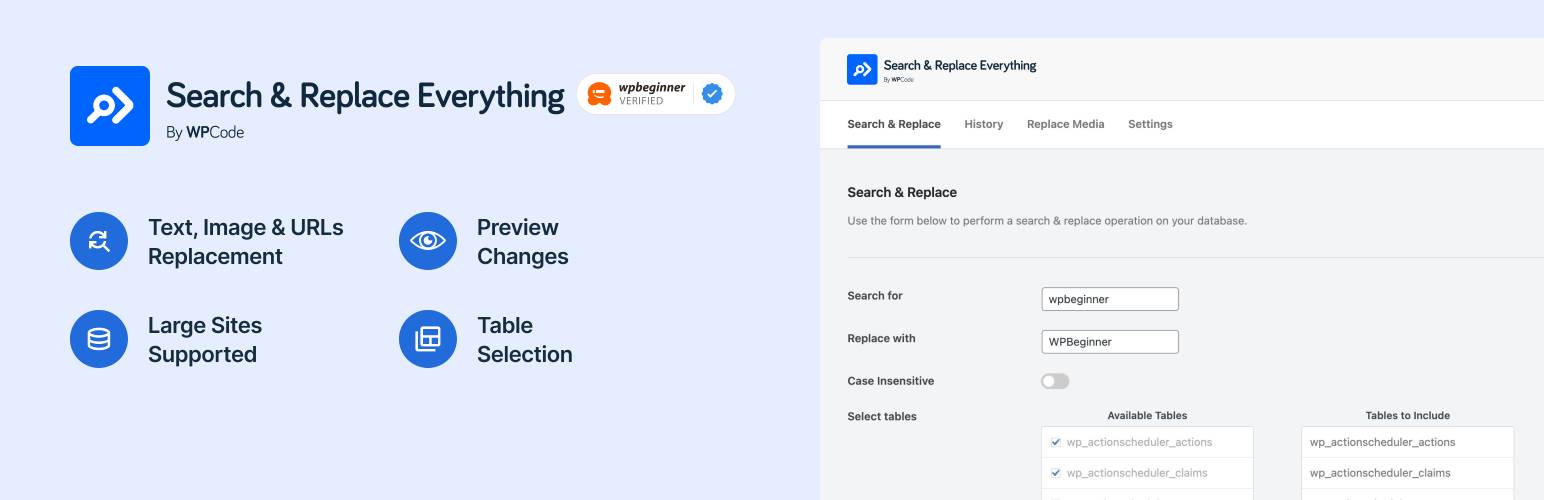
Search & Replace Everything by WPCode is a WordPress plugin that allows you to manage and update your website's content directly from the admin interface. It is designed for tasks such as site migrations and content updates, enabling batch find and replace operations for text and media across your database.
The plugin supports detailed search and replace functions, including case sensitivity and the ability to preview changes before applying them. It is suitable for large websites and allows users to select specific database tables for targeted updates.
Best for: This plugin is best for website administrators handling site migrations or bulk content updates.
What it does well
Where it falls short
Search & Replace Everything by WPCode provides essential functionality for managing content in WordPress. It is a useful tool for those needing to perform extensive updates efficiently.
WPCode's own description of Search & Replace Everything by WPCode, lightly tidied.
Search & Replace Everything by WPCode enables you to efficiently manage your website’s content directly from the WordPress admin. This tool is essential for site migrations, content updates, or any situation where batch find and replace text and image replacements are needed.
With an intuitive interface, you can perform detailed find and replace operations across your entire database. Select specific tables, toggle case sensitivity, and preview changes before committing. Serialized data is fully supported. Designed to handle large websites, this plugin operates smoothly without the need for external tools.
Introducing Search & Replace Everything Pro
While Search & Replace Everything offers many powerful features for free, we have also created a Pro version that includes advanced features to further improve your workflows like the ability to undo Search & Replace operations and replacing images directly from the Gutenberg editor. Click here to purchase Search & Replace Everything Pro now!
Backup Your Database – While the plugin is safe to use, it’s always a good idea to make a backup before making changes.
Common mistakes to avoid when replacing text:
After installing Search & Replace Everything by WPCode, look for the new menu item under WP Admin > Tools > WP Search & Replace. From there, you can start managing your content and perform find and replace operations for text or images across your entire website.
Other plugins for dating sites.
Duplicate Posts, Pages and Custom Posts easily using single click

HappyAddons packs Header Footer Builder, Megamenu, Single Post, Archive Page, & 500+ Ready Templates into...

Site metrics and social media analytics for Instagram, Facebook, YouTube, LinkedIn, X Twitter. The single best...

Disable admin notices and hide dashboard notifications from plugins, themes and core. Hide all notices, select...

Password protect WordPress pages and posts by user roles or with multiple passwords; protect your entire websi...
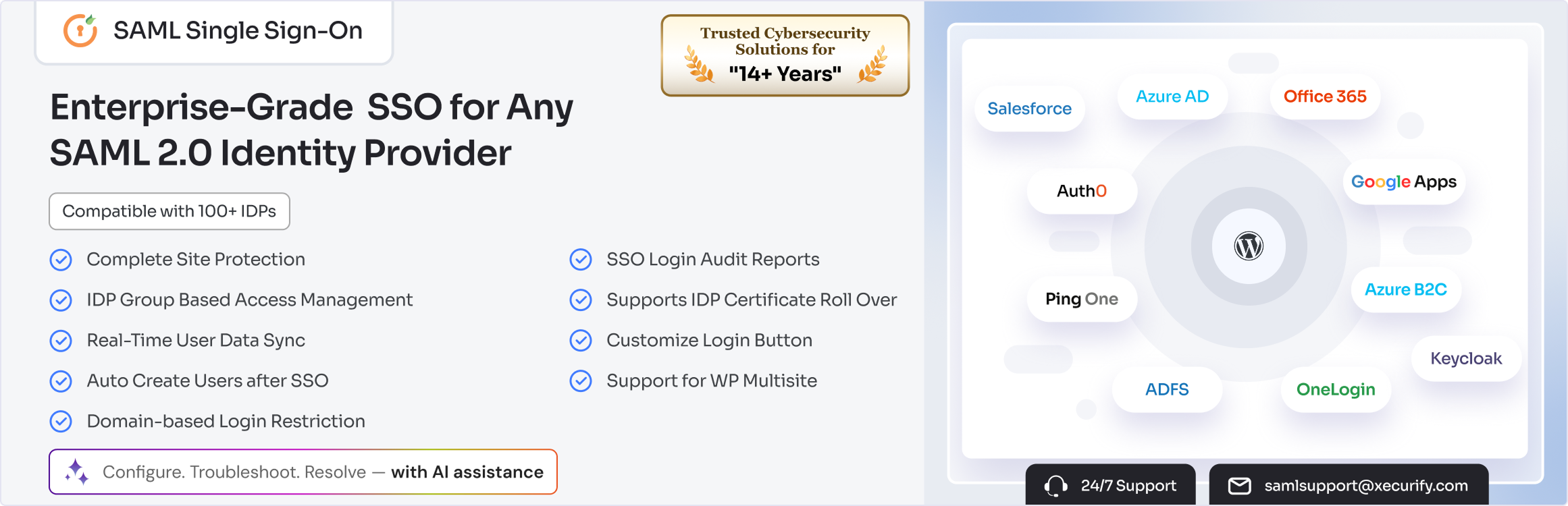
SAML SSO (Single Sign On) for WordPress Login with Okta, Entra ID/Azure AD, GSuite, Salesforce & All SAML...