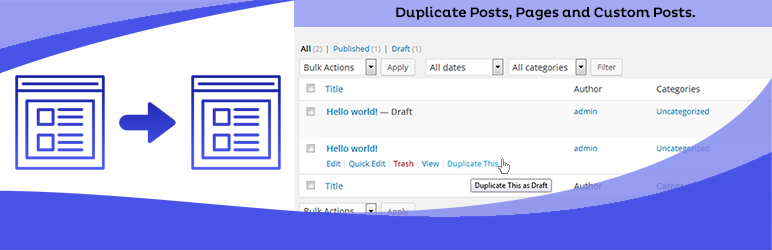
Duplicate Posts, Pages and Custom Posts easily using single click
Free
3M+ installs 4.8★ (465)
Order your posts in subpages: multipage posts will have a table of contents linking single subpages with their titles.

Multipage is a WordPress plugin that allows you to split lengthy posts into multiple subpages, each with its own title. This can help improve the readability of your content and make it easier for visitors to navigate through sections of a post using a table of contents.
The plugin is suitable for anyone looking to enhance their content structure, particularly in the dating and matchmaking niche, or for those who regularly create long-form content. Multipage generates separate page views for each subpage, which can be beneficial for tracking statistics.
Best for: This plugin is best for bloggers and content creators who write lengthy posts and want to improve user navigation.
What it does well
Where it falls short
Multipage offers a straightforward solution for managing long posts, but its lack of recent updates may be a concern for some users.
Sergio De Falco's own description of Multipage, lightly tidied.
Multipage for WordPress will make you able to order a post in multipages, giving each subpage a title and having a table of contents on the first or on every subpage.
Forget about extremely lengthy pages, diffculty to find a post section. With Multipage you can divide every post into many subpages, giving them a title. Then a table of contents will appear to redirect your visitors to the wanted post subpage.
Every subpage will generate a different page view, so your statistics will benefit.
The old WordPress code is not useful anymore. Even if you do not indicate a title for your [nextpage] code, Multipage will use a default title in the form “Page #”.
Multipage comes with a minimal css in order to make the user customization simpler. You can create a new multipage.css file and put it in the theme folder /css/ so you can use your own CSS. It is important not to change the file provided with the plugin because at the first following update it will be lost. The second option is to modify the Multipage CSS in your own theme CSS, overriding the standard classes.
Please let us know how much you care about Multipage development rating it (5 stars).
Other plugins for dating sites.
Duplicate Posts, Pages and Custom Posts easily using single click

HappyAddons packs Header Footer Builder, Megamenu, Single Post, Archive Page, & 500+ Ready Templates into...

Site metrics and social media analytics for Instagram, Facebook, YouTube, LinkedIn, X Twitter. The single best...
Disable admin notices and hide dashboard notifications from plugins, themes and core. Hide all notices, select...

Password protect WordPress pages and posts by user roles or with multiple passwords; protect your entire websi...
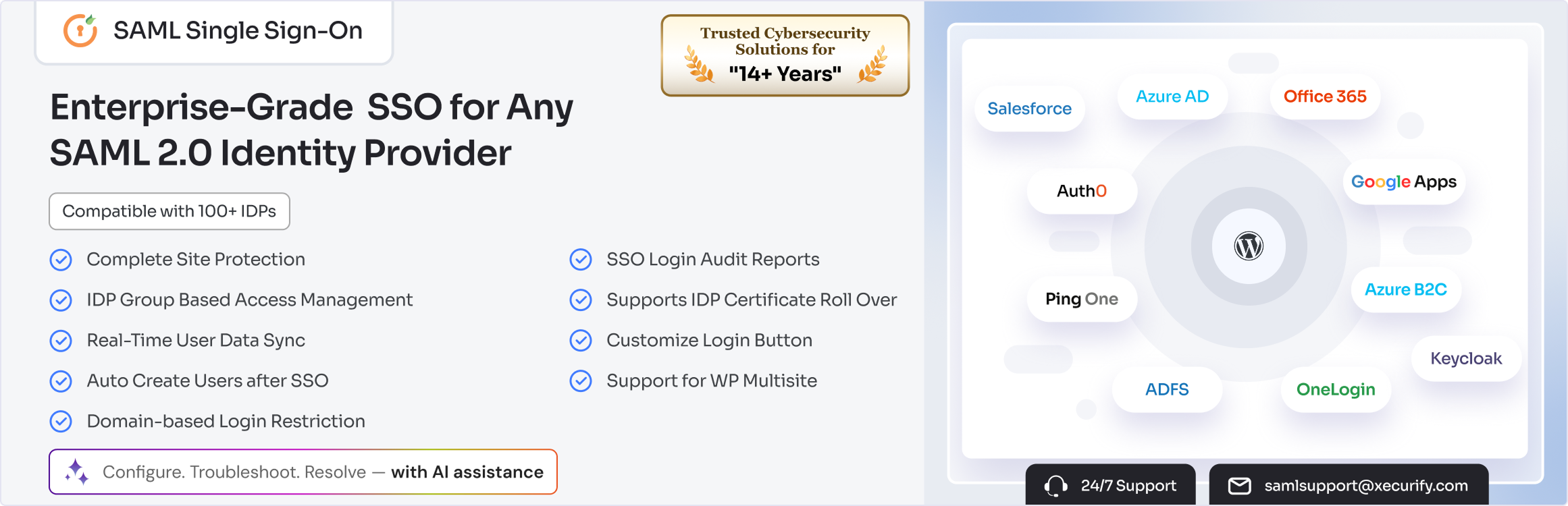
SAML SSO (Single Sign On) for WordPress Login with Okta, Entra ID/Azure AD, GSuite, Salesforce & All SAML...