WP Accessibility fixes common accessibility issues in your WordPress site.
Free
60k+ installs 4.8★ (68)
SEO-friendly Table of Contents Gutenberg block. No JavaScript or CSS by default.
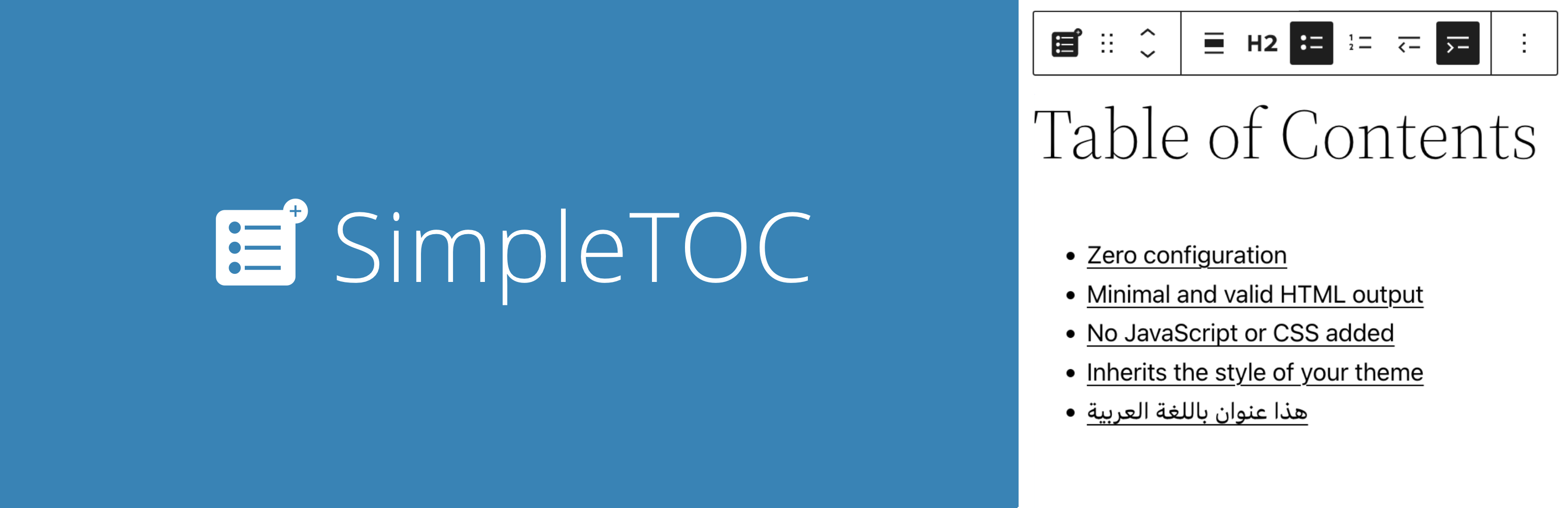
SimpleTOC is a WordPress plugin that adds a Table of Contents (TOC) block to your posts and pages. This TOC is a nested list of links to all headings found within the content, making it easier for users to navigate long articles. You can configure the maximum depth of the TOC and customize its appearance using Gutenberg's Styles tab.
The plugin is designed for accessibility and follows web standards, ensuring it works well with assistive technologies. It is suitable for anyone looking to enhance the navigability of their content, such as bloggers or website administrators managing extensive FAQs or documentation.
Best for: This plugin is best for bloggers and website administrators looking to improve content navigation.
What it does well
Where it falls short
SimpleTOC is a straightforward solution for adding a Table of Contents to your WordPress site. It offers essential features with a focus on accessibility and ease of use.
Marc Tönsing's own description of SimpleTOC, lightly tidied.
Add a Table of Contents block to your posts and pages. The TOC is a nested list of links to all heading found in the post or page. To use it, simply add a block and search for “SimpleTOC” or just “TOC”.
The maximum depth of the toc can be configured in in the blocks’ sidebar among many other options. There can hide the headline “Table of Contents” and add your own by using a normal heading block.
Spin up a new WordPress instance with the SimpleTOC plugin already installed.
“It is lightweight, stable, and fully compatible with WordPress Full Site Editing. A reliable solution that integrates seamlessly and performs exactly as expected.”
— @js100 on wordpress.org“Does the job perfectly, and adds no bloat.”
— @clicknathan on wordpress.org“Simple yet powerful. Great plugin that does exactly what you need.”
— @mixey on wordpress.org
This plugin is designed & developed for WCAG 2.2 level AA conformance. The plugin is tested with assistive technology and intended to be accessible, however some third party plugins or themes may affect the individual accessibility on a given website. If you find an accessibility issue, please let us know and we’ll try to address it promptly.
Hidden TOCs use native <details> and <summary> semantics without extra ARIA references that require custom IDs.
SimpleTOC is open-source and developed on GitHub Pages. If you find a bug or have an idea for a feature please feel free to contribute and create a pull request.
Other plugins for accessible sites.
WP Accessibility fixes common accessibility issues in your WordPress site.

OneTap is a multilingual WordPress plugin designed for seamless website accessibility.

Free WordPress accessibility widget to improve accessibility for your website visitors. Supports efforts towar...
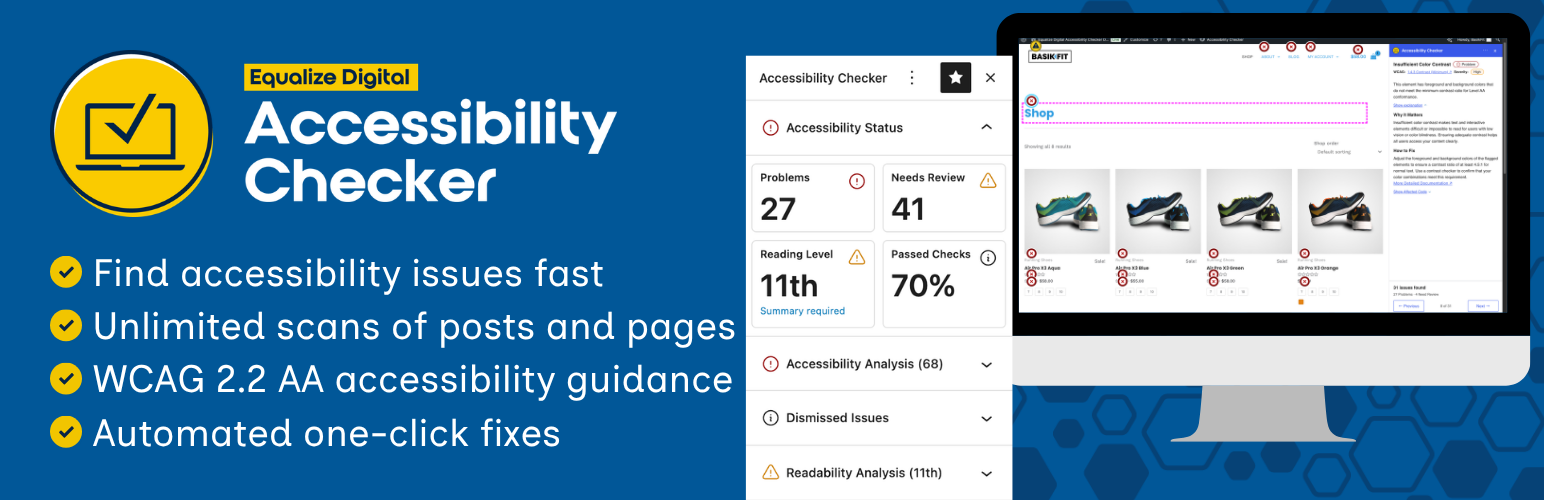
Find and fix accessibility issues with confidence. Real-time reports, automated fixes, and guidance. Reduce co...
Add, edit, and bulk-generate alt text for every WordPress image, manually or automatically using AI. Fix image...
Free text to speech with browser voices + premium AI voices from Google, OpenAI & ElevenLabs. Add an audio...