
Create, print & automatically email PDF or XML Invoices & PDF Packing Slips for WooCommerce orders.
Free
300k+ installs 5★ (1,862)
Create an invoice or quote request form using Gravity Forms. Each form entry then creates a quote (or an invoice) using the Sliced Invoices plugin.
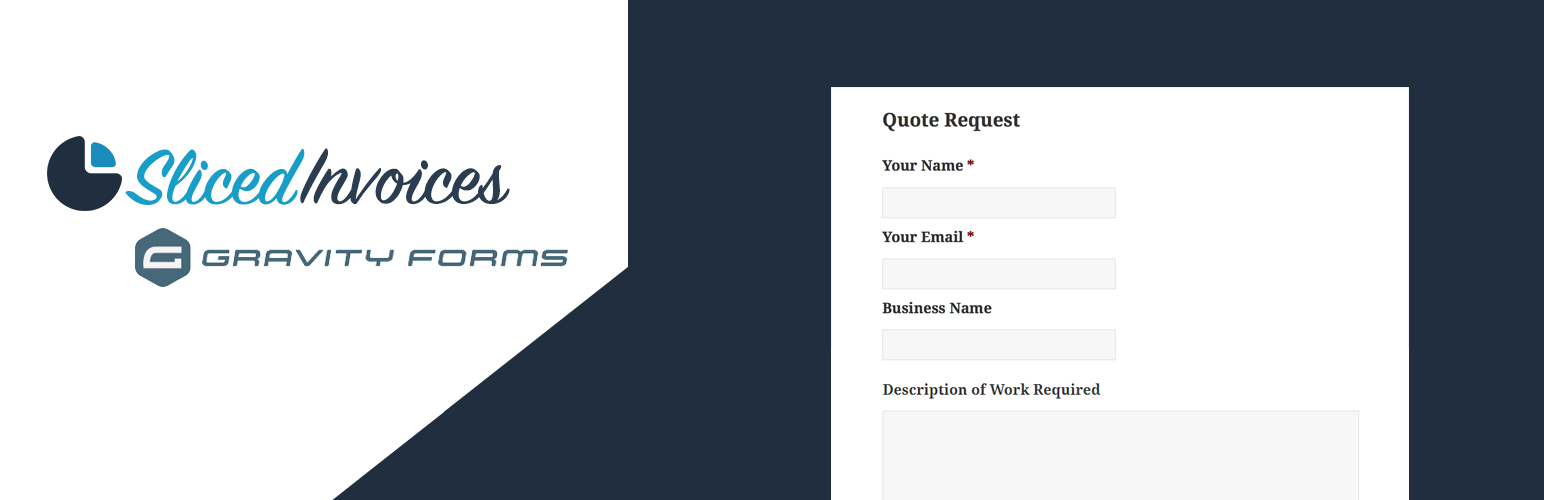
Sliced Invoices & Gravity Forms is a WordPress plugin that allows users to create quotes and invoices through a form on their website. It requires both the Sliced Invoices plugin and the premium Gravity Forms plugin to function. Users can set up a form with various fields to collect client information and then map these fields to generate invoices or quotes automatically.
This plugin is suitable for businesses or individuals who need a simple way to manage client requests for quotes and invoices directly on their site. It streamlines the process by automatically creating client profiles and allows for customisation of form fields and notifications.
Best for: This plugin suits small businesses or freelancers needing an efficient invoicing solution.
What it does well
Where it falls short
Sliced Invoices & Gravity Forms provides a straightforward method for generating quotes and invoices, though it requires additional plugins for full functionality.
SlicedInvoices's own description of Sliced Invoices & Gravity Forms, lightly tidied.
Imagine having a form on your website that allows your visitors to basically create their own quotes and invoices!
Once you have both plugins installed and activated, you simply need to create your Quote (or invoice) Request form that contains the following fields (required fields marked with an asterix):
With the form now set up, navigate to Form Settings –> Sliced Invoices to create a new form feed.
Now simply choose whether the form will create an invoice or quote and map each of the field names to the fields you have just set up in the form.
With the form setup and the fields mapped, you simply need to add the form shortcode to one of your pages in the usual way. When a client fills in your Quote Request form, a new quote (or invoice) will automatically be created with all of their details added to the quote.
You then need to simply add the line items and pricing to the quote and it is then ready to send to the client.
If the email address that the client fills in is not already linked to a client, the plugin will automatically create a new client with this email.
You can also set up confirmations and notifications as per normal in the Gravity Forms settings.
Other plugins for invoicing.
Create, print & automatically email PDF or XML Invoices & PDF Packing Slips for WooCommerce orders.

Auto-generate and attach WooCommerce PDF invoices and packing slips to order emails with customizable template...
The CRM for small businesses. Manage leads, invoicing, billing, email marketing, clients, contacts, quotes, au...

Add to WooCommerce a NIF/CIF/NIE field for all billing and shipping forms, with validation and VIES/EORI suppo...

Всичко необходимо за вашият онлайн магазин за България. Включва облекчен режим за Наредба - H-18 и методи за д...

WooCommerce Zoho Connector allows you to quickly integrate WooCommerce Orders with Zoho CRM, Books, Inventory...