
Show a waitlist form on out-of-stock products and automatically email subscribers when items are restocked. Tu...
Free
20k+ installs 4.7★ (122)
Square sync for WooCommerce — connect your Square POS to sync Square products, inventory, orders, customers and more with WooCommerce.
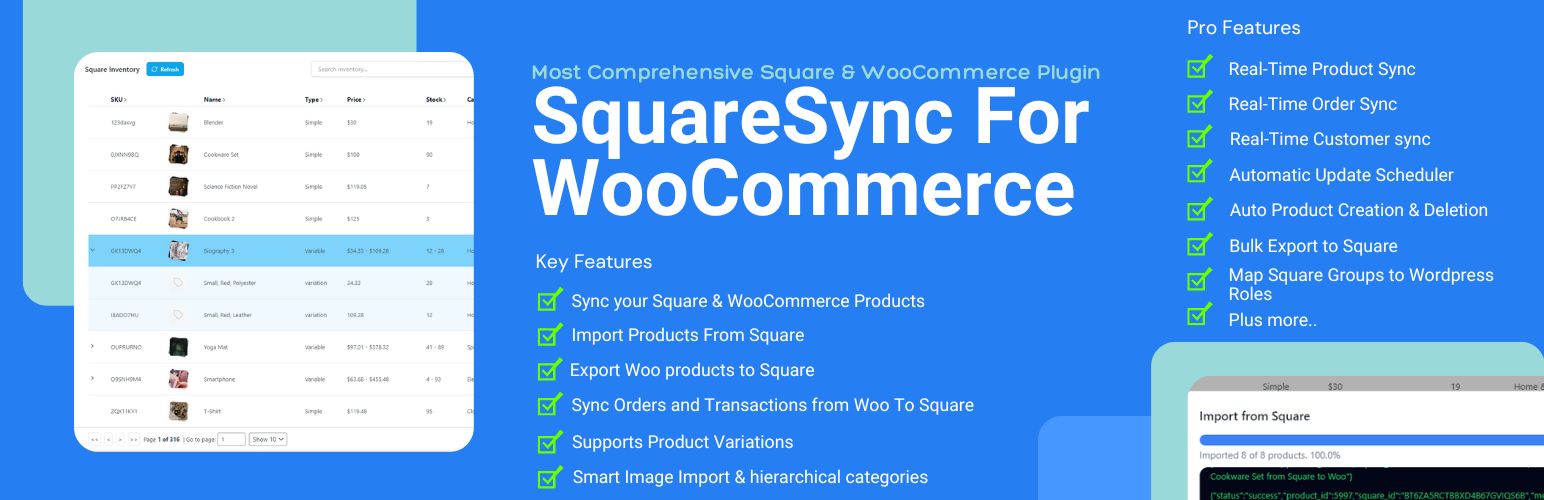
Square Sync for WooCommerce is a WordPress plugin designed to connect your Square POS with WooCommerce, allowing for automatic synchronization of products, inventory, orders, and customer data. This eliminates the need for manual updates and helps prevent inventory mismatches between the two platforms.
The plugin supports various Square payment methods and offers features like one-click product import and customizable sync options. It is suitable for users who want to streamline their e-commerce operations by integrating Square with their WooCommerce store.
Best for: This plugin is best for WooCommerce store owners who use Square as their payment system and want to automate data synchronization.
What it does well
Where it falls short
Square Sync for WooCommerce provides essential integration features for users looking to connect their Square POS with WooCommerce. While the free version offers basic functionalities, advanced features are available in the Pro version.
squarewoosync's own description of Square Sync for WooCommerce, lightly tidied.
Square Sync for WooCommerce makes connecting your Square POS with WooCommerce effortless. Automatically sync Square products, Square inventory, Square orders, and Square customer data directly to your WooCommerce store. No more manual updates or inventory mismatches between Square and WooCommerce. Accept Square payments including Cash App Pay, Google Pay, Apple Pay, and credit cards — and keep your Square and WooCommerce stores running in perfect sync with real-time Square updates available in the Pro version.
The Pro version now includes an AI Assistant built right into the plugin. Ask it setup and feature questions in plain English, or describe a sync problem and it reads your own sync logs, webhook status and settings to tell you the likely cause and fix. With your approval on every change, it can adjust your sync settings, import and sync Square products, export WooCommerce products to Square, run stock checks, and even draft a pre-filled support email for you. Preview it on the Assistant tab — upgrade to Pro to start chatting.
For more information on installation and setup visit our Documentation.
Our plugin seamlessly integrates with Square, a comprehensive payment processing and inventory management platform. This plugin utilizes the Square API to bridge the gap between WooCommerce and Square Inventory, specifically through the endpoint: Square API. This integration is essential for the plugin to work.
Other plugins for managing stock.
Show a waitlist form on out-of-stock products and automatically email subscribers when items are restocked. Tu...
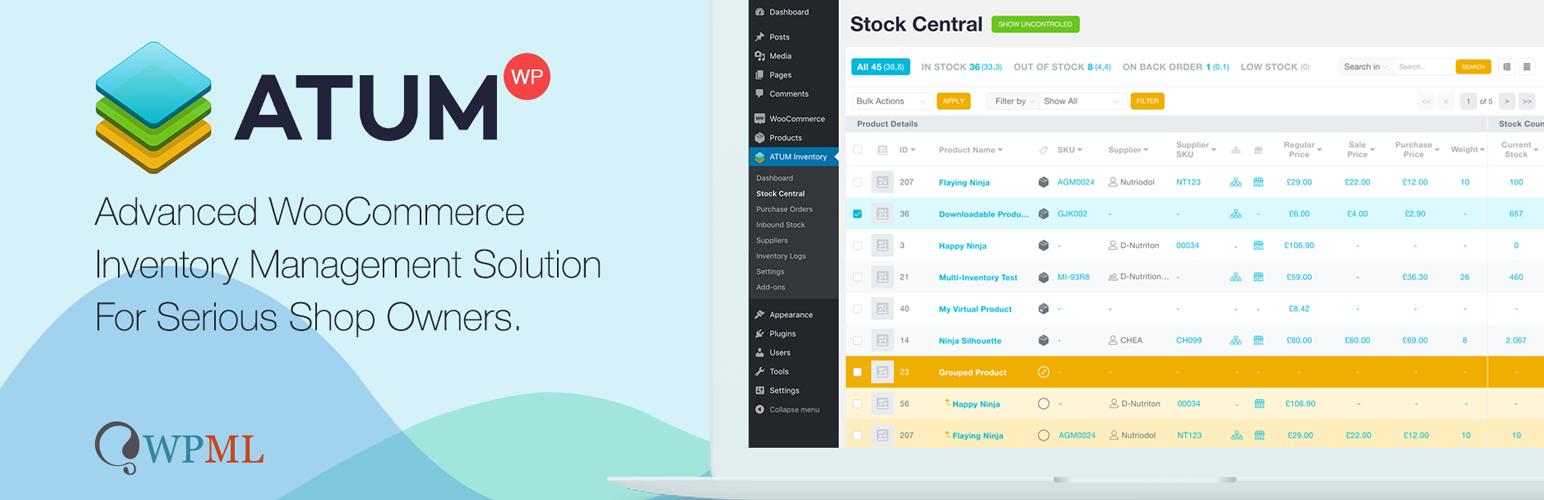
WooCommerce Full Inventory Management, Purchase Orders, Suppliers, Inbound Stock, Inventory Logs, WooCommerce...
Manage GTINs (EAN, UPC, ISBN, etc.) effortlessly in WooCommerce! Create, save, search, and display EANs easily...

Free: WC Wishlist, Email automation, Elementor Widgets. Premium: Back-in-Stock Notifier, Save for Later, Multi...

WooCommerce Zoho Connector allows you to quickly integrate WooCommerce Orders with Zoho CRM, Books, Inventory...
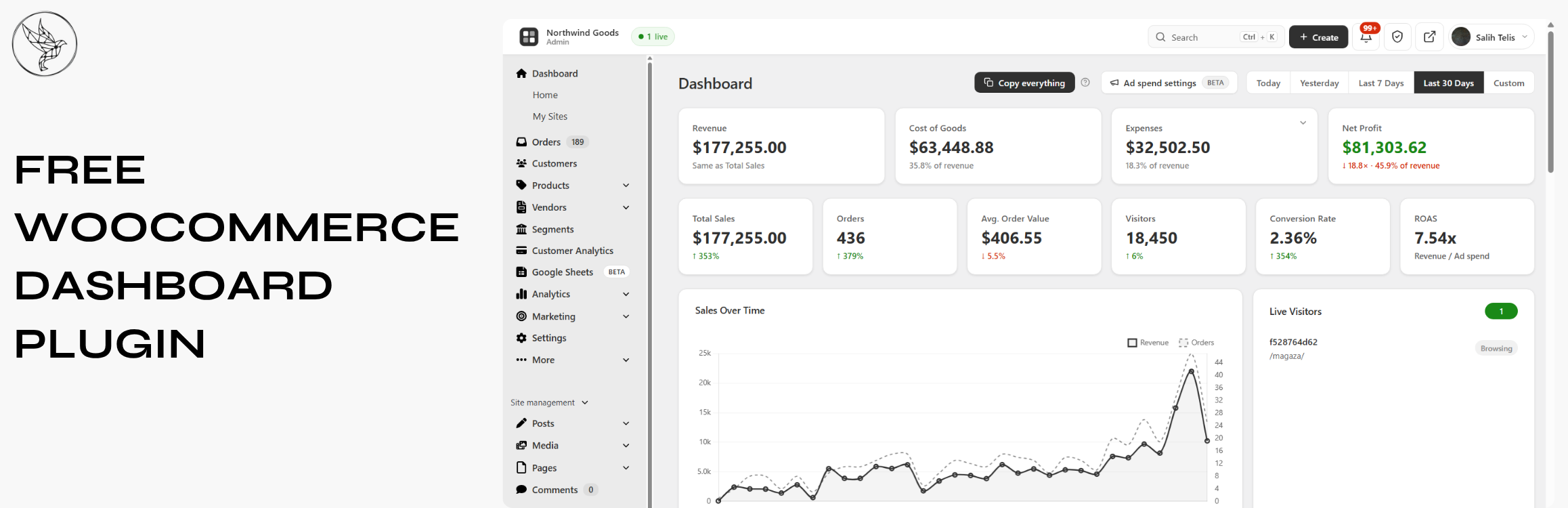
Free WooCommerce dashboard & sales report: abandoned cart recovery, Google Sheets sync, ROAS, bulk editor...