
The #1 user-rated activity log plugin for event logging, activity monitoring and change tracking.
Free
300k+ installs 4.7★ (488)
Real-time activity log and audit log for WordPress. Track every user action — logins, edits, plugin & settings changes — and get alerts.
Stream is a WordPress plugin that provides a comprehensive activity log and audit trail for your site. It records various user and system actions, including plugin activations, post edits, and login attempts, allowing you to see who made changes and when. The logged actions are displayed in an activity stream that can be filtered by different criteria, making it suitable for debugging, security monitoring, and compliance purposes.
The plugin includes features such as email alerts, webhooks for integrations with services like Slack and IFTTT, and automatic purging of logs based on a retention schedule. It is designed for site administrators who need to monitor user activity and maintain site security effectively.
Best for: Site administrators who need to monitor and audit user activity on WordPress sites.
What it does well
Where it falls short
Stream is a robust tool for tracking site activity, providing essential insights for security and compliance. It is particularly useful for those managing multiple users or complex sites.
XWP's own description of Stream, lightly tidied.
Stream is a complete activity log and audit trail for your WordPress site: see what changed, who changed it, and when. From plugin activations to post edits, login attempts to new user creation, every user and system action is recorded in an audit log built for debugging, security monitoring, and compliance.
Every logged action is displayed in an activity stream and organized for easy filtering by User, Role, Context, Action or IP address. Admins can highlight entries in the activity log—such as suspicious user activity—to investigate what’s happening in real time. Stream also lets you configure email alerts and webhooks for integrations like Slack and IFTTT, so your team knows the moment something goes wrong.
Stream keeps its own logs healthy too: records are automatically purged on the retention schedule you choose, with batched deletion and orphaned-data cleanup that stay reliable even on very large sites.
Stream is also AI-ready: its abilities are exposed through the WordPress Abilities API and MCP Adapter, so AI assistants and other tools can securely query your site’s activity records.
For advanced users, Stream supports a network view of all activity records on your Multisite, exclude rules to ignore certain kinds of user activity, and a WP-CLI command for querying records.
Stream is free and fully open source — development happens in the open on GitHub, maintained by XWP.
With Stream’s powerful activity logging, you’ll have the information you need to responsibly manage your WordPress sites.
Most of the plugin configuration is available under the “Stream” → “Settings” page in the WordPress dashboard.
Other plugins for monitoring a site.
The #1 user-rated activity log plugin for event logging, activity monitoring and change tracking.
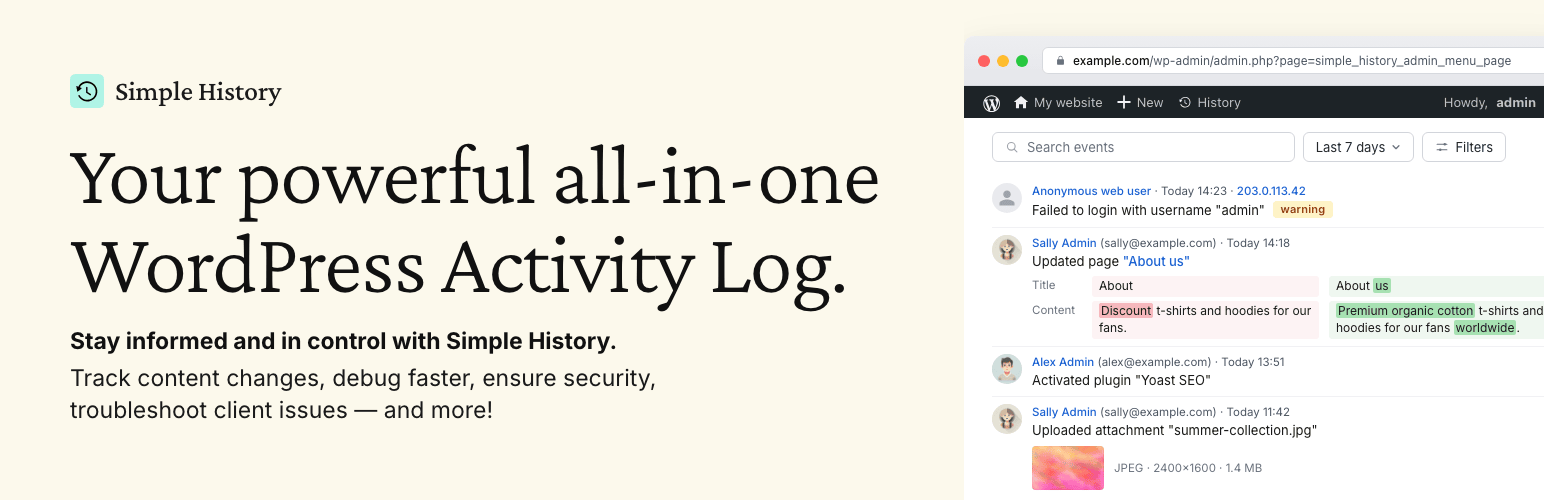
Track changes and user activities on your WordPress site. See who created a page, uploaded an attachment, and...

Manage 301 & 302 redirects. Simple redirection & redirects validation. Includes redirect stats & 4...

WordPress security plugin with malware scanner, IP blocking, audit logs, antivirus scans, firewall, 2FA, brute...

Redirect manager for 301, 302 and 307 redirection. Monitor and fix 404 errors, log every broken link and prote...

Everything you need to sell WordPress maintenance and manage multiple sites effortlessly: backup, update, upti...