WP Accessibility fixes common accessibility issues in your WordPress site.
Free
60k+ installs 4.8★ (68)
Create responsive tabs inside your posts, pages or custom post content by adding simple shortcodes inside the post editor.

Tabby Responsive Tabs is a WordPress plugin that allows you to add horizontal tabs to your content, which switch to an accordion layout on narrower screens. It uses jQuery for functionality and supports multiple sets of tabs on the same page, making it suitable for various content types.
The plugin is designed with accessibility in mind, featuring semantic markup and keyboard navigation support. You can create tab groups using specific shortcodes, and there are optional add-ons available for further customization and functionality enhancements.
Best for: This plugin suits users looking to implement responsive tabs on their WordPress sites, especially those prioritising accessibility.
What it does well
Where it falls short
Tabby Responsive Tabs provides a straightforward solution for adding tabs to your content, with a focus on accessibility and customization options. It is particularly useful for users who want to enhance their site's layout without extensive coding.
cubecolour's own description of Tabby Responsive Tabs, lightly tidied.
The Tabby responsive tabs plugin is designed to be an easy and lightweight way to add responsive tabs to your content. Experienced developers should be able to easily customize how the tabs display on their site by replacing the built-in CSS rules with an edited version (see note below for more details of this).
The Tabby responsive tabs customiser add-on adds a settings panel with several parameters to provide the easiest way to customise the display of your tabs without editing any code. You can use the default tabby styles or one of the included one-click presets as a starting point for customisation. It also enables you to easily add icons to your tab titles.
The Tabby link to tab add-on provides a simple shortcode to create links to specific tabs which can appear anywhere on the same page as the tabgroup without the page reloading.
The Tabby tab to URL link add-on enables you to set one or more of your tabs to act as a link to any URL.
The Tabby load accordion closed add-on changes the default behaviour when the tabs are displayed as an accordion so that no accordion sections are open when the page initially loads.
The Tabby reopen current tab on reload add-on enables the currently active tab to remain the active (open) tab after the page has been reloaded/refreshed.
There are two shortcodes used to create the tab group: [tabby] and [tabbyending] both must be used as below to create a tab group.
To start a new tab use a [tabby] shortcode, eg:
[tabby title="tabname"]
replace tabname with the name of your tab.
Add the tab content after the shortcode.
Add a [tabbyending] shortcode after the content of the last tab in a tabgroup.
If you copy & paste this example into your own page instead of typing them, ensure that you delete any stray or tags that might have appeared.
[tabby title="First Tab"]


This is the content of the first tab.


[tabby title="Second Tab"]


This is the content of the second tab. This is the content of the second tab.


[tabby title="Third Tab"]


This is the content of the third tab. This is the content of the third tab. This is the content of the third tab.


[tabbyending]
note: To prevent stray paragraph tags being introduced by WordPress’s wpautop filter, ensure that there is a blank line above and below each tabby shortcode and the tabbyending shortcode.
You can see the tabs on the demo page.
Other plugins for accessible sites.
WP Accessibility fixes common accessibility issues in your WordPress site.

OneTap is a multilingual WordPress plugin designed for seamless website accessibility.

Free WordPress accessibility widget to improve accessibility for your website visitors. Supports efforts towar...
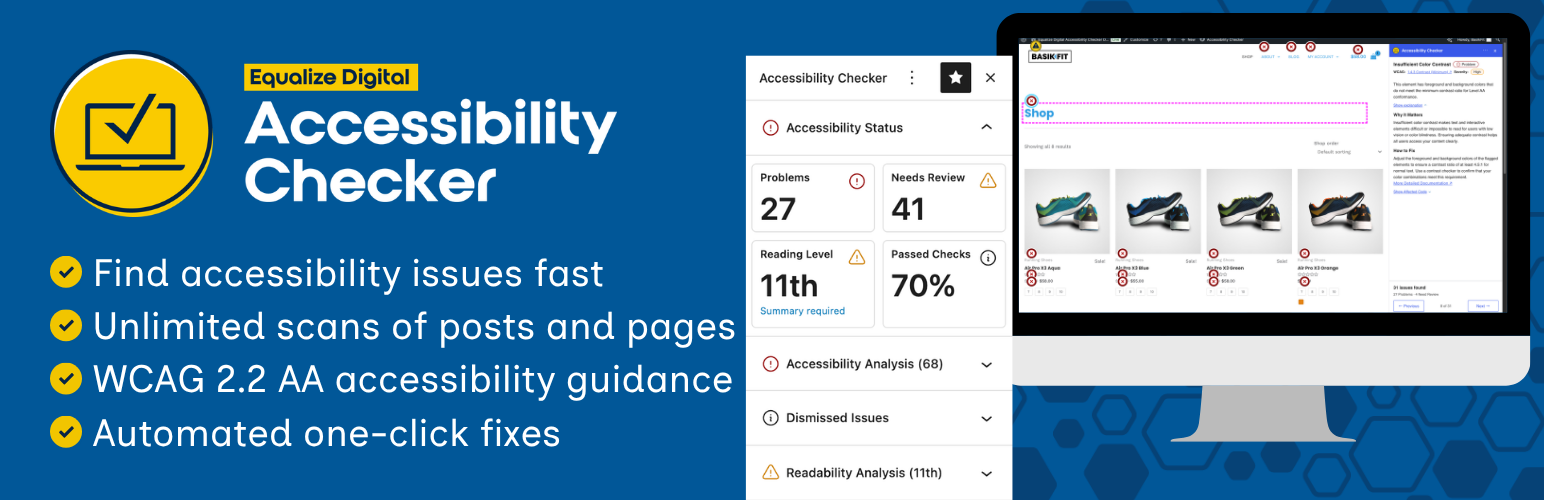
Find and fix accessibility issues with confidence. Real-time reports, automated fixes, and guidance. Reduce co...
Add, edit, and bulk-generate alt text for every WordPress image, manually or automatically using AI. Fix image...
Free text to speech with browser voices + premium AI voices from Google, OpenAI & ElevenLabs. Add an audio...