
Ad Inserter
94Manage Google AdSense ads, banners, ad rotation, sticky widgets, AMP ads, ads.txt, tracking, header and footer...
Free
300k+ installs 4.9★ (2,428)
Loops & Logic is a template system with content loops and conditions.
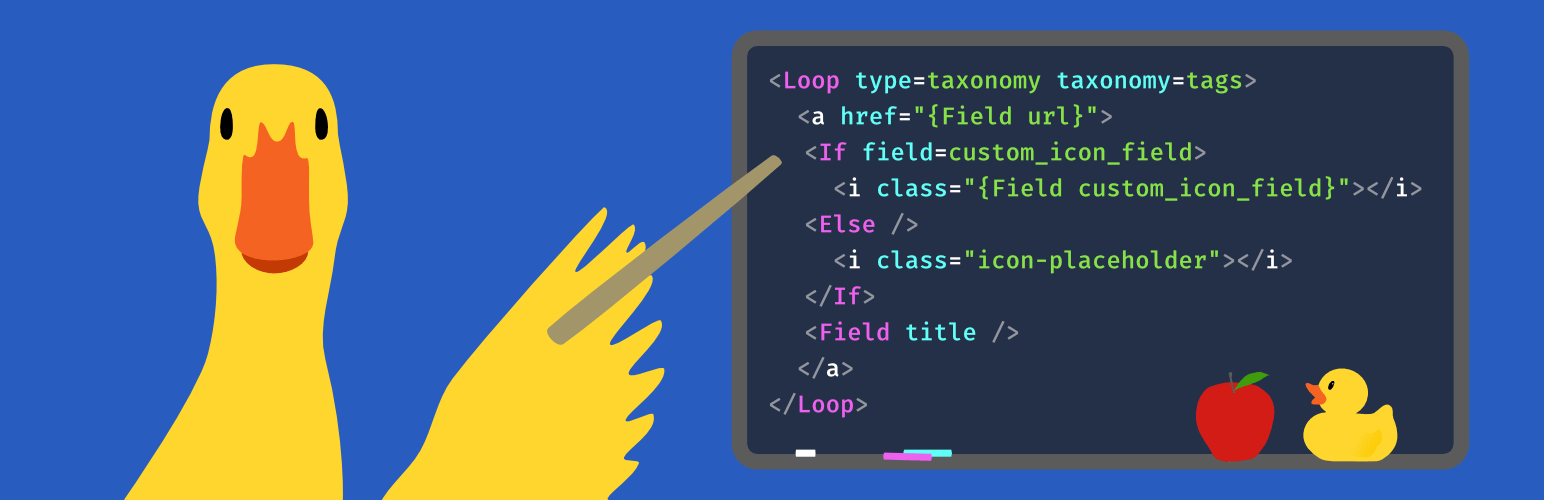
Loops & Logic is a WordPress plugin that provides control over the display of content and data on your site's frontend. It simplifies the process of creating custom templates and logic for various post types and taxonomies, making it suitable for users who need more flexibility than their current theme or page builder offers.
The plugin allows you to use HTML templates with dynamic tags, create query loops for different content types, and build logic for displaying elements based on conditions. It is designed for frontend developers and users familiar with coding who want to enhance their WordPress site's functionality without extensive backend development.
Best for: This plugin suits frontend developers and advanced WordPress users looking to customise content display without heavy backend coding.
What it does well
Where it falls short
Loops & Logic offers a robust solution for customising WordPress content display, particularly for those familiar with coding. It may not be as user-friendly for beginners.
Tangible's own description of Loops & Logic, lightly tidied.
Facebook group | homepage| docs |official support forum
Loops & Logic is a toolset that allows you to have extensive control over the display of WordPress content & data on your site’s frontend for when your theme or builder doesn’t have the options you need. This plugin gives you the power of custom PHP theme & builder module development using a simplified HTML-like syntax that will be familiar to any frontend developer.
At the core of L&L is the ability to quickly and elegantly loop through WordPress data like in this example of displaying a list of links to the three most recent posts
<ul>
  <Loop type=post count=3 orderby=date order=desc>
    <li>
      <a href="{Field url}"><Field title /></a>
    </li>
  </Loop>
</ul>
Accomplishing the same thing in PHP is a little more complex:
<?php
$args = array(
    'post_type' => 'post',
    'posts_per_page' => 3,
    'orderby' => 'date',
    'order' => 'DESC',
);
$query = new WP_Query( '$args' ); ?>
<?php if ( $query->have_posts() ) : ?>
  <ul>
    <?php while ( $query->have_posts() ) : $query->the_post(); ?>

      <li>
        <a href="<?php the_permalink(); ?>">
          <?php the_title(); ?>
        </a>
      </li>

    <?php endwhile; ?>
  </ul>
<?php endif; ?>
It can be difficult to add PHP to your site if you’re not a backend developer, but L&L is a breeze to include, even in a page builder layout.
Page builders like Gutenberg, Elementor, and Beaver Builder often have gaps in their capabilities that would normally require you to either develop a custom add-on or purchase a bloated add-on pack just to get the one element you need. L&L adds a template editor module directly to each builder so that you can simply describe what you want to display in L&L code and place it using the builder interface. You can even copy-paste your L&L code between page builders if you work with more than one! It’s like having your own page builder addon factory.
Loops & Logic works with the post types and custom fields added by most plugins, but plugins with special data structures like a custom tables or fields with data formats that need parsing require us to program explicit support.
Other plugins for custom content structures.
Manage Google AdSense ads, banners, ad rotation, sticky widgets, AMP ads, ads.txt, tracking, header and footer...

ACF helps customize WordPress with powerful, professional and intuitive fields. Proudly powering over 2 millio...

Checkout Field Editor (Checkout Manager) for WooCommerce – The best WooCommerce checkout manager plugin to man...

Easily reorder posts, pages, custom post types, and taxonomies with intuitive drag-and-drop sorting in the Wor...

The #1 user-rated activity log plugin for event logging, activity monitoring and change tracking.

Admin UI for creating custom content types like post types and taxonomies