
The #1 user-rated activity log plugin for event logging, activity monitoring and change tracking.
Free
300k+ installs 4.7★ (488)
Give developers or support staff temporary admin access to your WordPress site — no username, no password, and it expires automatically.
Temporary Login Without Password is a WordPress plugin that allows you to create self-expiring login links for temporary access to your site. This eliminates the need to share your username and password with developers, support agents, or guest editors. You can set the role and expiry time for each link, ensuring that access is automatically revoked when the time is up.
This plugin is particularly useful for site owners, agencies, and bloggers who need to provide short-term access without the risks associated with sharing permanent credentials. It also includes features like activity logs and the ability to redirect users after login.
Best for: This plugin suits site owners, agencies, and bloggers needing temporary access for developers or guest contributors.
What it does well
Where it falls short
Temporary Login Without Password provides a secure and straightforward way to grant temporary access to your WordPress site. It is a practical solution for managing site access without compromising security.
storeapps's own description of Temporary Login Without Password, lightly tidied.
Temporary Login Without Password lets you create a self-expiring login link and share it with a developer, support agent, or guest editor — instead of handing over your username and password.
The person just clicks the link and they’re logged in. No account setup, no shared credentials, no password to remember or revoke later. You choose the role and the expiry, and access shuts off automatically when the time is up.
How it helps
Every time you share your real admin login with an outside developer, you’re trusting them with permanent access — and you have to remember to change the password after. TLWP removes that risk entirely. Generate a link, set it to expire in an hour, a day, or a custom date, and you’re done.
If you need admin access to a client’s WordPress site to resolve an issue, send them this:
Hi {%customer_name%},
To allow me to investigate your site, please install the free plugin Temporary Login Without Password, and share the temporary admin link it generates. Once I have access, I’ll check the site and try to resolve the issue.
Note: Set the expiry to one month, and send me the generated link as a reply to this email.
Free covers the essentials. Pro adds:
Other plugins for monitoring a site.
The #1 user-rated activity log plugin for event logging, activity monitoring and change tracking.
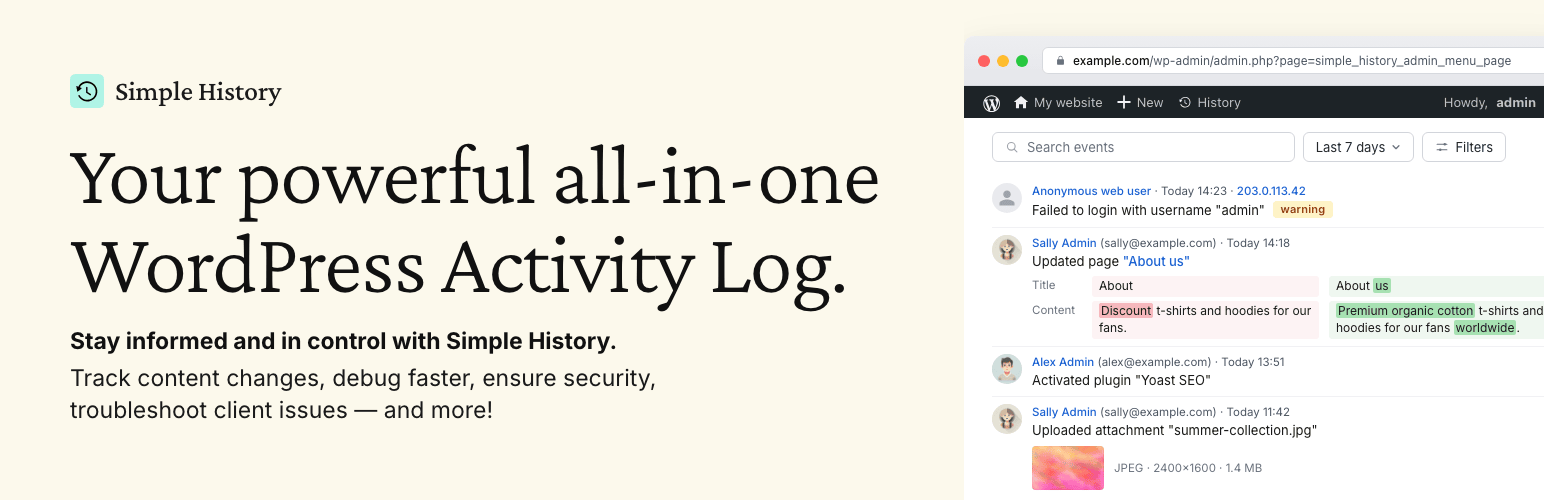
Track changes and user activities on your WordPress site. See who created a page, uploaded an attachment, and...

Manage 301 & 302 redirects. Simple redirection & redirects validation. Includes redirect stats & 4...
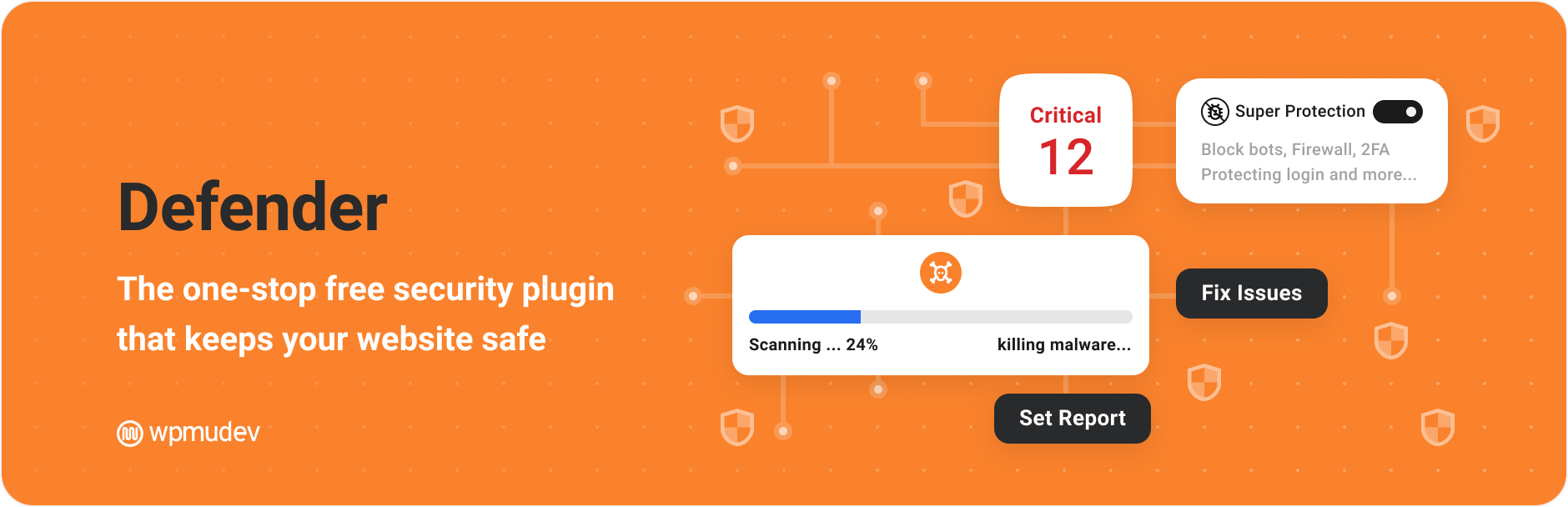
WordPress security plugin with malware scanner, IP blocking, audit logs, antivirus scans, firewall, 2FA, brute...

Redirect manager for 301, 302 and 307 redirection. Monitor and fix 404 errors, log every broken link and prote...
Everything you need to sell WordPress maintenance and manage multiple sites effortlessly: backup, update, upti...