
Advanced management for images, register new sub-sizes, sub-sizes details, regenerate and cleanup files.
Free
8k+ installs 4.7★ (58)
Select the crop position of your thumbnails.

Thumbnail Crop Position is a WordPress plugin that allows you to choose the crop position of your thumbnails. By default, WordPress crops images from the centre, which may not always yield the best results for your needs. This plugin provides an option to select different crop positions during the image upload process.
This plugin is suitable for users who want more control over how their thumbnail images appear on their site, particularly in the agriculture and farming sectors, or any site that relies heavily on visual content.
Best for: This plugin is best for users who need precise control over thumbnail images on their WordPress site.
What it does well
Where it falls short
Thumbnail Crop Position offers a specific function that may benefit users needing customisation in image cropping. However, its outdated status and low directory score suggest caution.
PoseLab's own description of Thumbnail Crop Position, lightly tidied.
Select the crop position of your thumbnails. WordPress crops thumbnails of images through the center, which does not always give us the desired results. This plugin allows you to select the crop position of images from WordPress uploader.
Other plugins for farms and agricultural businesses.
Advanced management for images, register new sub-sizes, sub-sizes details, regenerate and cleanup files.
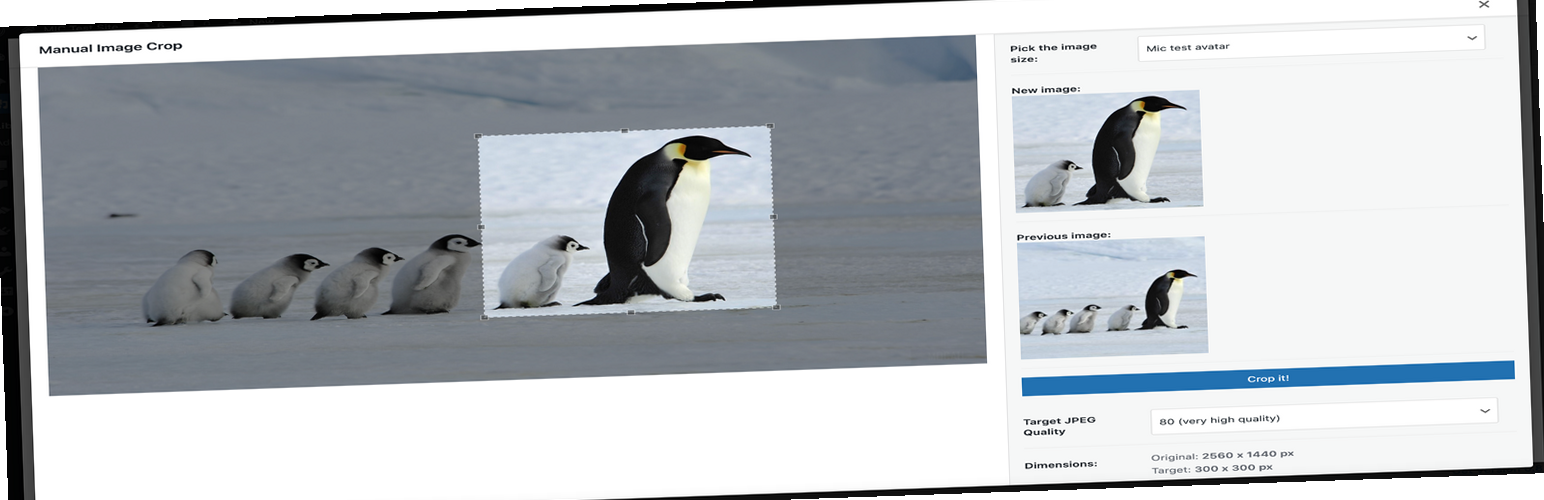
Plugin allows you to manually crop all the image sizes registered in your WordPress theme (in particular featu...

"Crop Thumbnails" made it easy to get exacly that specific image-detail you want to show in your fea...

ACF field that allows user to crop image to a specific aspect ratio or pixel size

Manually Crop and Resize thumbnail images that are uploaded in the Media section.

Dynamically generate only needed image sizes for only needed images, with manually selected focal point for cr...