WP Accessibility fixes common accessibility issues in your WordPress site.
Free
60k+ installs 4.8★ (68)
WordPress accessibility checker for WCAG issues, missing Alt text finder, contrast checker, guided checklists, resources, and accessibility training.

Accessibility Tools & Alt Text Finder is a WordPress plugin designed to help you identify and address accessibility issues on your site. It provides a front-end accessibility checker that highlights common problems such as missing image Alt text, contrast issues, and unclear links, allowing for direct fixes. The plugin also includes a guided checklist and resources to support your understanding of web accessibility.
This tool is suitable for WordPress site owners, developers, and content teams who want to improve their site's accessibility without needing extensive expertise. It enables users to make meaningful improvements by providing practical guidance and training resources.
Best for: WordPress site owners and developers looking to enhance web accessibility.
What it does well
Where it falls short
This plugin offers a straightforward approach to improving accessibility on WordPress sites. It is a practical tool for those aiming to make their content more accessible to all users.
Joe Lopreste's own description of Accessibility Tools & Alt Text Finder, lightly tidied.
This plugin helps you find, understand, and begin fixing real accessibility issues. Use the accessibility checker to review common page-level issues like missing or poor image Alt text, contrast problems, unclear links, missing labels, headings, landmarks, and page structure, with issues highlighted on the front end so you can see where they appear.
Instead of masking problems with an overlay, this plugin helps you identify issues and make real improvements. It includes an easy-to-understand page-level accessibility checker for common WCAG issues, tools to find and add missing Alt text, a contrast ratio checker, an interactive accessibility checklist, free accessibility resources, and a built-in web accessibility course.
No account, email signup, credit card, or overlay gimmicks required, just install the plugin and start making meaningful accessibility improvements in WordPress.
Watch the 3-Minute Plugin Tour
Web accessibility is about helping people use technology, regardless of ability. Since WordPress powers such a large portion of the web, WordPress site owners, developers, and content teams are uniquely positioned to make a real difference. This plugin helps make that first step easier by finding common accessibility issues, fixing missing image text, checking contrast, and providing training so you can start making meaningful improvements without needing to become an expert overnight.
Run unlimited page-level checks directly on the front end of your WordPress site to identify common accessibility issues, highlight where they appear, and get practical guidance on what to review and fix.
What the Accessibility Checker Helps Review:
Best for: quickly finding common accessibility issues on the live front end, seeing where they appear, understanding what they mean, and learning how to start fixing them.
Other plugins for accessible sites.
WP Accessibility fixes common accessibility issues in your WordPress site.

OneTap is a multilingual WordPress plugin designed for seamless website accessibility.

Free WordPress accessibility widget to improve accessibility for your website visitors. Supports efforts towar...
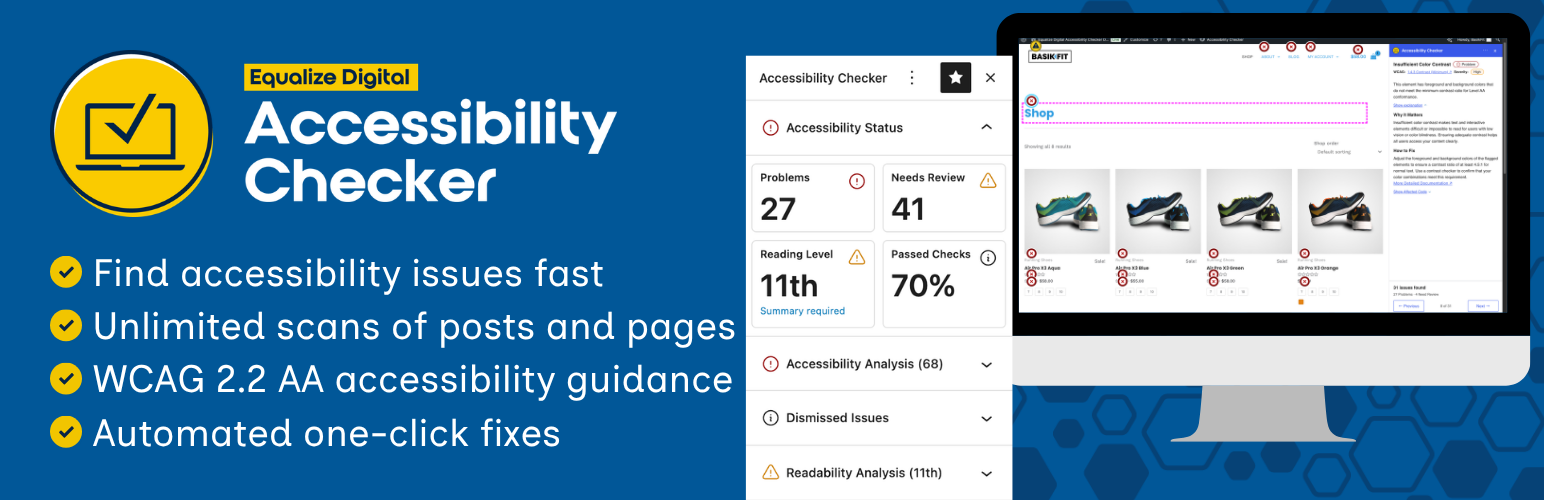
Find and fix accessibility issues with confidence. Real-time reports, automated fixes, and guidance. Reduce co...
Add, edit, and bulk-generate alt text for every WordPress image, manually or automatically using AI. Fix image...
Free text to speech with browser voices + premium AI voices from Google, OpenAI & ElevenLabs. Add an audio...