
Advanced management for images, register new sub-sizes, sub-sizes details, regenerate and cleanup files.
Free
8k+ installs 4.7★ (58)
Provides a thumbnail area in Your Profile, for users to upload & crop new images in an overlay to be saved and stored to their profile.

User Avatar is a WordPress plugin that allows users to upload and crop their profile images directly from the 'Your Profile' section. Once an image is uploaded and cropped, it replaces the default avatar in comments and user lists, providing a personalised touch to user profiles.
The plugin also supports custom fields in the profile section, which can be displayed on any page using the People Lists shortcode. It is suitable for sites that require user registration and profile management, particularly in the agriculture and farming sectors.
Best for: This plugin is best for WordPress sites that require user profiles and customisable user lists.
What it does well
Where it falls short
User Avatar provides essential features for managing user images and profiles, but its reliance on the People Lists plugin may limit its standalone utility.
ctltwp's own description of User Avatar, lightly tidied.
1.4.7 is a Security Fix Please update your plugin to the latest version
This plugin provides a thumbnail area in the Your Profile section, where users can upload & crop new images in an overlay and upon cropping the image, the new image will be saved and stored. This gives users with any role the chance to easily upload an image and view their current thumbnail, all in one go. In Discussion, the default image associated with the user will be replaced with the user avatar image uploaded and this will then be the image shown in comments and also in People Lists (see below).
This plugin was developed for People Lists and this plugin provides a rich text editor on the profile page for easy modifications of specific user profile information that can be displayed on any page using the [people-lists list=example-list] shortcode. Admins will also be able to add custom fields to the Your Profile section on WordPress and these fields can be displayed on any page using the People Lists template (which can be styled using HTML) that provides codes for every field that is desired to be displayed. There is a specific code in People Lists that hooks this thumbnail into your lists template display, so grab People Lists plugin as well!!
Take a look at the screenshots!
This plugin was developed using PHP 5.1 and hasn’t been tested on other version of php
But if you are able to run upload picture and set them as featured image then you
also shouldn’t be have problems using this plugin.
Other plugins for farms and agricultural businesses.
Advanced management for images, register new sub-sizes, sub-sizes details, regenerate and cleanup files.
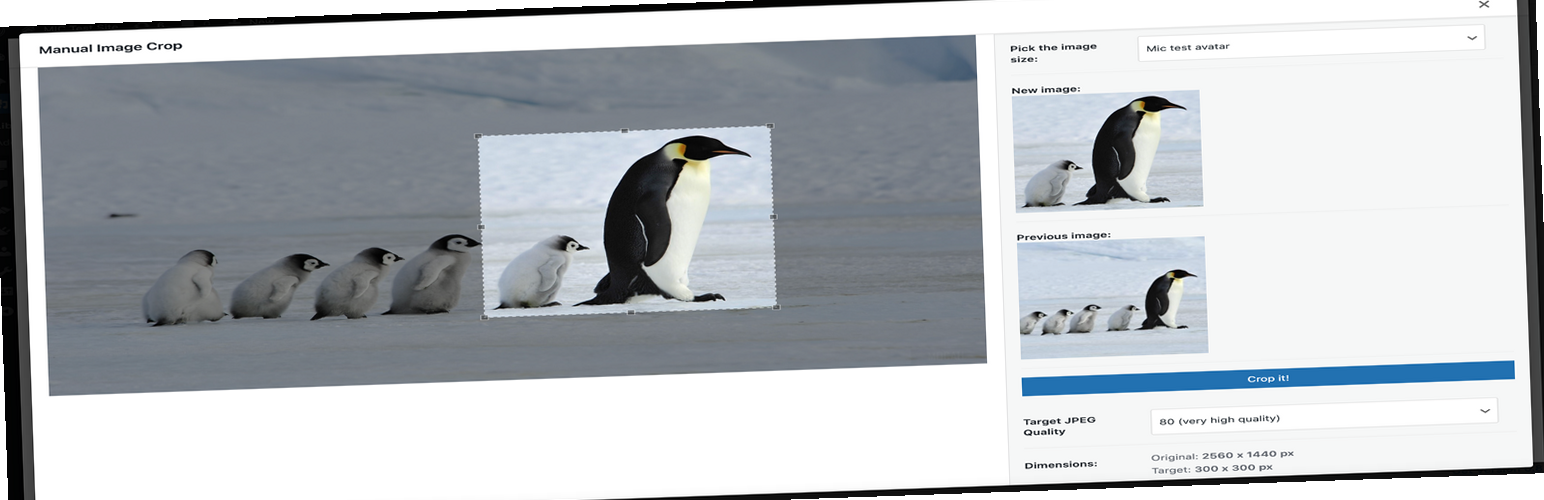
Plugin allows you to manually crop all the image sizes registered in your WordPress theme (in particular featu...

"Crop Thumbnails" made it easy to get exacly that specific image-detail you want to show in your fea...

ACF field that allows user to crop image to a specific aspect ratio or pixel size

Manually Crop and Resize thumbnail images that are uploaded in the Media section.

Dynamically generate only needed image sizes for only needed images, with manually selected focal point for cr...