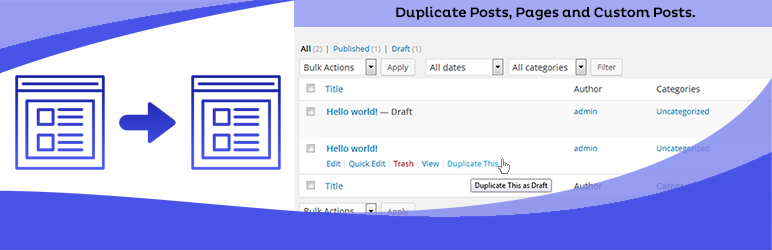
Duplicate Posts, Pages and Custom Posts easily using single click
Free
3M+ installs 4.8★ (465)
Display Ninja Forms Submissions on your site frontend using drag & drop View builder.
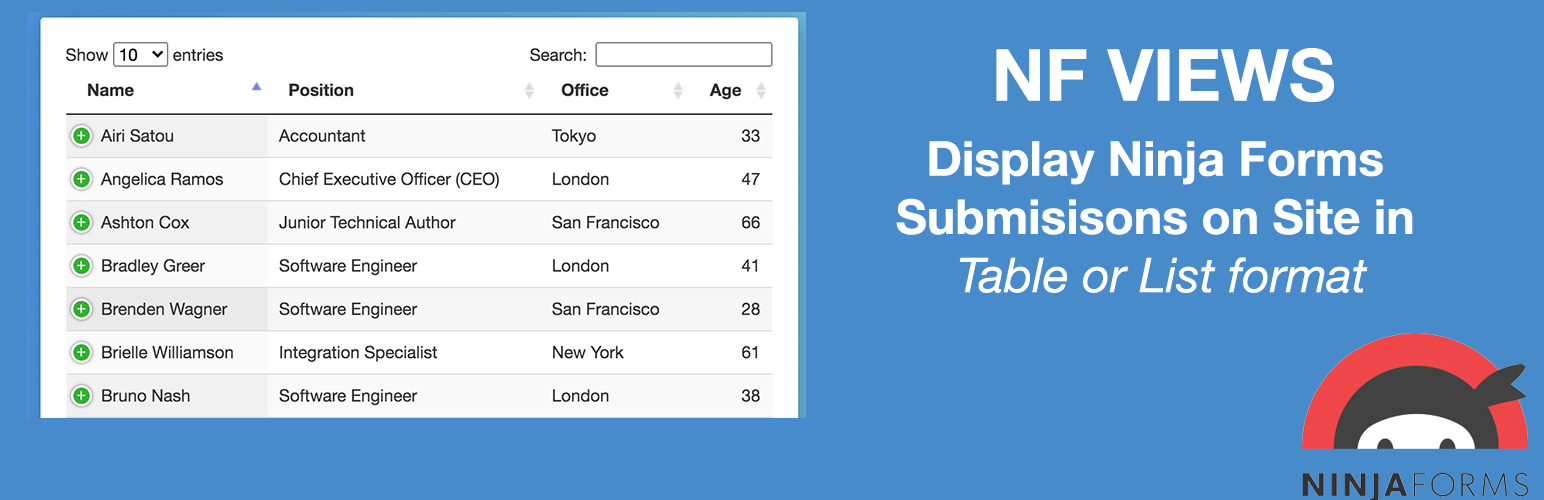
Ninja Forms Views is a WordPress plugin that enables you to display submissions from Ninja Forms on the frontend of your site. It features a drag and drop View builder, allowing you to create table views, list views, or datatable views. You can customise the display by selecting which form fields to show and setting pagination options.
This plugin is suitable for users who want to present form submissions in an organised manner on their website. It provides options to add custom content around the views and adjust the number of submissions displayed per page.
Best for: This plugin is best for website owners using Ninja Forms who want to showcase form submissions on their site.
What it does well
Where it falls short
Ninja Forms Views offers a straightforward way to display form submissions, making it useful for those looking to enhance user interaction on their site. However, advanced features require the Pro version.
Aman's own description of Ninja Forms Views, lightly tidied.
Views for Ninja Forms (NFViews) lets you display Ninja Forms submissions in frontend of your site using drag & drop View builder.
You can create table view, list view or datatable view (Pro feature).
It allows you add content before & after the View.
You can set number of ninja forms submissions to display per page inside View.
Here is step by step guide to display entries from your Ninja Forms
Table View
List View
DataTable View
Get more features in Pro version
* List View Format
* DataTable View Format
* Display only approved submissions
* Edit submissions
* 25+ Premade Themes and Styler
* Single Entry View – Display Ninja Forms Entry details on Single Page.
* Display user only their submissions
* Add Search Form above or at View bottom to filter/search submissions by field values.
* Filter submissions by field values
* Sort Ninja Forms submissions via field values
Get Ninja Forms Views PRO!
= List & DataTable View Format =
Display Ninja Forms Entries in multicolumn layout on your site frontend. Display data using dataTables including features like responsive layout, print, pdf, csv download entries options.
Allow logged-in users to edit their entries from site frontend using the same form that they used to create an entry. Edit Entry works by prefilling Form fields with entry data. After user submits Form entry is updated. Administrators can edit all entries.
Allow users to delete their submitted entries from the site frontend. Logged-in users can delete their entries, administrators can delete any entry.
Apply premade Table and List view themes with a single click. Choose from 25+ ready-made design templates, or create your own custom layouts without any CSS knowledge.
Other plugins for dating sites.
Duplicate Posts, Pages and Custom Posts easily using single click

HappyAddons packs Header Footer Builder, Megamenu, Single Post, Archive Page, & 500+ Ready Templates into...

Site metrics and social media analytics for Instagram, Facebook, YouTube, LinkedIn, X Twitter. The single best...

Disable admin notices and hide dashboard notifications from plugins, themes and core. Hide all notices, select...

Password protect WordPress pages and posts by user roles or with multiple passwords; protect your entire websi...

SAML SSO (Single Sign On) for WordPress Login with Okta, Entra ID/Azure AD, GSuite, Salesforce & All SAML...