
The #1 user-rated activity log plugin for event logging, activity monitoring and change tracking.
Free
300k+ installs 4.7★ (488)
A web developers toolbox for remotely managing and monitoring tens, hundreds, or thousands of WordPress websites at once.

Remote Website Management by Watchful is a WordPress plugin designed for web developers to manage and monitor multiple WordPress sites from a single dashboard. It allows you to add both production and staging sites, providing tools for uptime monitoring, backups, updates, and more.
The plugin includes features such as a backup scheduler, uptime monitor, malware scanners, SEO audit tools, and a customizable dashboard. It is suitable for developers or agencies managing several WordPress sites, helping to streamline maintenance tasks and improve site security.
Best for: This plugin is best for web developers or agencies managing multiple WordPress websites.
What it does well
Where it falls short
Remote Website Management by Watchful provides a comprehensive set of tools for managing WordPress sites efficiently. It is a useful resource for developers looking to enhance their workflow and site security.
watchful's own description of Remote Website Management by Watchful, lightly tidied.
Watchful is a web developers toolbox for remotely managing and monitoring multiple WordPress websites. Simply add all your production and staging sites into the Watchful Dashboard and use our tools to monitor uptime, backups, updates to WordPress and core and plugins, and more. You’ll be amazed at how much time and money you save managing your WordPress sites with Watchful.
Our Free Trial will let you test up to 5 sites at once to see how much. You won’t believe how much time you’ll save!
With your entire portfolio of websites in a single dashboard, you can easily review and prioritize website maintenance tasks. Sort by core version, number of pending updates, backup date, tags and more to optimize Watchful to your workflow.
The easiest way to protect your websites is to keep WordPress and all of its plugins up-to-date. With Watchful, you can apply updates across your entire portfolio in just one click. Supported updates include WordPress, all of the plugins in the WordPress repo, as well as a growing list of the most popular paid plugins. You can even manage your commercial license keys and remotely register new domains with commercial WordPress software vendors.
The Site Audit is a best practice scanner that checks your site for security best-practices, hacked or modified core files, and malware. If any problems are detected, advice and/or simple tools are provided to help fix any issues.
Be sure that the technical aspects of your website are properly configured with the SEO Audit. The audit detects problems such as broken links, missing sitemaps, and content relevance — and recommends fixes — to ensure that your site is performing at it’s very best when indexed by search engines.
The Plugin & Extension Tracker allows you to easily browse all of the WordPress plugins added to your website and logs any changes for unexpected modifications. By correlating the dates of plugin installation/upgrade to any bugs that arise on your sites, this logging feature greatly improves the troubleshooting process. The tracker also integrates with our system-wide search tools. This makes it fast and easy to locate all of your sites with specific plugins — and even a specific version of a plugin — so that maintenance tasks such as addressing zero-day security issues can be applied quickly and efficiently to only the sites that need them.
The Uptime Monitor checks your sites every minute of every day to make sure it is online. If your site cannot be reached, a notification is sent and the problem recorded. The monitor displays the last 10 uptime/downtime events and calculates the percentage uptime for the last day, 7 days, 30 days, and throughout the lifetime of your site. This information can be included in your white-label reports (see below).
Other plugins for monitoring a site.
The #1 user-rated activity log plugin for event logging, activity monitoring and change tracking.
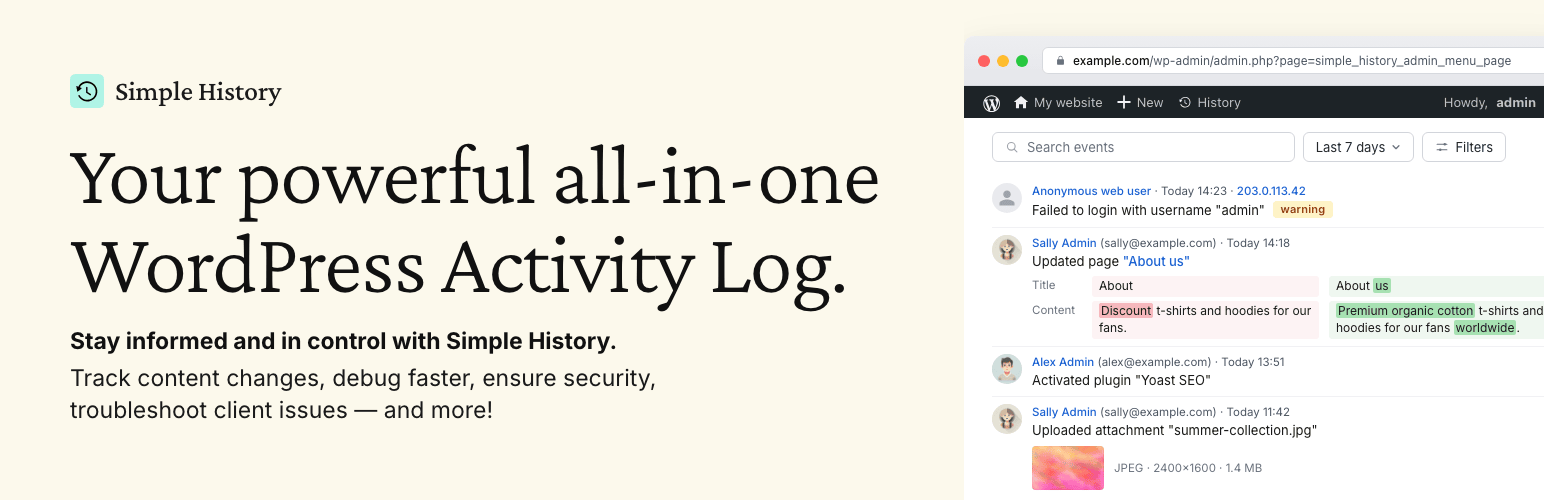
Track changes and user activities on your WordPress site. See who created a page, uploaded an attachment, and...

Manage 301 & 302 redirects. Simple redirection & redirects validation. Includes redirect stats & 4...
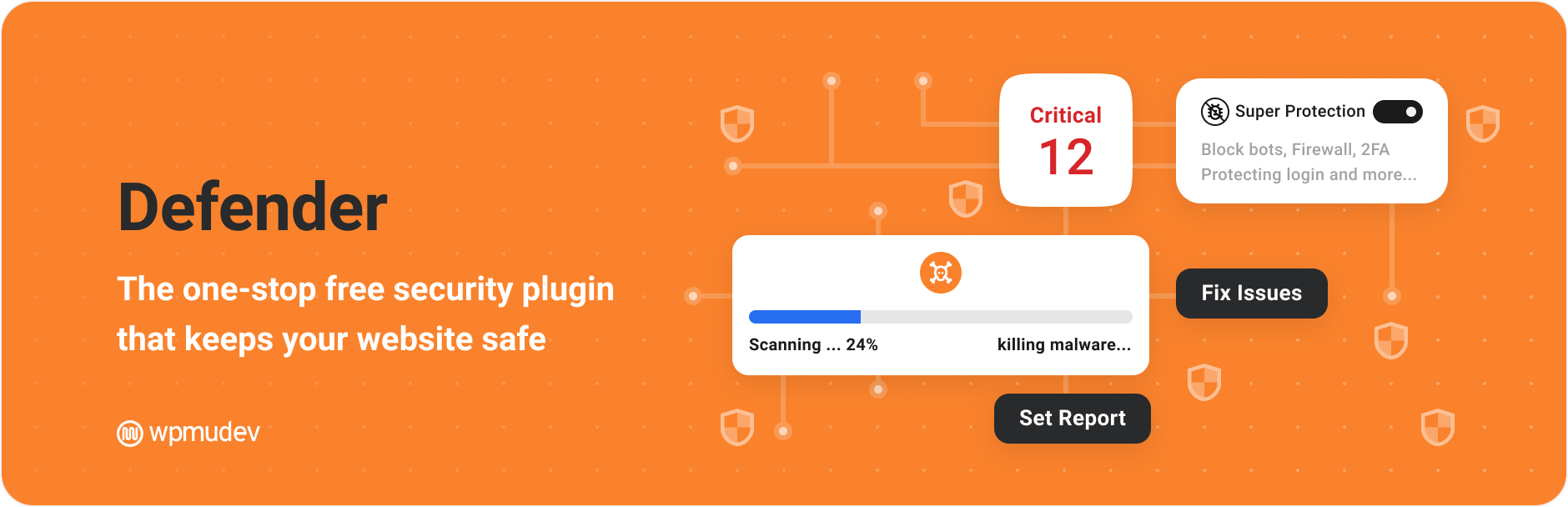
WordPress security plugin with malware scanner, IP blocking, audit logs, antivirus scans, firewall, 2FA, brute...

Redirect manager for 301, 302 and 307 redirection. Monitor and fix 404 errors, log every broken link and prote...
Everything you need to sell WordPress maintenance and manage multiple sites effortlessly: backup, update, upti...