Show a waitlist form on out-of-stock products and automatically email subscribers when items are restocked. Tu...
Free
20k+ installs 4.7★ (122)
Send WooCommerce order and subscription notifications to Discord - rich embeds, customer details, mentions, low stock alerts, and more.

Notifications on Discord for WooCommerce is a WordPress plugin that sends notifications to Discord channels based on various events in your WooCommerce store. It provides alerts for order statuses, subscription changes, new customer orders, and low stock levels, allowing teams to stay updated without leaving Discord.
The plugin supports customisation of notification colours and allows for specific role mentions in Discord. It is suitable for WooCommerce store owners who want to streamline communication with their team through Discord notifications.
Best for: WooCommerce store owners who use Discord for team communication.
What it does well
Where it falls short
This plugin offers a straightforward way to keep teams informed about store activities through Discord, but lacks detailed user feedback and support information.
Jarryd Long's own description of Notifications on Discord for WooCommerce, lightly tidied.
Notifications on Discord for WooCommerce delivers rich, color-coded notifications to any Discord channel whenever something happens in your store. Whether you want to celebrate a new sale, catch a failed payment, or get pinged when stock runs low – this plugin has you covered.
Order Notifications
Get notified for every WooCommerce order status: Pending, Processing, On Hold, Completed, Cancelled, Refunded, and Failed. Each notification includes a color-coded embed along with the customer name, email, country flag, order value, and a list of products ordered.
WooCommerce Subscriptions Support
If you run a subscription store with WooCommerce Subscriptions, you can receive notifications for subscription status changes including Active, On Hold, Cancelled, Expired, Pending Cancellation, Renewal Payment Complete, and Renewal Payment Failed.
New Customer Alerts
Fire a dedicated notification the first time a customer places an order – whether they checked out as a guest or registered an account. Great for tracking growth at a glance.
Low Stock Alerts
Receive a Discord notification as soon as a product hits its WooCommerce low stock threshold, so your team can restock before it becomes a problem.
Per-Status @Mentions
Specify @here, @everyone, or a Discord role ID for any individual status. Set a role ping on failed payments so your team gets alerted immediately, without pinging everyone for every order.
Custom Embed Colors
Every notification status has its own color picker in the settings. Each one comes pre-set to a sensible default (green for completed, amber for pending, red for failed, and so on), but you can change any of them to match your brand or make certain alerts stand out at a glance in Discord.
Minimum Order Value Filter
Reduce noise by only sending notifications for orders above a threshold you set. Useful if you run frequent low-value transactions and only want to be notified for meaningful orders.
Test Button Per Webhook
Every webhook row has a built-in Test button. Click it to send a live test embed to Discord so you can confirm everything is wired up correctly before going live.
Notification Log
An optional log records every notification sent – including the order or subscription number, status, products, order value, and the HTTP response code returned by Discord. Logs auto-purge after a configurable number of days (default: 7).
Developer Filters
* ppsndw_woo_discord_payload – modify the full Discord payload before it is sent for order and subscription notifications
* ppsndw_woo_discord_low_stock_payload – modify the payload for low stock notifications
Each status has its own webhook field, so you can route notifications to different Discord channels. Send all sales to #orders, failed payments to #alerts, and low stock to #inventory.
Other plugins for managing stock.
Show a waitlist form on out-of-stock products and automatically email subscribers when items are restocked. Tu...
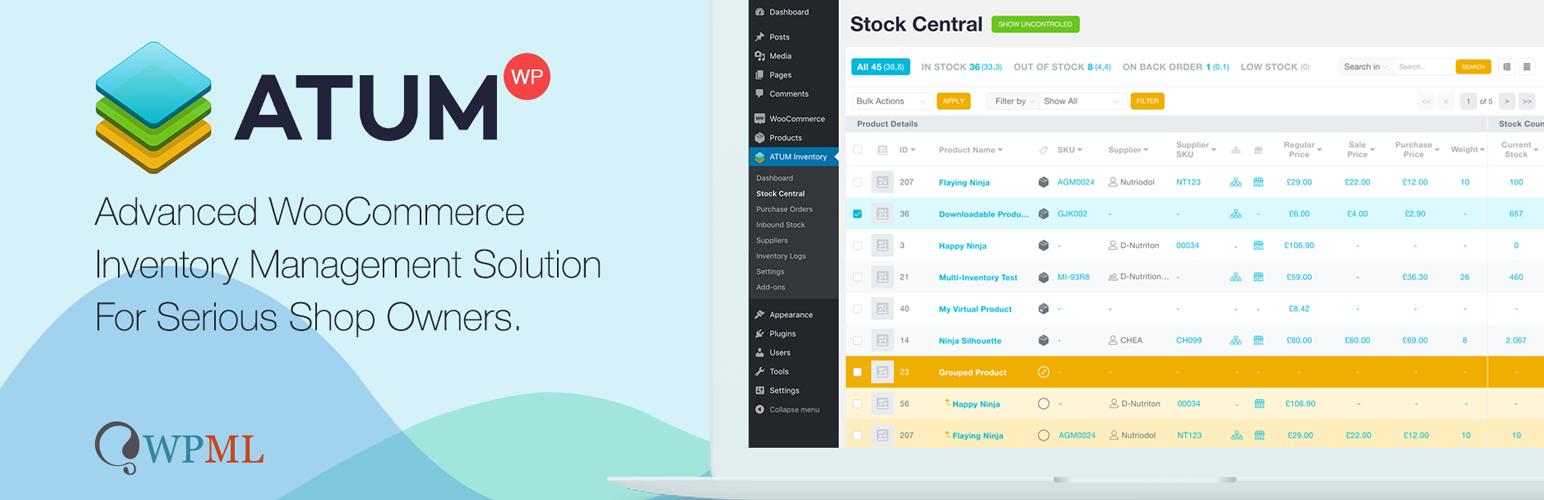
WooCommerce Full Inventory Management, Purchase Orders, Suppliers, Inbound Stock, Inventory Logs, WooCommerce...
Manage GTINs (EAN, UPC, ISBN, etc.) effortlessly in WooCommerce! Create, save, search, and display EANs easily...

Free: WC Wishlist, Email automation, Elementor Widgets. Premium: Back-in-Stock Notifier, Save for Later, Multi...

WooCommerce Zoho Connector allows you to quickly integrate WooCommerce Orders with Zoho CRM, Books, Inventory...
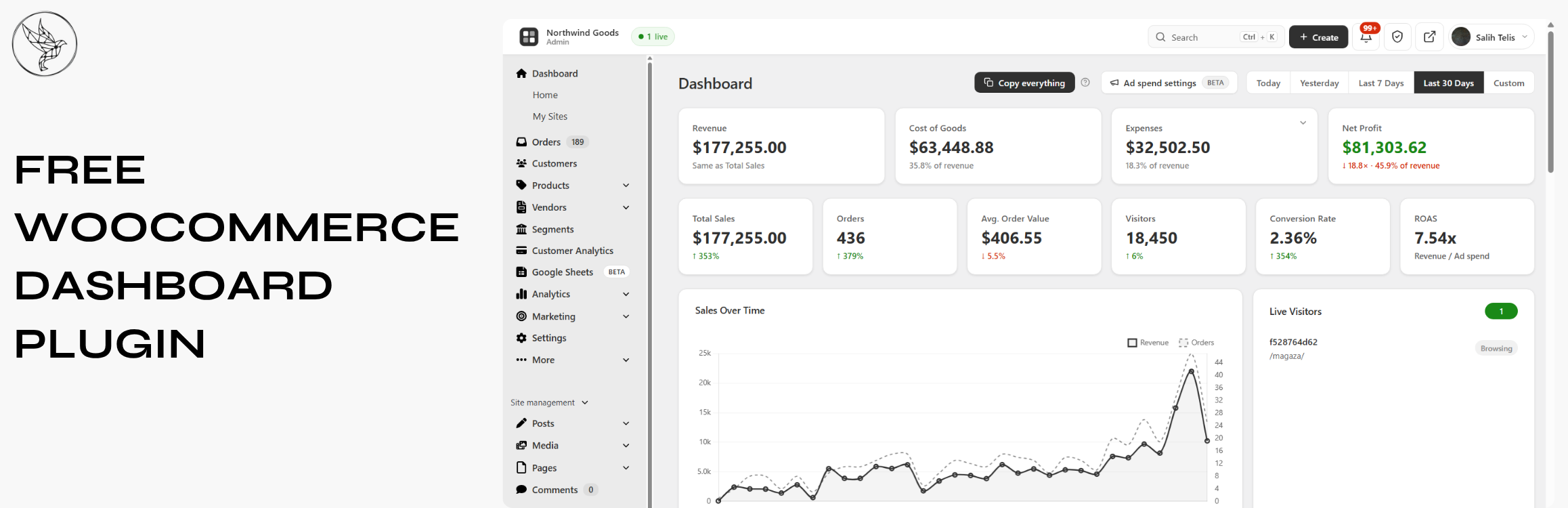
Free WooCommerce dashboard & sales report: abandoned cart recovery, Google Sheets sync, ROAS, bulk editor...