
Show a waitlist form on out-of-stock products and automatically email subscribers when items are restocked. Tu...
Free
20k+ installs 4.7★ (122)
Make your products' availability and stock dependent on the inventory of other products in your WooCommerce store.

Stock Dependencies for WooCommerce is a WordPress plugin that allows you to manage product dependencies based on inventory levels of other products in your WooCommerce store. This means that customers can purchase a product without seeing its dependent items in their cart or during checkout, simplifying inventory management.
The plugin supports both simple and variable product types and enables you to create dependencies on multiple products or variations. It is designed for those selling products in various quantities or bundled products, allowing you to maintain inventory for only the primary item while managing sales effectively.
Best for: This plugin is suitable for WooCommerce store owners who sell bundled or multi-quantity products.
What it does well
Where it falls short
Stock Dependencies for WooCommerce provides a straightforward solution for managing product dependencies, making it useful for specific inventory scenarios in eCommerce.
KevinMcCall's own description of Stock Dependencies for WooCommerce, lightly tidied.
With Stock Dependencies for WooCommerce, you can make the products and
variations in your WooCommerce store dependent on the inventory of your other
products or variations. Customers will be able to select and purchase the
product without seeing the products on which it depends in their cart, during
their checkout, or on their receipt. Inventory management in Woo Commerce is
greatly simplified since you only have to manage inventory levels for the
item(s) on which your product or variation is dependent.
Stock Dependencies for WooCommerce works for Simple and Variable product types
in WooCommerce and you can make a product or variation dependent on a
combination of other products and variations. Stock Dependencies for WooCommerce
lets you create dependencies on quantities of one or more of the other products.
Stock Dependencies for WooCommerce is ideal for:
When a product with stock dependencies is displayed in your store, Stock
Dependencies for WooCommerce will check the inventory of the products on which
it depends and will only show the product as being available if all the
dependent stock items are available. When a product with stock dependencies is
added to a shopping cart and eventually purchased, the customer will only see
the single product in their cart and order, and will not see the products on
which it is dependent. When the product is purchased, Stock Dependencies for
WooCommerce will reduce the inventory of the items on which it is dependent by
the appropriate amount.
Stock Dependencies for WooCommerce is easy to configure for any simple or
variable product in your WooCommerce store. A single checkbox is added to each
simple product or variation in your WordPress admin that allows you to enable
stock dependencies for that product or variation. Once checked, two fields are
added for the SKU and the quantity of the dependency. Additional dependencies
can be easily added.
When a customer views a product with dependencies in your WooCommerce store,
they will see the product as you have configured it, but the available quantity
and in-stock status will be determined by Stock Dependencies for WooCommerce
from the available quantities of each of the products and variations on which it
is dependent.
Customers will only see the product they selected, and not the products upon
which it is dependent, in their shopping cart, during the checkout process, and
on their receipt.
When you issue a refund or cancel an order that has stock dependencies, the
plugin will restock the dependency products.
The Stock Dependencies for WooCommerce plugin does not affect the way personal
information is collected or stored within your WooCommerce store or your
WordPress installation.
Other plugins for managing stock.
Show a waitlist form on out-of-stock products and automatically email subscribers when items are restocked. Tu...
WooCommerce Full Inventory Management, Purchase Orders, Suppliers, Inbound Stock, Inventory Logs, WooCommerce...
Manage GTINs (EAN, UPC, ISBN, etc.) effortlessly in WooCommerce! Create, save, search, and display EANs easily...

Free: WC Wishlist, Email automation, Elementor Widgets. Premium: Back-in-Stock Notifier, Save for Later, Multi...

WooCommerce Zoho Connector allows you to quickly integrate WooCommerce Orders with Zoho CRM, Books, Inventory...
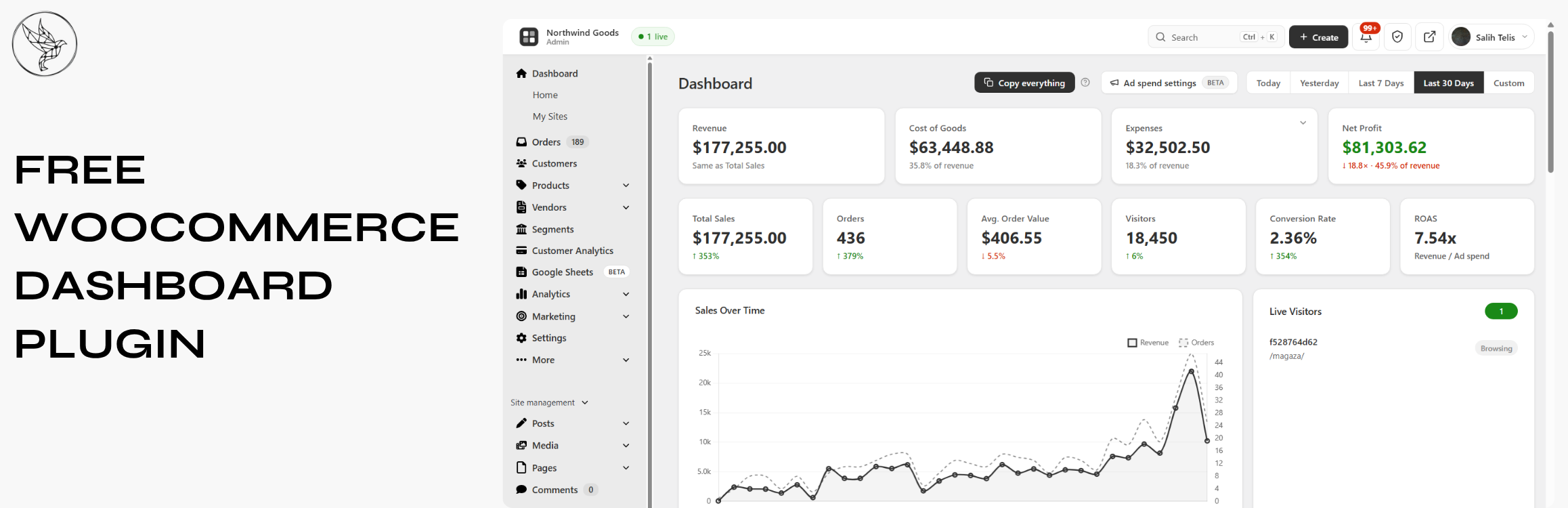
Free WooCommerce dashboard & sales report: abandoned cart recovery, Google Sheets sync, ROAS, bulk editor...