WP Accessibility fixes common accessibility issues in your WordPress site.
Free
60k+ installs 4.8★ (68)
AI-powered accessibility widget for WCAG 2.2, ADA, Section 508, and EAA compliance. Includes accessibility profiles, text adjustments, color controls, …
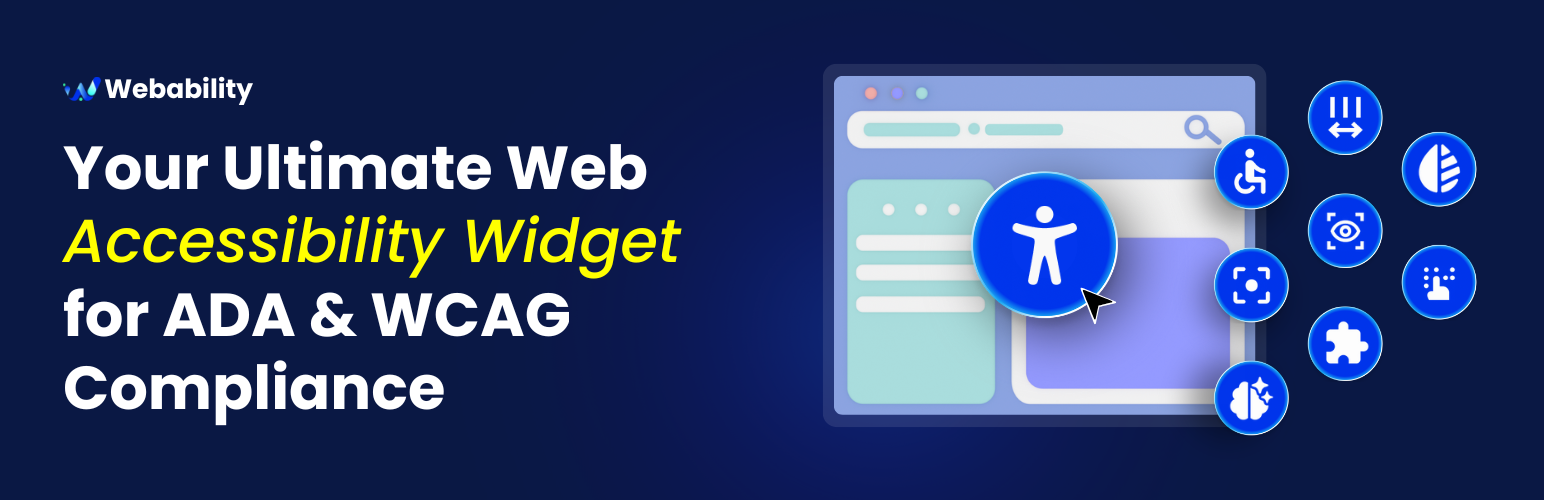
WebAbility Accessibility Widget is a WordPress plugin designed to enhance the accessibility of your website. It adds a toolbar that helps ensure compliance with various accessibility standards, including WCAG 2.2 AA and ADA. The plugin uses AI to auto-detect and fix accessibility barriers, making it suitable for site owners who want to improve user experience for all visitors.
The plugin features an easy one-click installation and a customizable toolbar that allows users to adjust text size, colour contrast, and cursor settings. It is aimed at individuals or businesses looking to create a more inclusive online environment without the need for extensive coding or costly audits.
Best for: This plugin is best suited for website owners seeking to improve accessibility and comply with relevant standards.
What it does well
Where it falls short
WebAbility Accessibility Widget provides a straightforward solution for enhancing website accessibility. It is a practical choice for those committed to inclusivity without extensive technical knowledge.
Sidharth Nayyar's own description of WebAbility Accessibility Widget, lightly tidied.
WebAbility Accessibility Widget is a powerful yet simple plugin that adds a comprehensive accessibility toolbar to your WordPress website. Our widget helps make your site compliant with WCAG 2.2 AA, ADA, AODA and EAA standards, ensuring equal access for all users.
With WebAbility.io, you can meet global standards, protect your brand, and welcome every visitor confidently.
Learn More: How to Make My WordPress Website Accessible in 2025: A Complete Guide
Contact the Webability support team at support@webability.io
The WebAbility widget respects user privacy and operates in compliance with GDPR and other privacy regulations. It does not collect personal data from your site visitors.
External service — error diagnostics: When the Accessibility Statement fails to save in wp-admin, the plugin sends an anonymous diagnostic report to WebAbility’s error-tracking service (GlitchTip, self-hosted at server.techywebsolutions.com) so we can detect and fix problems proactively. The report contains only: the failure type, the HTTP status, a short snippet of the server response, your site’s domain, and the plugin/WordPress/PHP versions. It never includes your statement content, login details, nonces, or any site-visitor data. This runs only in the admin area, only on a save failure. To disable it, define WEBABILITY_ACWG_DISABLE_REPORTING as true in wp-config.php, or use the webability_acwg_error_reporting_enabled filter.
Other plugins for accessible sites.
WP Accessibility fixes common accessibility issues in your WordPress site.

OneTap is a multilingual WordPress plugin designed for seamless website accessibility.

Free WordPress accessibility widget to improve accessibility for your website visitors. Supports efforts towar...
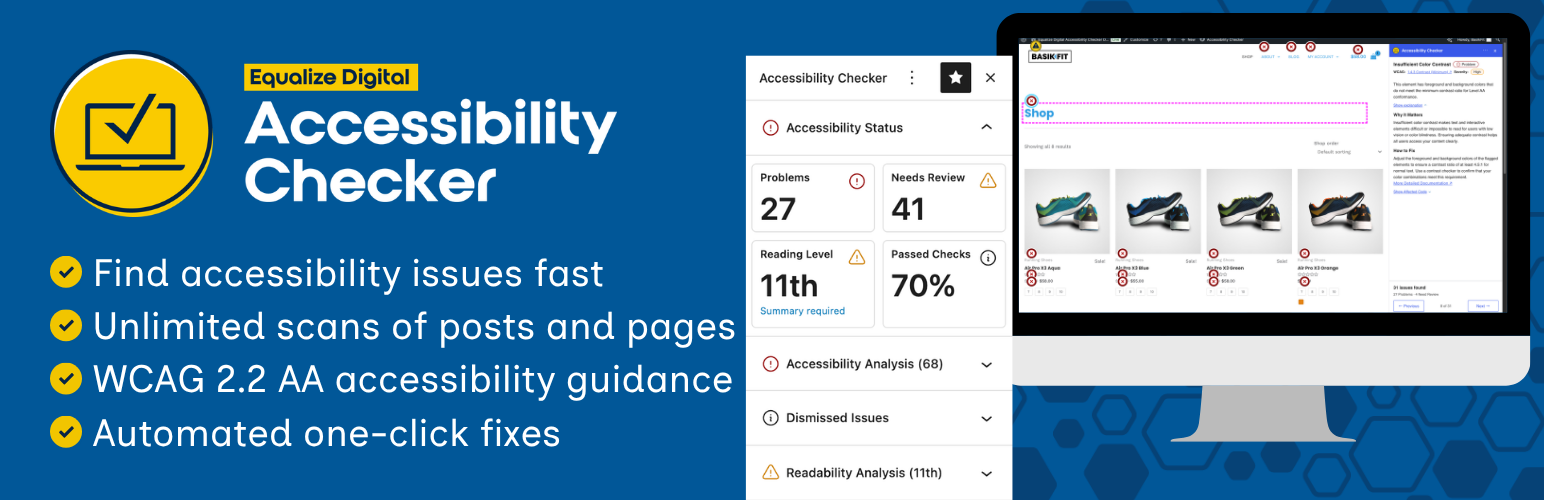
Find and fix accessibility issues with confidence. Real-time reports, automated fixes, and guidance. Reduce co...
Add, edit, and bulk-generate alt text for every WordPress image, manually or automatically using AI. Fix image...
Free text to speech with browser voices + premium AI voices from Google, OpenAI & ElevenLabs. Add an audio...