
The discount plugin for WooCommerce helps you create bulk discount, quantity discount, storewide sale, dynamic...
Free
100k+ installs 4.9★ (1,355)
A simple weight based pricing plugin for WooCommerce. Set different prices for different weight ranges easily

Weight Based Pricing for WooCommerce is a plugin that allows you to set prices based on the weight of your products. You can define your inventory in weight and create pricing rules according to different weight ranges. This plugin is suitable for online stores that sell products where weight is a significant factor in pricing.
You can configure multiple weight ranges, set minimum and maximum weight options, and establish intervals for customer selection. The plugin also supports a wastage percentage, making it useful for businesses that need to account for product loss.
Best for: This plugin is best for e-commerce sites that sell products priced by weight.
What it does well
Where it falls short
Weight Based Pricing for WooCommerce provides a straightforward solution for weight-based pricing. It is useful for businesses needing to manage pricing according to product weight.
ThemeParrot's own description of Weight Based Pricing for WooCommerce, lightly tidied.
Weight based pricing plugin for WooCommerce helps you define your inventory in weight and set prices based on weight ranges.
Other plugins for running discounts.
The discount plugin for WooCommerce helps you create bulk discount, quantity discount, storewide sale, dynamic...

Best WooCommerce coupons plugin to create advanced coupons and discount codes with auto-apply, BOGO, free ship...

The best order export import plugin for WooCommerce. Easily import and export WooCommerce orders and WooCommer...
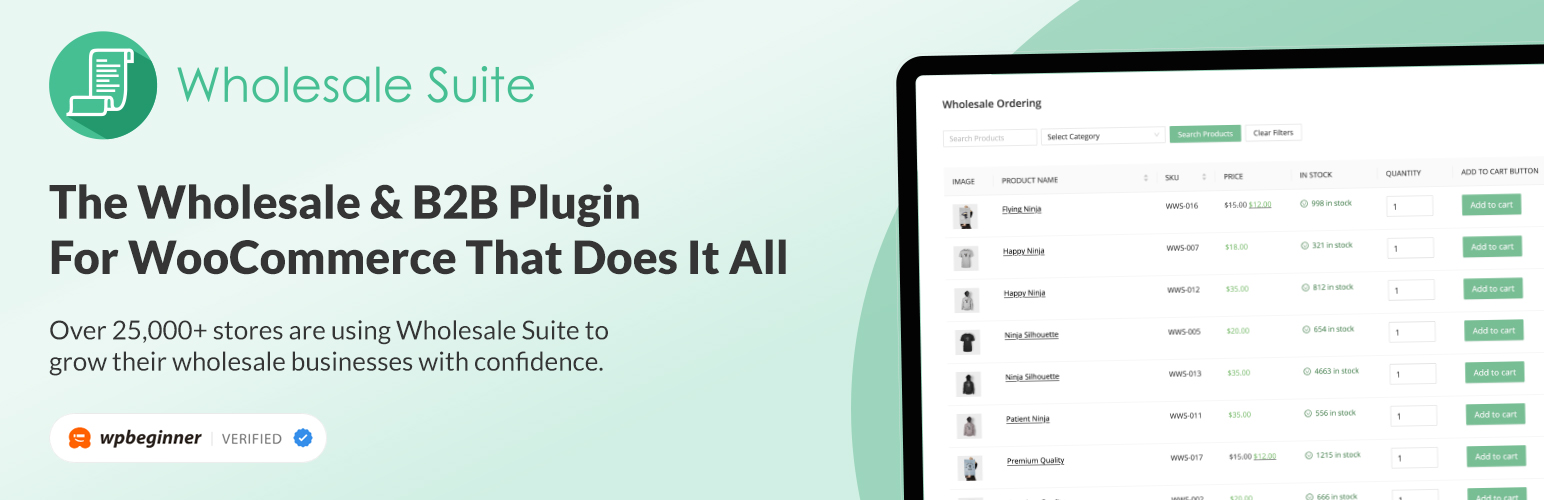
WooCommerce wholesale plugin for serving wholesale & B2B customers. Adds wholesale pricing, user roles, dy...

The most powerful affiliate plugin for WooCommerce. Track commission, generate referral URLs, assign affiliate...

The discount plugin for WooCommerce supports any dynamic pricing discount: bulk discount, role discount, store...