
Weight based shipping methods for WooCommerce. Flexible shipping with table rate rules by cart weight and orde...
Free
100k+ installs 4.9★ (703)
The #1 WooCommerce shipment tracking plugin. Add tracking, auto-update order status, send branded emails. 1010+ carriers. Trusted by 70,000+ stores.

Advanced Shipment Tracking for WooCommerce is a WordPress plugin designed for WooCommerce store owners to streamline order tracking. It allows users to add tracking numbers to orders and automatically share this information with customers, reducing support inquiries about order status.
The plugin supports over 1010 shipping carriers and offers features like customizable tracking widgets and bulk CSV import for high-volume stores. It is suitable for both small and large WooCommerce shops looking to improve customer communication regarding order deliveries.
Best for: This plugin is best for WooCommerce store owners who want to enhance their order tracking capabilities.
What it does well
Where it falls short
Advanced Shipment Tracking for WooCommerce offers essential tracking features for online stores, making it easier for customers to stay informed about their orders.
Zorem's own description of Advanced Shipment Tracking for WooCommerce, lightly tidied.
Trusted by 70,000+ WooCommerce stores worldwide. Advanced Shipment Tracking (AST) helps WooCommerce store owners add tracking numbers to orders and automatically share them with customers — reducing “Where is my order?” support tickets and keeping shoppers informed from checkout to delivery.
When you ship an order, your customer instantly gets a tracking link in their order email and on their My Account > Orders page. No external accounts, no complex setup, no monthly fees.
HPOS Compatible · WooCommerce Block Checkout Compatible · 1010+ Carriers · Free & Open Source
Whether you ship 5 orders a day or 5,000, AST fits into your workflow:
That’s it. No complex setup, no external accounts required.
AST is tested and compatible with popular WooCommerce plugins, including shipping label generators, email customizers (Kadence, YayMail, WP HTML Mail), custom order number plugins, multi-vendor solutions (Dokan, WCFM), SMS notification plugins, and PDF invoice tools.
Want to go beyond adding tracking numbers? TrackShip for WooCommerce monitors your shipments in real time across 1010+ carriers and proactively notifies your customers at every stage — in transit, out for delivery, and delivered.
With TrackShip you can:
Other plugins for shipping.
Weight based shipping methods for WooCommerce. Flexible shipping with table rate rules by cart weight and orde...

Auto-generate and attach WooCommerce PDF invoices and packing slips to order emails with customizable template...

Best WooCommerce coupons plugin to create advanced coupons and discount codes with auto-apply, BOGO, free ship...

Modern Cart gives your store a side cart and free shipping bar so shoppers stay on the page, spend more to unl...

Weight Based Shipping is a flexible and widely-used solution to calculate shipping costs based on the total ca...
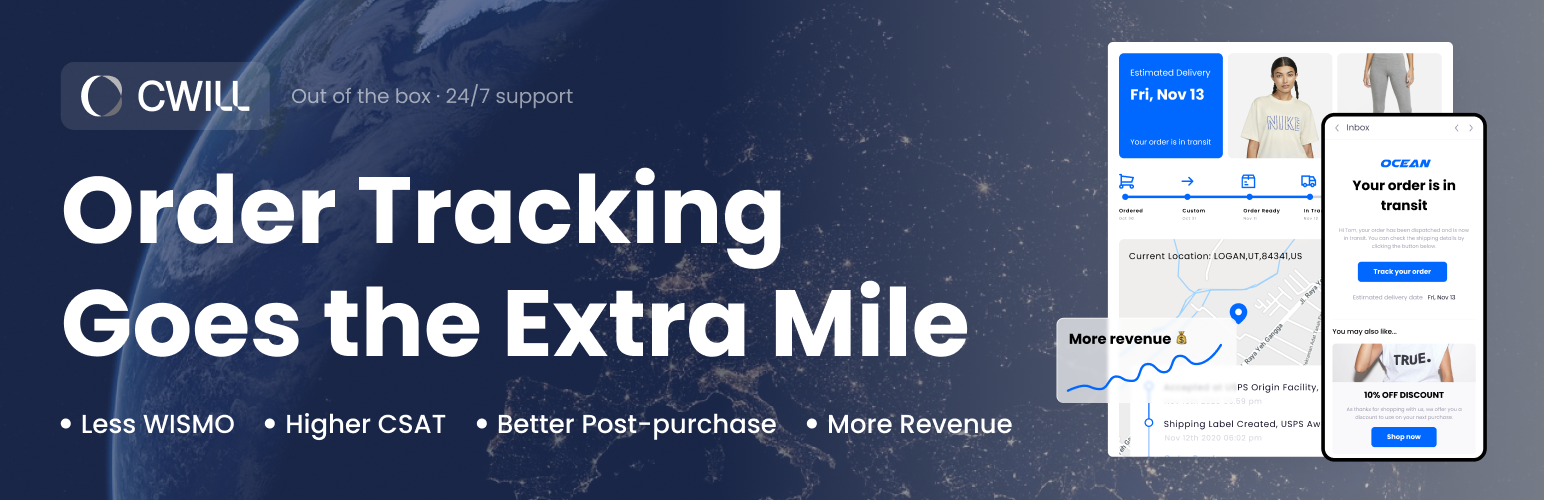
Free Plan Available. Order Tracking, Shipment Tracking. The best WooCommerce Order Tracker for Track Order Sta...