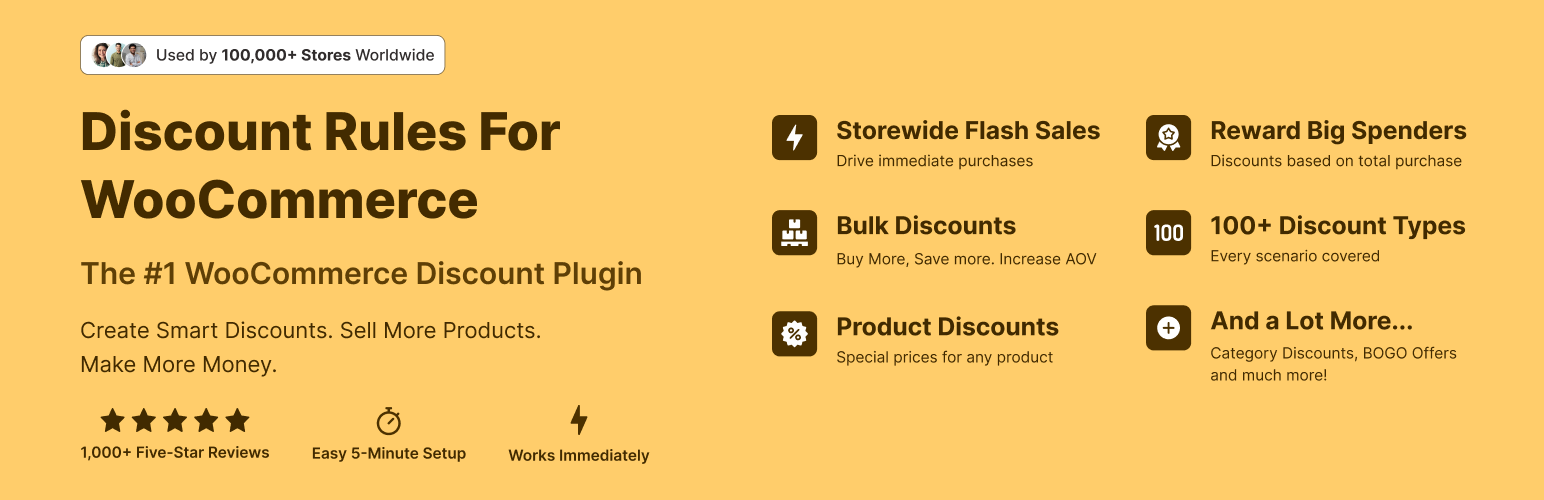
The discount plugin for WooCommerce helps you create bulk discount, quantity discount, storewide sale, dynamic...
Free
100k+ installs 4.9★ (1,355)
Sell giftcards on your WooCommerce website.

Gift Cards for WooCommerce is a WordPress plugin that allows you to sell gift cards on your WooCommerce store. It enables you to create a gift card product, which customers can purchase and send to recipients via email. The plugin generates a coupon code for the gift card that can be applied at checkout.
This plugin is suitable for WooCommerce store owners looking to offer gift cards as a product. It requires WooCommerce to be installed and activated, and it is designed to enhance the shopping experience by allowing customers to send gift cards directly to others.
Best for: WooCommerce store owners who want to sell gift cards online.
What it does well
Where it falls short
This plugin provides a straightforward solution for selling gift cards, but it may lack advanced features found in premium options.
ahmadshyk's own description of Gift Cards for WooCommerce, lightly tidied.
For step by step setup, Click here
If you are facing any issue or want to report a bug, feel free to reach me at a.hassan@ahmadshyk.com
Other plugins for running discounts.
The discount plugin for WooCommerce helps you create bulk discount, quantity discount, storewide sale, dynamic...

Best WooCommerce coupons plugin to create advanced coupons and discount codes with auto-apply, BOGO, free ship...

The best order export import plugin for WooCommerce. Easily import and export WooCommerce orders and WooCommer...
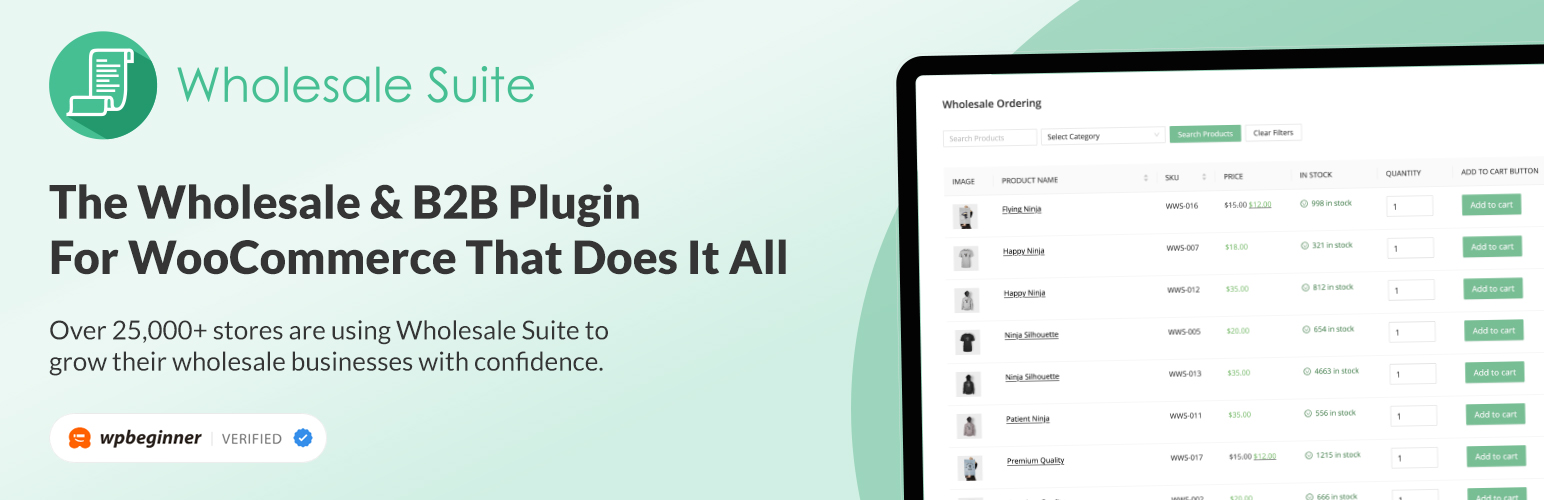
WooCommerce wholesale plugin for serving wholesale & B2B customers. Adds wholesale pricing, user roles, dy...

The most powerful affiliate plugin for WooCommerce. Track commission, generate referral URLs, assign affiliate...

The discount plugin for WooCommerce supports any dynamic pricing discount: bulk discount, role discount, store...