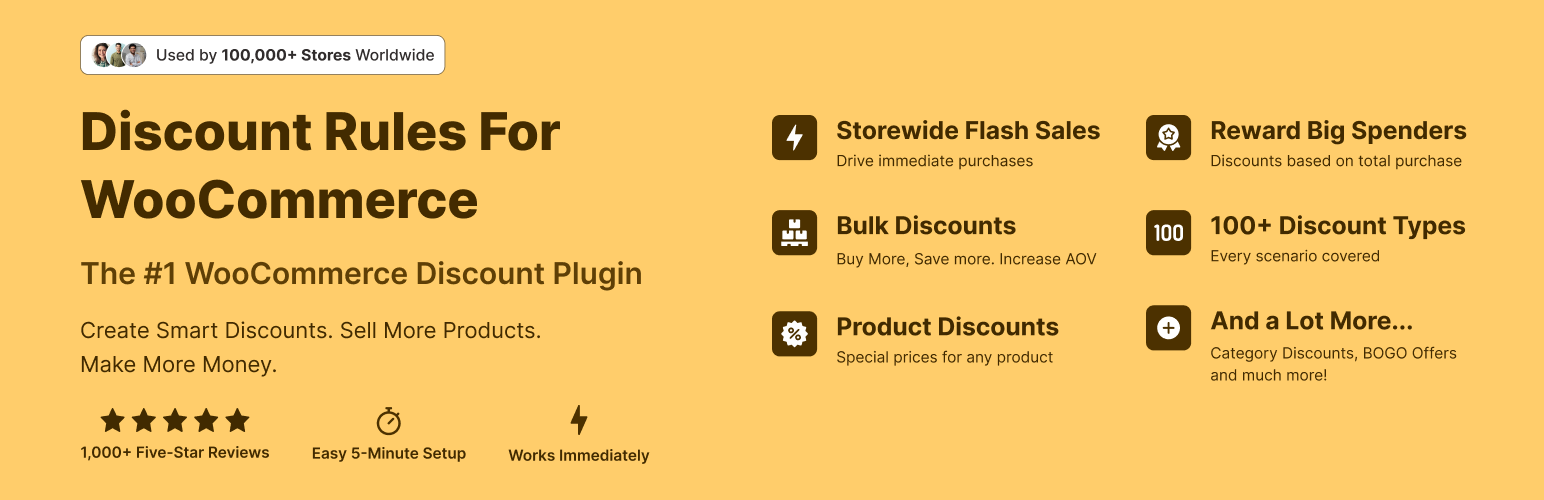
The discount plugin for WooCommerce helps you create bulk discount, quantity discount, storewide sale, dynamic...
Free
100k+ installs 4.9★ (1,355)
Engage customers with a fun spin-the-wheel game! Collect emails and reward them with discount coupons instantly.
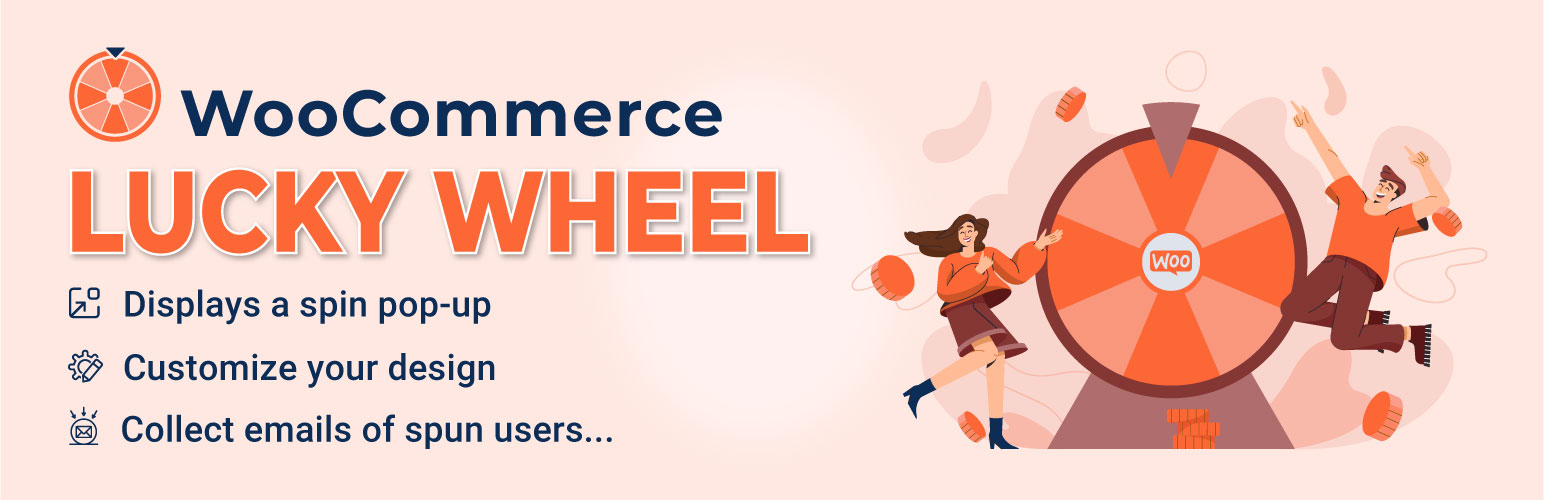
Lucky Wheel for WooCommerce – Spin a Sale is a WordPress plugin designed to engage customers by allowing them to spin a virtual wheel for discounts. Users must enter their email addresses to spin the wheel, which can lead to increased traffic and potential sales for WooCommerce stores.
The plugin features a pop-up display for the lucky wheel, customizable slices, and options for winning probabilities. It is suitable for WooCommerce site owners looking to enhance customer interaction and encourage email subscriptions.
Best for: WooCommerce store owners looking to increase customer engagement and email subscriptions.
What it does well
Where it falls short
This plugin offers a straightforward way to attract customers through interactive elements. It may be beneficial for those wanting to enhance their marketing strategies without additional costs.
VillaTheme's own description of Lucky Wheel for WooCommerce, lightly tidied.
Lucky wheel spin and win attract customers to subscribe through spinning the lucky wheel and gain prize. Lucky wheel spin and win will encourage customers to come back your website to purchase, increase traffic and improve sales and revenue.
WooCommerce Lucky Wheel is a WooCommerce extension that helps you to convert your site traffic into customers or at least, an email subscriber. It takes you a lot of work and money to have traffic to your store, so don’t waste it. Lucky wheel spin and win offers visitor entering their email address to spin the lucky wheel. Then the plugin will send a discount coupon to the subscribed email address. The subscribed email addresses from lucky wheel spin and win will be saved in back-end.
Allowing customers to subscribe emails through lucky wheel spin and win for discount coupons.
Auto-generate unique coupons with selected options.
Send coupon code to the email address that is required to spin the wheel.
The plugin works based on WooCommerce plugin.
It is released on WordPress.org and you can use the plugin as free to build themes for sale.
► LUCKY WHEEL POP-UP
WooCommerce Lucky Wheel displays a Lucky Wheel pop-up when users visit your website. Allowing them subscribing emails and spin to win prizes.
6 Wheel Slices: Free to add/remove wheel slices, can be up to 6 slices for the free version.
Wheel label: Add a custom label for each wheel slide.
Winning probability: Select the winning probability of each slide.
Pop-up Intent: Select to let customers open the Wheel by click on the wheel pop-up or let the wheel appears automatically.
Lucky Wheel icon: A small lucky wheel icon, allow visitors to open the Luck Wheel pop-up.
Spinning Time: select how many time an email address can be used to spin the wheel.
Pop-up position: Select where the Wheel pop-up appears on front-end, there are 6 positions to be selected Top left, Top right, Bottom left, Bottom right, Middle left, Middle right.
Wheel Description: Display the description of the wheel. This will be displayed in front-end.
Custom fields: You can add up to 2 fields to your Lucky Wheel pop-up, including email, name.
Hide pop-up: Hide the wheel pop-up on front-end, this option should enable only when you selected the automatically display on the Intent option.
Initial showing time: Select an initial showing time when the pop-up is hidden.
Delay Between Each Spin Of An Email: Select the delay time between each spin of an email
Show pop-up after a successful spin: Select a delay time for the pop-up to reappear after a successful spin.
Assign pages: Select to display the pop-up only on Home, Blog or Shop page.
Conditional Tags: Using WordPress conditional tags to configure which pages where the wheel pop-up will appear.
Preview: The plugin allows you to preview the wheel in your backend.
Coupon value type: Select a coupon value type for each piece, there are 6 options for you to select: Non (win nothing), Existing coupon, percentage discount, fixed product discount, fixed cart discount.
Label: Type in a label for each wheel piece, this label will be displayed on the front-end.
Value: If the wheel piece value type is “Existing coupon” then you need to paste the coupon code into this field.
If the wheel piece value is “Non” then you can leave this field empty. If the wheel piece value is another discount
type, then you will need to put in the amount of the discount. The plugin will automatically generate coupons with that amount.
Valued-coupon Slices Label: Enter the valued coupon piece label using the shortcode {coupon_amount}
Winning probability: Configure the winning probability of each piece (as percentages), all piece winning probability total must be 100%.
Piece background color: Pick up a background color for each piece.
Auto color: Let the plugin automatically pick-up piece colors.
Clone piece: Clone a piece with the same values for all options
Remove piece: Allow you to completely delete a piece.
Wheel description: Write a Wheel description describe the wheel to your customer using an HTML form, you can add pictures to the description.
Background: Upload a photo or pick up a color to use as the wheel window background.
Spin button text: Type in the text the spin now button SPIN NOW, TRY YOUR LUCK…)
Spin button color: Design the wheel button with text and background color.
Pointer Color: Select a color for the wheel pointer.
Wheel center color: Select a color for the wheel center area.
Not to display again: Enable option to let customer hide the wheel for a time.
Automatically hide wheel after finish spinning: After a successful spin the wheel will be hidden
EMAILS: A congratulation email will be sent if a customer winning a prize be spinning the wheel. The email will be sent to the email address that the customer has just typed in.
Winning email: Configure the email with Subject, Heading, and content. You can use shortcodes to configure the email content.
Front-end message: There are two cases of messages that will be displayed on front-end. A message for the case that a customer wins something. Another for the case that a customer hit the piece with “non” value type.
Shortcodes: Shortcodes are available for you to display values to front-end, use these shortcodes to design front-end message and emails
Available shortcodes:
{customer_name}: display the customer name.
{coupon_code}: The coupon code, it can be an existing coupon or coupons that are generated by the plugin.
{coupon_label}: The label of the piece that customer hit be spinning the wheel.
{date_expires}: The expires date of the coupon.
{checkout}: Display a “checkout” text that links to the checkout page.
{customer_email}: The email address that won the prize.
COUPON: Select an existing or let the plugin automaticallly generate coupons with the same option like in
WooCommerce system.
**WooCommerce Lucky Wheel generates unique coupons with given values.
Existing coupons: select a WooCommerce coupon to use as the prize for each slide.
Unique coupons: Create a unique lucky wheel coupon like the way to generate WooCommerce Coupons. You can add a suffix title for this unique coupon to distinguish it from other coupon types.
Front-end message: the plugin allows you to create and display different messages when customers win a prize or do not win. Use shortcodes to display necessary information in your message. {coupon_label}: the label of coupon that customers win.{checkout}: “Checkout” with a link to the checkout page. {customer_name}: customers’ name if they enter. {customer_email}: the email that customers enter to spin. {coupon_code}: coupon code/customs value will be sent to the customer.
Coupon email: coupons will be sent to the winner automatically. The plugin provides shortcodes to display information:{customer_name}: customer’s name.{coupon_code}: coupon code.{date_expires}: the expiry date of the coupon.{coupon_label}: the label of the wheel slide that the visitor hit when spinning the wheel.{featured_products}: display a list of featured products.{shop_now}: display a “Shop Now” button in the email, redirect to your shop page.
Other plugins for running discounts.
The discount plugin for WooCommerce helps you create bulk discount, quantity discount, storewide sale, dynamic...

Best WooCommerce coupons plugin to create advanced coupons and discount codes with auto-apply, BOGO, free ship...
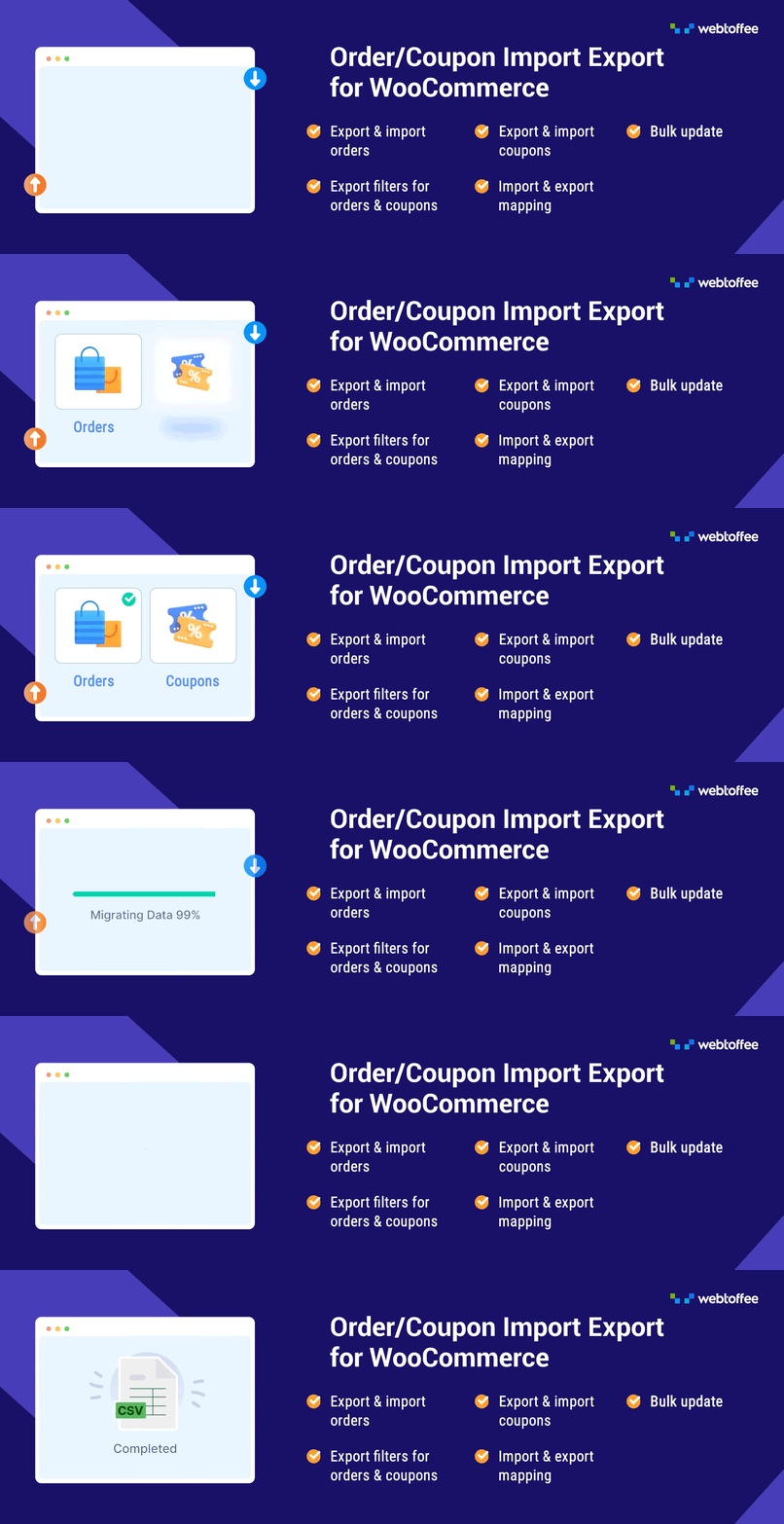
The best order export import plugin for WooCommerce. Easily import and export WooCommerce orders and WooCommer...
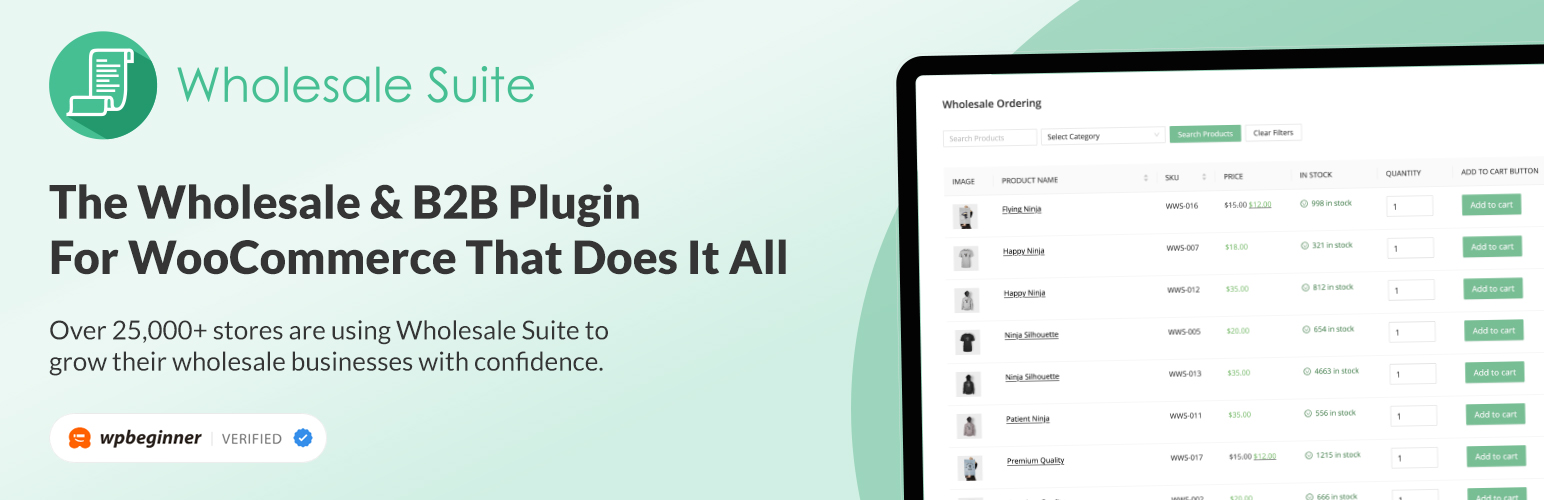
WooCommerce wholesale plugin for serving wholesale & B2B customers. Adds wholesale pricing, user roles, dy...

The most powerful affiliate plugin for WooCommerce. Track commission, generate referral URLs, assign affiliate...
The discount plugin for WooCommerce supports any dynamic pricing discount: bulk discount, role discount, store...