
The #1 user-rated activity log plugin for event logging, activity monitoring and change tracking.
Free
300k+ installs 4.7★ (488)
WP Admin Audit monitors the security-relevant activities on your site, keeps an event log and tells you when something out of the ordinary happens.

WP Admin Audit is a WordPress plugin designed to monitor and log various activities on your site. It records changes made by users, including content updates, user registrations, and plugin installations, providing a comprehensive activity log. This tool is suitable for site owners and administrators who need to track changes for security and troubleshooting purposes.
The plugin captures detailed information about each event, including the type of action, date and time, IP address, and the user responsible for the change. This helps in identifying security issues and understanding the history of modifications made on the site.
Best for: This plugin is best for WordPress site owners and administrators who require detailed monitoring of site activities.
What it does well
Where it falls short
WP Admin Audit offers a solid solution for tracking changes and user activities on WordPress sites. It is particularly useful for those concerned about security and site management.
brandtoss's own description of WP Admin Audit, lightly tidied.
The modern activity log solution for WordPress
WP Admin Audit is the powerful monitoring log plugin for WordPress.
Site owners and administrators can sleep better at night knowing the plugin keeps track of all site changes, security events, and admin activities.
Ever wondered
The WordPress activity log in WP Admin Audit answers these questions.
Keep track of everything that happens on your WordPress sites to:
The short answer: almost all changes on your WordPress site, but you can decide what is kept in the audit log.
The longer answer: WP Admin Audit has sensors that monitor the changes in your WordPress site and record what actions were performed by which user at which time on which item. A summary of the types of monitored events is below.
See the complete list of sensors, i.e. the event types that are stored in the WordPress activity log.
For every event WP Admin Audit records:
Besides the WordPress event log, WP Admin Audit also features:
Other plugins for monitoring a site.
The #1 user-rated activity log plugin for event logging, activity monitoring and change tracking.
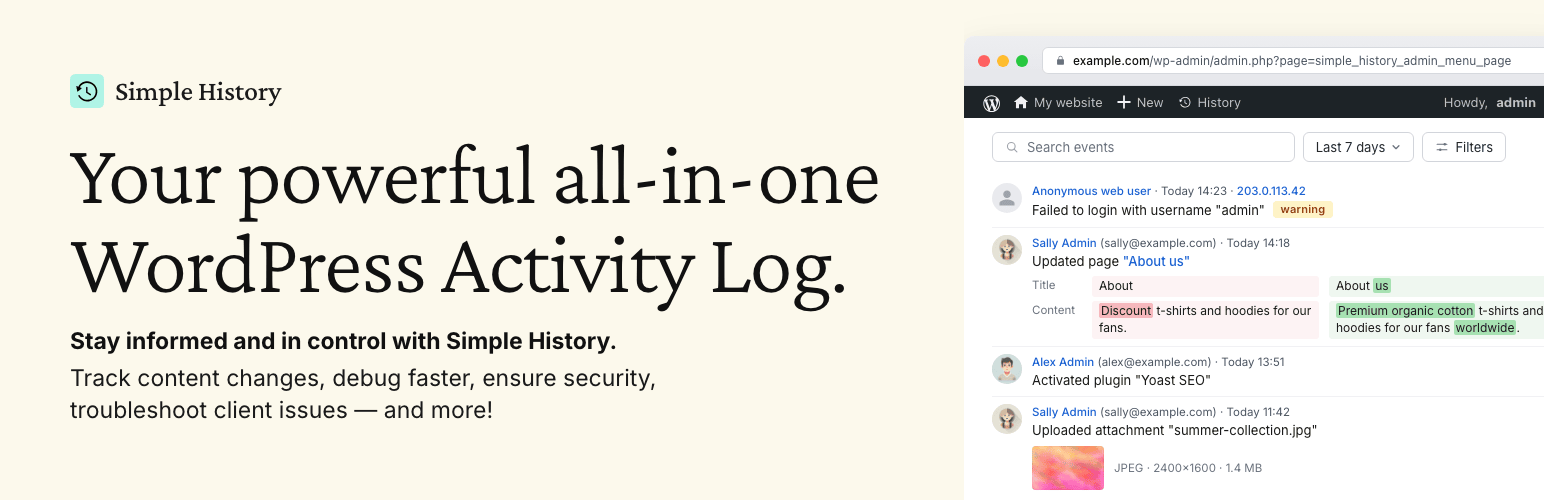
Track changes and user activities on your WordPress site. See who created a page, uploaded an attachment, and...

Manage 301 & 302 redirects. Simple redirection & redirects validation. Includes redirect stats & 4...

WordPress security plugin with malware scanner, IP blocking, audit logs, antivirus scans, firewall, 2FA, brute...

Redirect manager for 301, 302 and 307 redirection. Monitor and fix 404 errors, log every broken link and prote...

Everything you need to sell WordPress maintenance and manage multiple sites effortlessly: backup, update, upti...