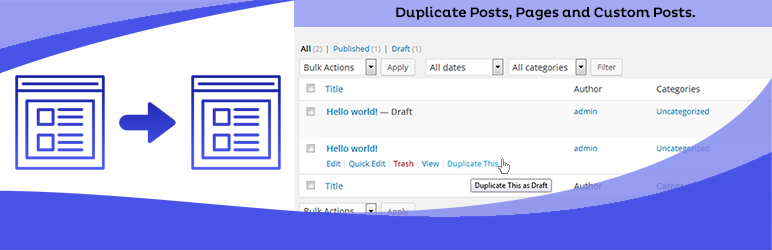
Duplicate Posts, Pages and Custom Posts easily using single click
Free
3M+ installs 4.8★ (465)
This plugin are display different-different navigation on each page and post.You Can easily setup different navigation or menu on pages and single pos …

WP Different Navigation on Each Page And Post is a WordPress plugin that allows you to display different navigation menus on individual pages and posts. You can set up custom menus through the plugin's settings and use a shortcode or PHP code to display the menus where needed.
This plugin is suitable for users who want to tailor their navigation experience on a page-by-page basis, making it particularly useful for websites that require distinct navigation for different content types, such as dating or matchmaking sites.
Best for: Websites needing custom navigation for various content types.
What it does well
Where it falls short
This plugin provides a straightforward solution for custom navigation but may have limitations in features and overall performance.
Rajesh Kumawat's own description of WP Different Navigation on Each Page And Post, lightly tidied.
This plugin are display different-different navigation on each page and post.You Can easily setup different navigation or menu on pages and single posts. please follow these steps:
Step 1: First click on “WP Different Navigation Box Settings” sub menu in settings menu in wordpress admin section. Then select Posttypes. You want to display “Different Navigation Box” MetaBox on Posttypes.
Step 2: Select Menu in “Different Navigation Box” Metabox for Current Page/Post Display Menu.
Step 3: “WP Different Navigation Widget” put this widget you want display menu in widget area. and enter widget title and select default menu and click on save button.
Easy to use Different Menu on the page or post by shortcode “[wpdnepp_menu]” Or Use This Code in Page Template <?php echo do_shortcode('[wpdnepp_menu]'); ?>.
Other plugins for dating sites.
Duplicate Posts, Pages and Custom Posts easily using single click

HappyAddons packs Header Footer Builder, Megamenu, Single Post, Archive Page, & 500+ Ready Templates into...

Site metrics and social media analytics for Instagram, Facebook, YouTube, LinkedIn, X Twitter. The single best...
Disable admin notices and hide dashboard notifications from plugins, themes and core. Hide all notices, select...

Password protect WordPress pages and posts by user roles or with multiple passwords; protect your entire websi...
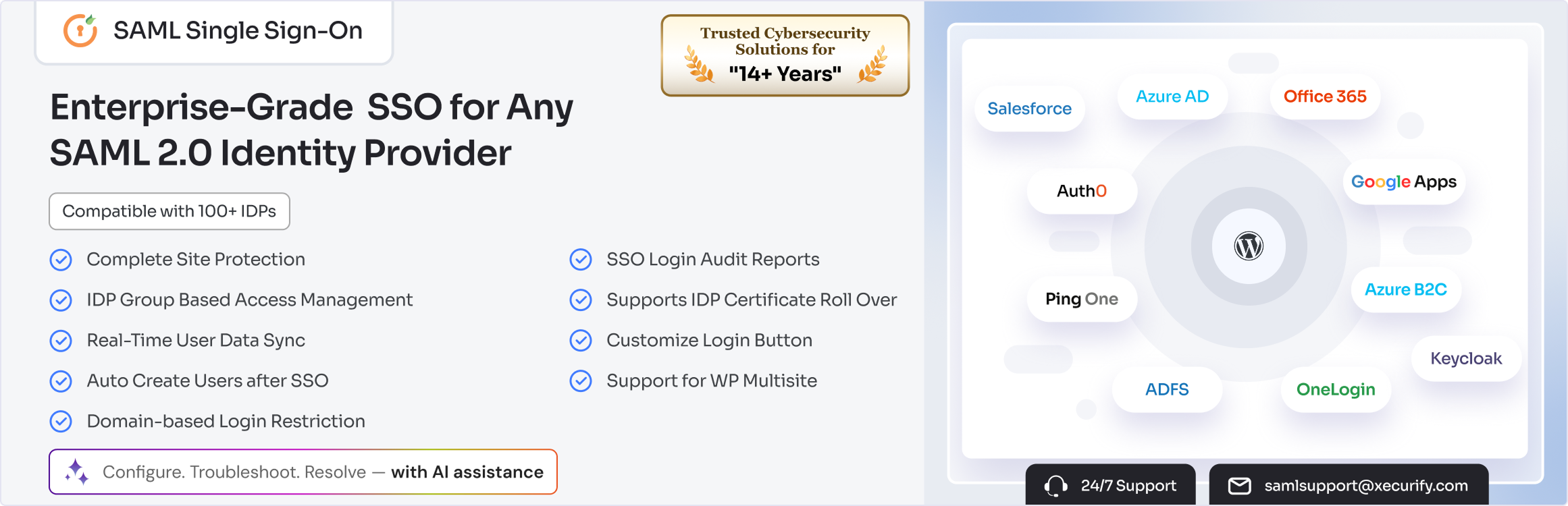
SAML SSO (Single Sign On) for WordPress Login with Okta, Entra ID/Azure AD, GSuite, Salesforce & All SAML...