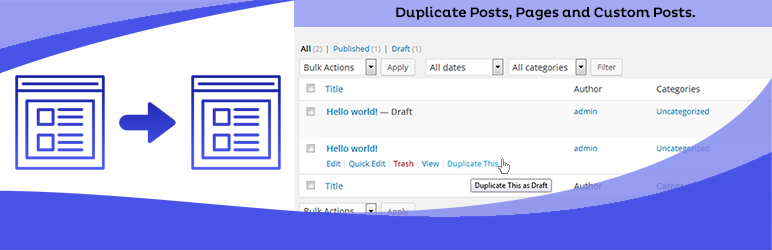
Duplicate Posts, Pages and Custom Posts easily using single click
Free
3M+ installs 4.8★ (465)
WPGuppy is a well thought and clinically designed and developed WordPress chat plugin which has been engineered to fulfill the market needs.

One to One User Chat by WPGuppy is a WordPress plugin designed to facilitate real-time chat between users on your site. It integrates with your WordPress database, allowing you to manage data efficiently while offering various chat functionalities. This plugin is suitable for websites that require user interaction, such as dating or community platforms.
The plugin supports features like group chat, media sharing, and user profile management. It is built to work with PHP 8.1 and is compatible with WordPress versions up to 6.9.7. The development team claims to provide robust support and has designed the plugin with high-quality standards in mind.
Best for: Websites focused on user interaction, such as dating or community platforms.
What it does well
Where it falls short
One to One User Chat by WPGuppy provides a range of chat features suitable for interactive websites. However, potential users may need to configure settings based on their hosting environment.
AmentoTech Private Limited's own description of One to one user Chat by WPGuppy, lightly tidied.
WPGuppy is a well thought and clinically designed and developed WordPress chat plugin which has been engineered to fulfill the market needs. It is loaded with features without compromising on quality.
WPGuppy is not just a simple WordPress chat plugin – it is a comprehensive chat solution entailing features that are hard to find in a single WordPress chat plugin.
It is a comprehensive feature-rich WordPress chat plugin that not only provides numerous practical features for end-users but has been designed and developed keeping in mind the high-quality standards that subsequently provide the much-needed robustness and working performance in such plugins.
This plugin prides itself on using its built-in database which means that it will be integrated within your WordPress site database and you get to keep complete control on how you manage your data etc.
The team behind this plugin consists of experienced and professional software engineers and web designers who back this plugin with excellent customer support.
Most shared hosts have disabled the HTTP Authorization Header by default.
To enable this option you’ll need to edit your .htaccess file by adding the following:
RewriteEngine on
RewriteCond %{HTTP:Authorization} ^(.*)
RewriteRule ^(.*) - [E=HTTP_AUTHORIZATION:%1]
To enable this option you’ll need to edit your .htaccess file by adding the following:
SetEnvIf Authorization "(.*)" HTTP_AUTHORIZATION=$1
Other plugins for dating sites.
Duplicate Posts, Pages and Custom Posts easily using single click

HappyAddons packs Header Footer Builder, Megamenu, Single Post, Archive Page, & 500+ Ready Templates into...

Site metrics and social media analytics for Instagram, Facebook, YouTube, LinkedIn, X Twitter. The single best...
Disable admin notices and hide dashboard notifications from plugins, themes and core. Hide all notices, select...

Password protect WordPress pages and posts by user roles or with multiple passwords; protect your entire websi...
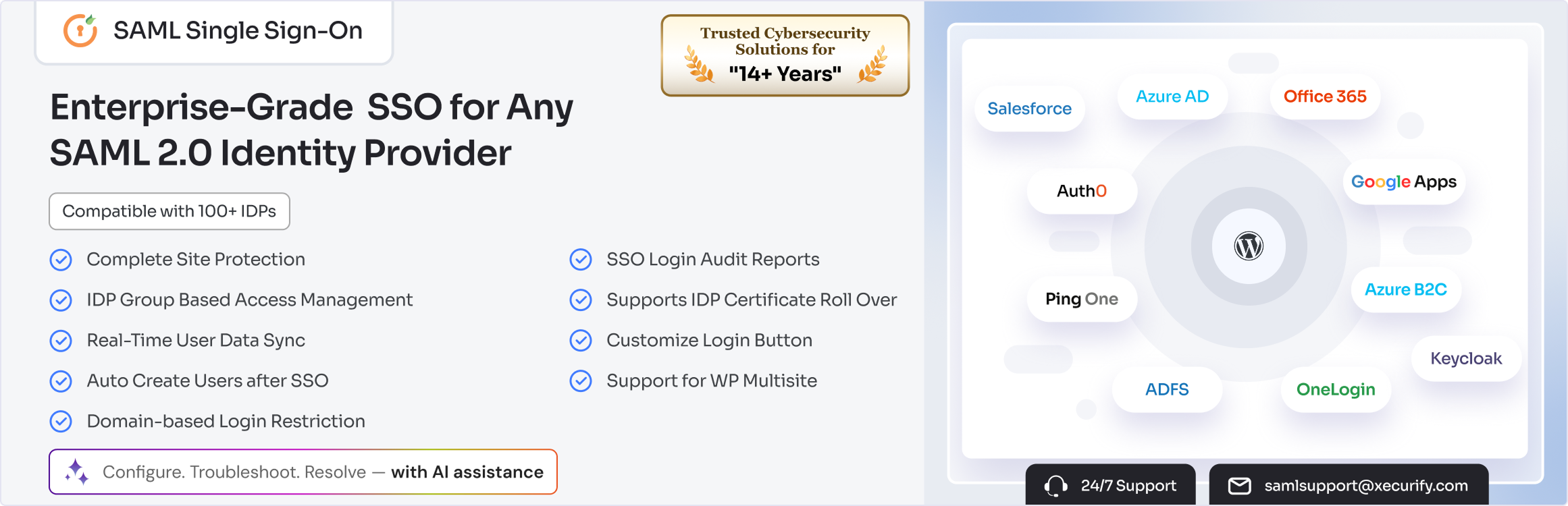
SAML SSO (Single Sign On) for WordPress Login with Okta, Entra ID/Azure AD, GSuite, Salesforce & All SAML...