
Nested Pages
88Nested Pages provides a drag and drop interface for managing pages & posts in the WordPress admin, while m...
Free
90k+ installs 4.7★ (126)
Bulk edit WooCommerce products in a fast Excel-like grid. Edit prices, stock, SKUs, images, categories, tags, and variations inline.

WPMelon Advanced Bulk Edit for WooCommerce is a WordPress plugin designed to simplify the bulk editing process for WooCommerce products. Instead of navigating through individual product pages, you can manage your product catalog using a spreadsheet-style grid directly within the WordPress admin. This allows for inline editing, filtering, and bulk operations, making it suitable for shop owners, agencies, and freelancers who handle large inventories.
The plugin supports various product attributes such as prices, stock levels, and categories, and offers features like saved views, keyboard shortcuts, and CSV export. It is built to work seamlessly with WooCommerce's APIs, ensuring that all changes are processed correctly without directly modifying the database.
Best for: This plugin is best for WooCommerce shop owners and professionals managing large product catalogs.
What it does well
Where it falls short
WPMelon Advanced Bulk Edit offers a streamlined approach to bulk editing WooCommerce products, making it a useful tool for those managing extensive inventories.
wpmelon's own description of WPMelon Advanced Bulk Edit for WooCommerce, lightly tidied.
WooCommerce’s built-in product editor was not designed for bulk editing hundreds or thousands of WooCommerce products. Every price change, every stock update, every tiny fix means opening a product, scrolling, clicking, saving, and waiting for the page to reload.
WPMelon Advanced Bulk Edit replaces that workflow with a single spreadsheet-style grid. You filter to the products you care about, edit cells inline like in Excel or Google Sheets, and save everything at once.
It is built for people who manage their own catalog — shop owners, agencies, and freelancers who are tired of clicking through hundreds of product pages to update a price or fix a typo.
This plugin takes a different approach — a fast, modern grid that lives inside your WordPress admin and talks directly to your WooCommerce data.
No rebuilding of your catalog on a third-party server. No syncing. Less waiting.
All edits go through WooCommerce’s own CRUD layer — the same code paths the core admin uses. That means hooks fire correctly, caches are invalidated, and no database is touched directly except where documented and safe. Your other plugins (tax, shipping, reviews, SEO) continue to work normally.
Variable products and their variations are treated as related rows in the grid, not as a popup or a separate screen. Expand a parent, see its variations, edit them inline, save. Sorting the grid preserves the parent–child hierarchy instead of scattering variations away from their parents.
If you need more — paste from Excel/Google Sheets, Operation History with restore, regex find-and-replace, price rounding, custom and ACF meta field editing, custom taxonomies, bulk variation creation, variation attribute editing, WPML support, fine-grained selection tools for the current grid page, and more — there is a paid Pro version available at wpmelon.com.
The free version is genuinely useful on its own. Pro is for stores that need more advanced bulk-editing workflows or fields the free version doesn’t touch.
Other plugins for bulk editing.
Nested Pages provides a drag and drop interface for managing pages & posts in the WordPress admin, while m...

BEAR - WooCommerce Bulk Editor Professional (former WOOBE) is plugin for bulk edit/manage woocommerce products...
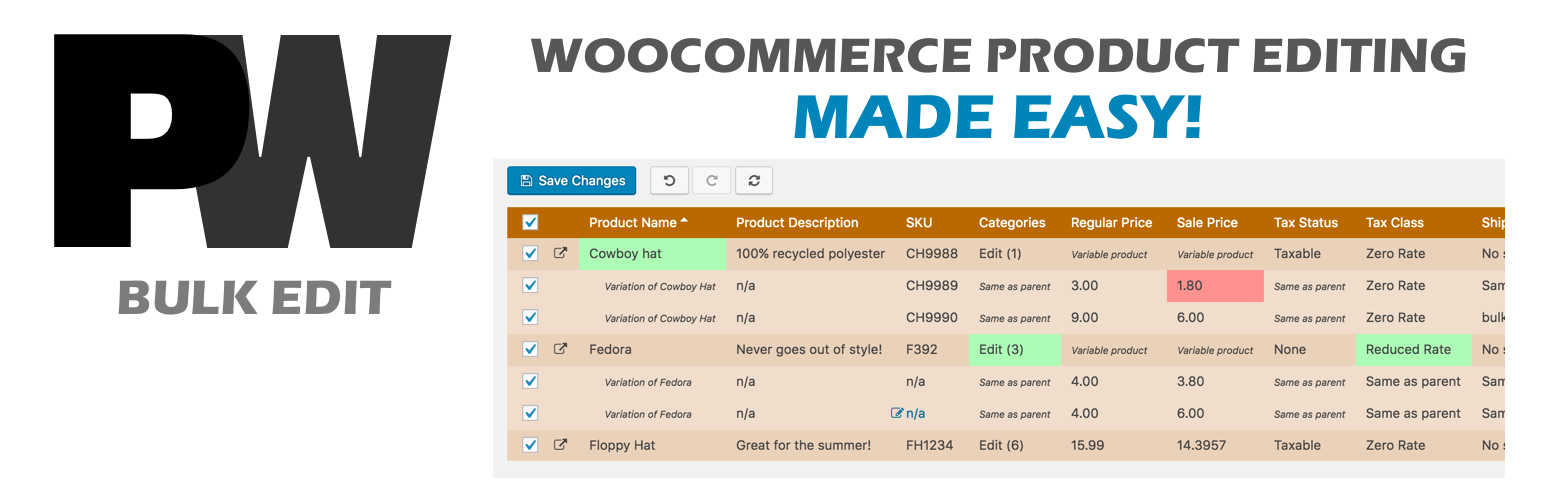
A powerful way to update your WooCommerce product catalog. Finally, no more tedious clicking through countless...
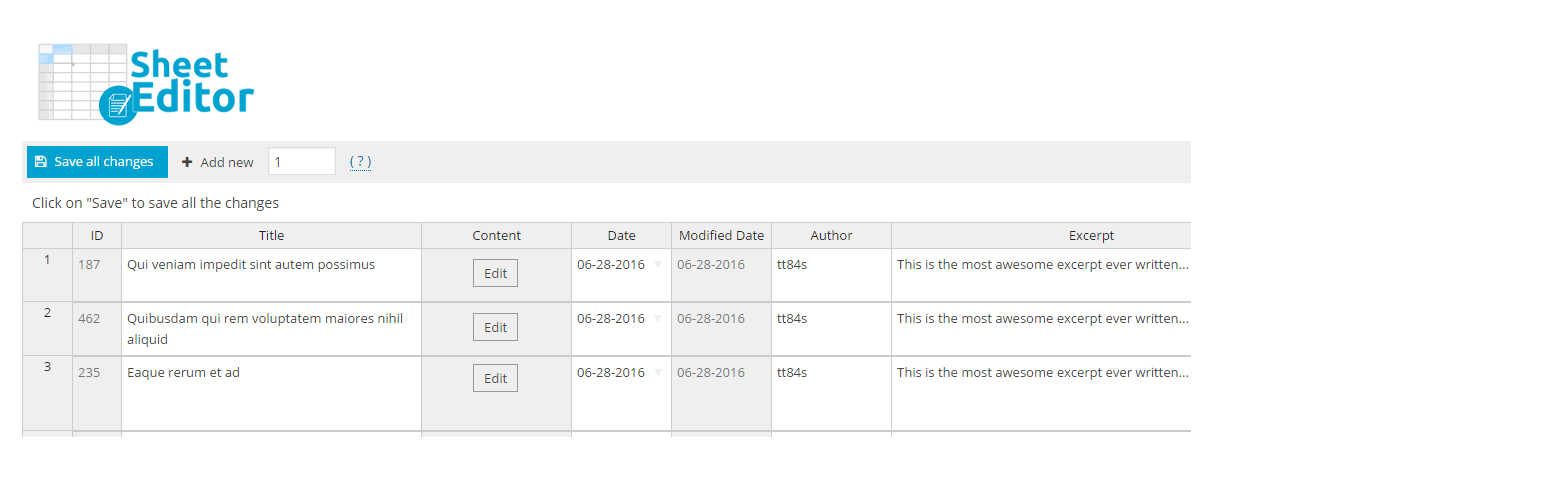
Modern Bulk Editor for WooCommerce products, create and edit hundreds of products in a spreadsheet inside wp-a...

An easy-to-use plugin for the Astra theme that lets you edit Page Meta Settings for multiple pages/posts at on...

Editorial Calendar allows you to view all your posts, schedule post, make quick edits, and manage your blog by...