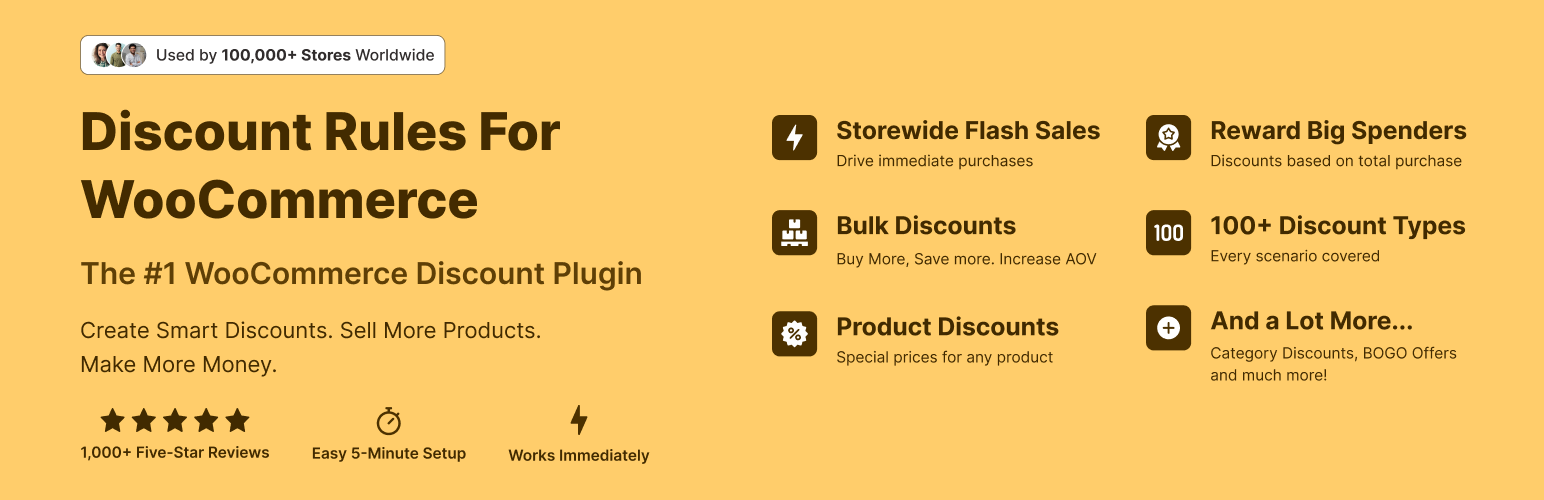
The discount plugin for WooCommerce helps you create bulk discount, quantity discount, storewide sale, dynamic...
Free
100k+ installs 4.9★ (1,355)
Assign different prices to WordPress user roles. Create wholesale, VIP, or member price lists and manage all product pricing from one screen.

WRN Pricing Rules for WooCommerce is a WordPress plugin designed to manage pricing based on user roles in your WooCommerce store. It allows you to create named price lists that can be assigned to different user roles, ensuring that logged-in users see tailored prices without the need for shortcodes or visible switches.
The plugin supports automatic pricing rules, enabling you to set discounts as a percentage, fixed amount, or a percentage of the base price. It also offers manual price entry for individual products, variable product support, and options for hiding prices from guests. This plugin is suitable for store owners who need to implement role-based pricing strategies.
Best for: This plugin suits WooCommerce store owners looking to implement role-based pricing for different customer groups.
What it does well
Where it falls short
WRN Pricing Rules for WooCommerce offers a straightforward solution for managing user-specific pricing. It provides essential features for stores needing custom pricing without complex setups.
WebReadyNow's own description of WRN Pricing Rules for WooCommerce, lightly tidied.
WRN Pricing Rules gives you full control over who pays what in your WooCommerce store. Instead of applying a single sale price to everyone, you create named price lists and assign each one to a user role. Any customer who logs in with that role automatically sees the prices from their list — no shortcodes, no visible price switchers.
How it works
Two ways to set prices
Key features
Free vs Pro
Feature
Description
Free
Pro
Role-based price lists
Assign different prices to wholesale, VIP, retail, or any custom user role
✅
✅
Formula pricing
Set prices as % off, fixed amount off, or % of base price — applies to all products automatically
✅
✅
Inline price editor & CSV import/export
Edit product prices directly in the admin table or bulk-manage via spreadsheet
✅
✅
Strikethrough pricing
Show the original price crossed out next to the list price in cart, minicart, and checkout
✅
✅
Hide prices for guests
Replace prices with a login prompt for non-logged-in visitors
✅
✅
Variable product support
Price rules apply correctly to all variations, with per-variation badge display
✅
✅
Discount rules engine
Layer percent or fixed discounts on top of price lists — by role, product, category, or cart total
—
✅
Other plugins for running discounts.
The discount plugin for WooCommerce helps you create bulk discount, quantity discount, storewide sale, dynamic...

Best WooCommerce coupons plugin to create advanced coupons and discount codes with auto-apply, BOGO, free ship...
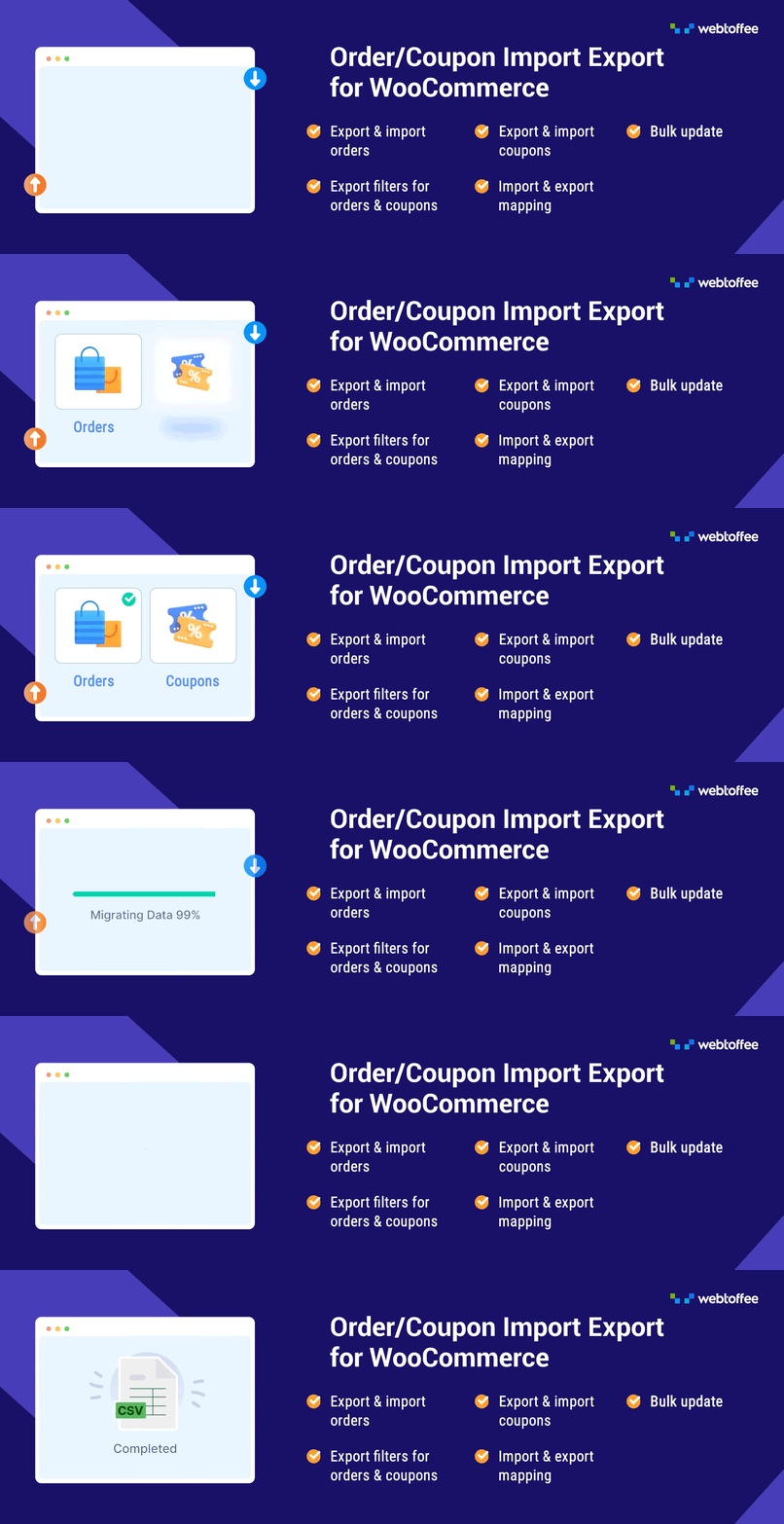
The best order export import plugin for WooCommerce. Easily import and export WooCommerce orders and WooCommer...
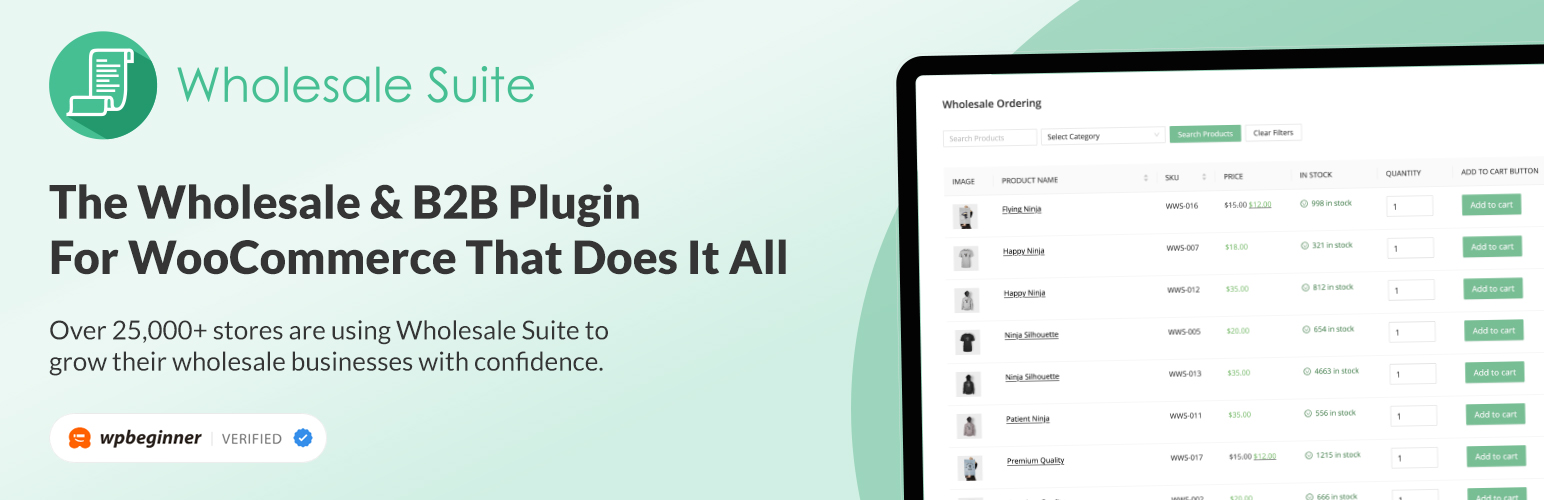
WooCommerce wholesale plugin for serving wholesale & B2B customers. Adds wholesale pricing, user roles, dy...

The most powerful affiliate plugin for WooCommerce. Track commission, generate referral URLs, assign affiliate...

The discount plugin for WooCommerce supports any dynamic pricing discount: bulk discount, role discount, store...