WP Accessibility fixes common accessibility issues in your WordPress site.
Free
60k+ installs 4.8★ (68)
XCompliant is an accessibility scanning and audit plugin designed to help WordPress site owners identify common accessibility issues and improve usabi …

XCompliant is a WordPress plugin that helps site owners identify common accessibility issues to improve usability for a wider range of users. It performs automated scans on selected pages and content elements, highlighting potential concerns based on established accessibility best practices, including WCAG guidelines.
The plugin provides summaries of identified issues grouped by category and offers insights on aspects such as structure, text alternatives, and navigation. It is designed for those looking to enhance the accessibility of their websites, although it does not provide legal advice or guarantee compliance with laws.
Best for: This plugin is suitable for WordPress site owners aiming to improve accessibility.
What it does well
Where it falls short
XCompliant offers valuable tools for identifying accessibility issues on WordPress sites, but users should complement its findings with manual testing.
XCompliant's own description of XCompliant, lightly tidied.
XCompliant is an accessibility scanning and audit plugin designed to help WordPress site owners identify common accessibility issues and improve usability for a wider range of users.
The plugin analyzes selected pages and content elements and highlights potential accessibility concerns based on established accessibility best practices, including WCAG-related guidelines.
XCompliant is intended to support accessibility review and improvement efforts. The results provided are informational and do not constitute legal advice, certification, or a guarantee of compliance with any specific law or regulation.
Key Features
What XCompliant Does
XCompliant analyzes page content and interface elements to help identify potential accessibility-related issues, including:
The plugin may apply session-based adjustments through an optional accessibility interface that allows users to customize their viewing experience.
Accessibility Standards
XCompliant references established accessibility guidelines, including WCAG 2.x-related principles, to help surface potential issues. Accessibility requirements vary by jurisdiction and context, and manual testing is strongly recommended in addition to automated tools.
How It Works
Scans may take time to complete depending on site size and content.
Other plugins for accessible sites.
WP Accessibility fixes common accessibility issues in your WordPress site.

OneTap is a multilingual WordPress plugin designed for seamless website accessibility.

Free WordPress accessibility widget to improve accessibility for your website visitors. Supports efforts towar...
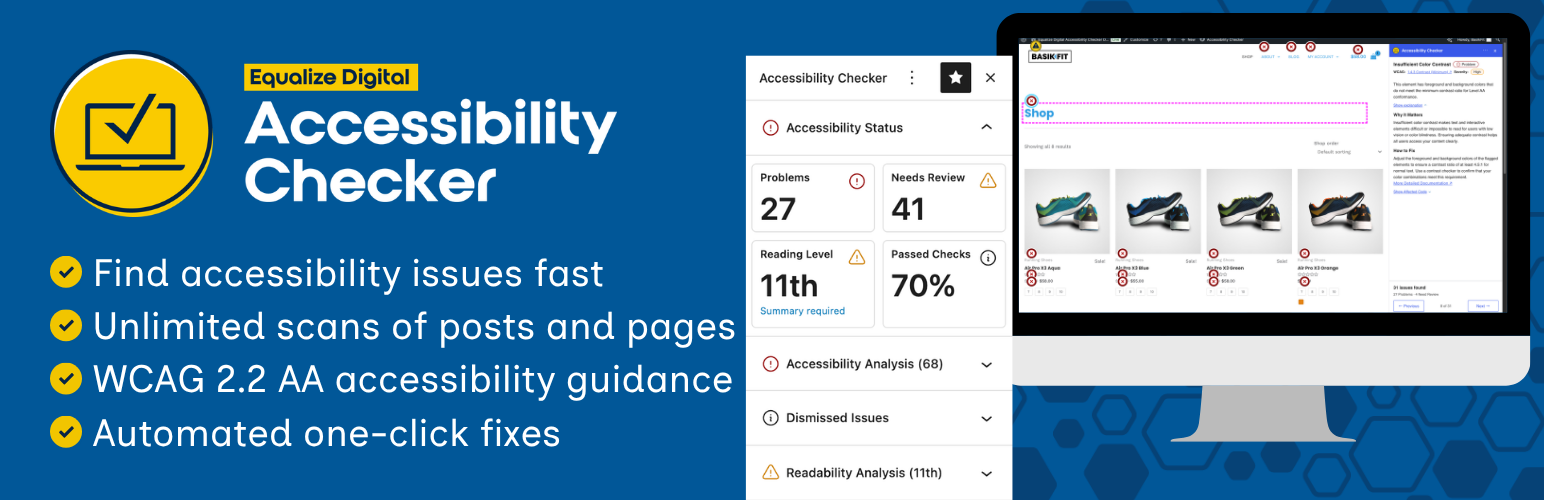
Find and fix accessibility issues with confidence. Real-time reports, automated fixes, and guidance. Reduce co...
Add, edit, and bulk-generate alt text for every WordPress image, manually or automatically using AI. Fix image...
Free text to speech with browser voices + premium AI voices from Google, OpenAI & ElevenLabs. Add an audio...