WPThumbs
Themes Plugins By purpose By industry Best-of lists Fix it guides
Free Plugin by YITHEMES v2.54.0

YITH Request a Quote for WooCommerce

The YITH Request a Quote for WooCommerce plugin lets your customers ask for an estimate of a list of products they are interested into.

YITH Request a Quote for WooCommerce

The facts

Rating
3.3★ from 66
Active installs
10k+
Price
Free
Last updated
24 Aug 2026
Added
Mar 2015
Requires WP
6.9
Tested up to
WP 7.1
Requires PHP
8.0
Downloads
1,196,972

Our analysis

AI-assisted

YITH Request a Quote for WooCommerce is a WordPress plugin designed to facilitate quote requests for WooCommerce shops. It allows you to hide product prices and 'Add to Cart' buttons, enabling customers to request custom quotes for products instead. The plugin provides an 'Add to Quote' button on product pages, and customers can submit their requests through a form.

This plugin is suitable for businesses that sell goods or services where pricing is variable or negotiable, such as wholesale or custom products. It helps maintain communication with customers by allowing them to request tailored pricing based on their needs.

Best for: Businesses that require a quote system for variable pricing or custom products.

What it does well

  • Hides prices and 'Add to Cart' buttons
  • Allows customers to request custom quotes
  • Supports variable products for specific variations
  • Admin receives email notifications for quote requests
  • Customisable button styles and text

Where it falls short

  • Limited information provided about additional features
  • No premium features mentioned in the free version

Verdict

YITH Request a Quote for WooCommerce offers essential features for managing quote requests, making it a practical choice for specific eCommerce needs.

From the developer

YITHEMES's own description of YITH Request a Quote for WooCommerce, lightly tidied.

YITH Request a Quote for WooCommerce is a powerful tool to hide prices and/or add to cart buttons and let your customers request a custom quote for every product.

If you sell goods or services for which a label with price is not enough and you want to get in touch with your customers, a quote system is the perfect solution for your WooCommerce shop.

Our plugin allows displaying an “Add to Quote” button or link on your product pages. Customers can add products to a list, fill the form and then submit a request for a custom quote.

It is also possible to hide the “Add to cart” buttons to encourage customers to get in touch with the suppliers: in this way you can hide prices for wholesale or retailers and provide competitive custom prices based on their needs.

The admin will receive an email with the quote request and can reply with a custom quote.

YITH Request a Quote for WooCommerce Features

Free version

  • Show the “Add to quote” button in all products pages
  • Support to variable products: the user can add specific product variations to the quote request
  • Customize the style and the colors of “Add to quote” button
  • Customize all labels and text
  • Hide price on all products
  • Hide “Add to cart” button on all products
  • Insert the request list and form on any page of your site
  • Allows your customers to fill the default form and send the quote request
  • Show a Privacy Policy text in the form
  • Admin receive an automatic email when a user send a new quote request
  • Manually send custom quotes for each request received by email

See it in action here:

Need more? check the premium version!

  • Show the “Add to quote” button also in the other WooCommerce pages (shop, category page, etc.)
  • Show/Hide the “Add to quote” button only on specific products using the Exclusion List
  • Show the “Add to quote” button only to registered users or specific user roles
  • Show automatically the “Add to quote” button only in “out of stock” products
  • Choose the information to show for each product on the quote page and email (product images/prices/SKU, quantity, total amount of single products & total amount of all products)
  • Enable the “Return to shop” and the “Update list” buttons
  • Show the advanced default form (you will be able to add/remove/edit each fields without to use an external form plugin)
  • Show a form created and customized with one of the following plugins: Contact Form 7, Gravity Forms, Ninja Forms or WPForms.
  • Enable the Autocomplete feature to let returning customers find their data automatically filled in the quote request form
  • Allow users to convert cart content into quote request on checkout page
  • Show a custom text to users after the request sending
  • Redirect users to a specific thank-you page or to the quote detail page after the request sending
  • Enable the automatic creation and sending of the quote with the amount calculated on the default products prices.
  • Quote request can be managed as “order” with status “quote request” and when the customer accept the quote the order will change status
  • Attach the quote as PDF to the email sent to the user
  • Show or hide “Accept” and “Reject” buttons in the quote email. “Accept” button automatically redirects users to the checkout page where they can pay the quote.
  • Admin can receive an automatic email when user accepts or rejects the proposal
  • Send an email to remind the customer that a quote is about to expire
  • “Requests” tab for a complete overview of all quote requests
  • Admin can manually create and send custom quotes from backend
  • Option to set an automatic expiration date for the quote proposal
  • Edit user’s shipping and/or billing address when creating the quote
  • Prevent the users from editing their addresses when accepting the quote
  • Prevent the user from choosing a shipping method different from the one specified in the request at the checkout
  • Set a specific payment method to pay for accepted quotes
  • Users will receive a confirmation email after the quote request and another email with the admin quote proposal.
  • Users can check the list of quotes on “My Account” page
  • Allow users to download the quote in PDF from the “My Account” page
  • Allow users to “Accept” or “Reject” a quote in the quote email, in the PDF document and in their “My Account” page. Users can also leave a feedback when rejecting a quote.
  • Help users to easily track their quote list through the widget included in the plugin (you can use it in your header, in a sidebar, in any widgets area)

See it in action here:

Official documentation of YITH Request a Quote for WooCommerce

For a more detailed description of options and features of YITH Request a Quote for WooCommerce, please, read the official documentation.

Compatibility with WooCommerce plugins

YITH Request a Quote for WooCommerce has been tested and compatibility is certain with the following WooCommerce plugins that you can add to your site:

Read the full description on the official page →

Tagged as

Alternatives

Other plugins for quote requests.

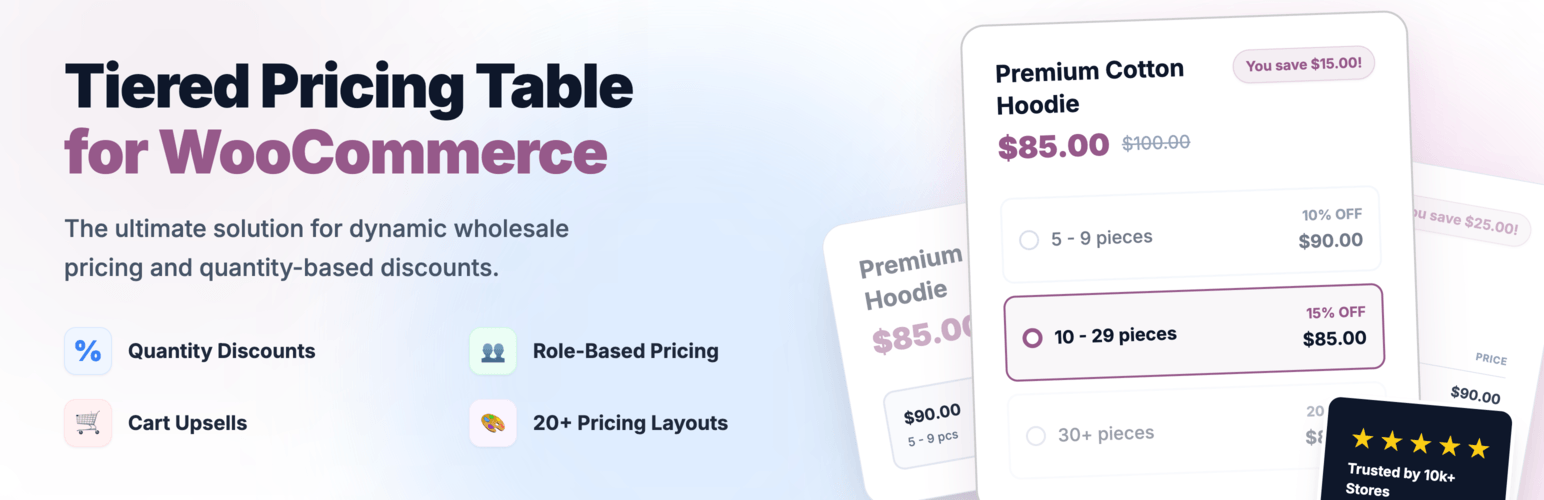
Tiered Pricing Table for WooCommerce

Create bulk, wholesale, and quantity-based pricing in WooCommerce with flexible tables, role-based pricing, an...

Free 10k+ installs 4.7★ (103)
NP Quote Request for WooCommerce

NP Quote Request for WooCommerce enables your customers to easily submit quote requests to your WooCommerce st...

Free 8k+ installs 4.6★ (87)
Request a Quote for WooCommerce

Request a Quote for WooCommerce and Elementor plugin shows a Contact Form 7 or WPForms popup on button click....
Free 6k+ installs 5★ (24)
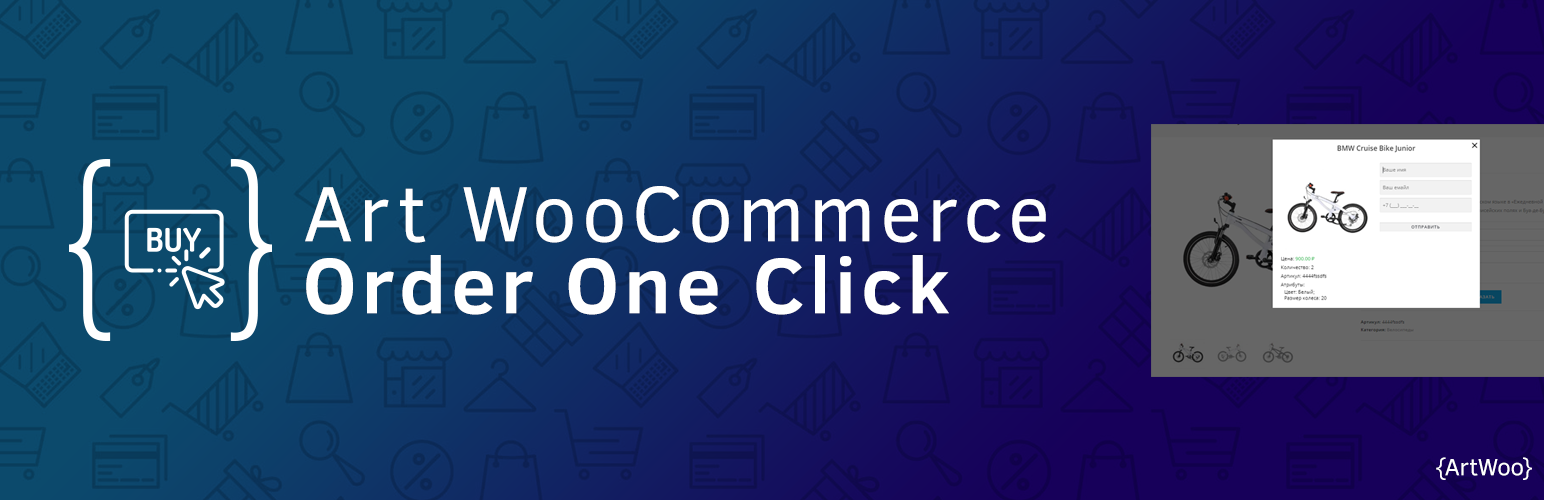
Art WooCommerce Order One Click

Plugin for WooCommerce. It includes the catalog mode in the store (there are no prices and the Buy button) and...

Free 4k+ installs 5★ (36)
WholesaleX

Best WooCommerce wholesale plugin with features like b2b wholesale prices, wholesale order form, tiered pricin...
Free 2k+ installs 5★ (61)
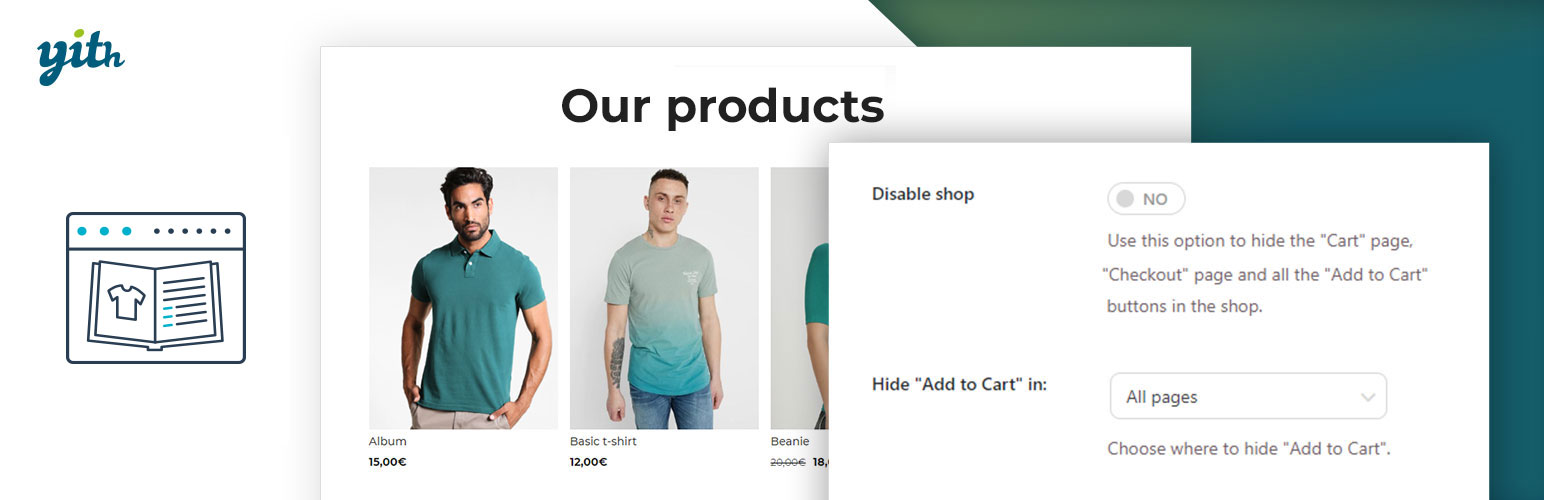
YITH WooCommerce Catalog Mode

YITH WooCommerce Catalog Mode, a plugin for disabling sales in your e-commerce and turn it into an e-commerce...

Free 60k+ installs 3.6★ (44)