Query Monitor
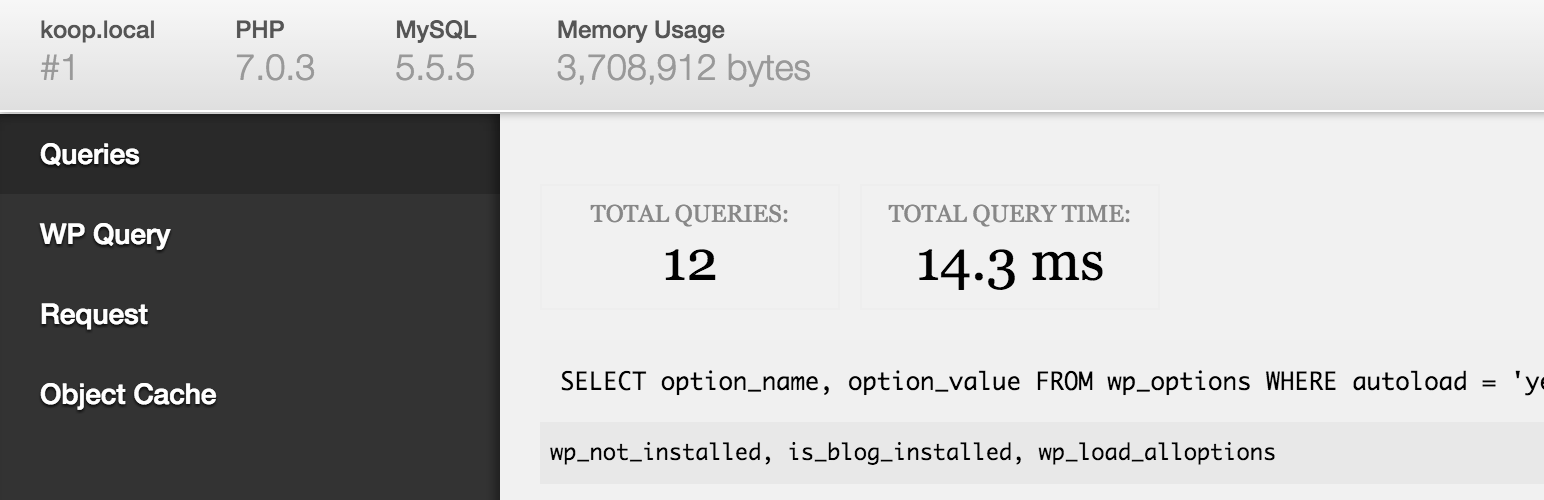
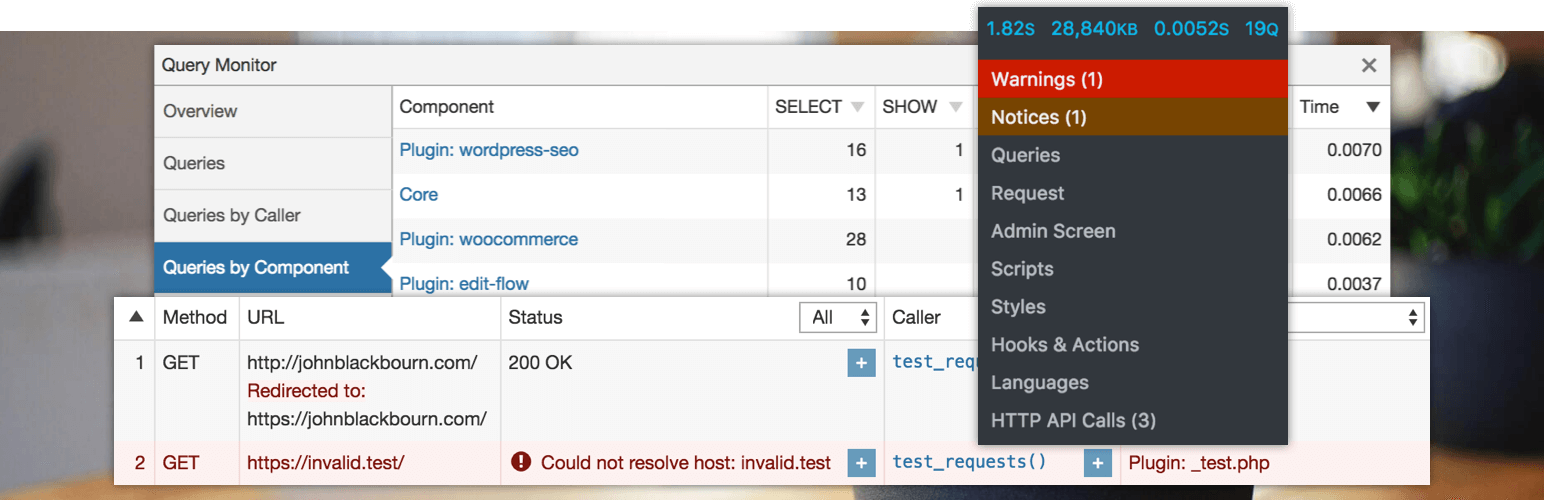
Query Monitor is the developer tools panel for WordPress and WooCommerce.
- 4.9★
- from 469 ratings
- 200k+
- active installs
- Updated
- Jun 2026
- Tested to
- WP 7.0.4
WPScore
13 plugins compared · Updated August 2026 · Debug Bar
Choosing a WordPress plugin for debug bar comes down to a few things: whether it is still actively maintained, whether real users rate it well, and whether it does the specific job you need without dragging the rest of the site down.
We ranked 13 plugins using our WPScore, which weighs the user rating (adjusted for how many people actually rated it), how many sites run it, how recently it was updated, and which WordPress version it is tested against. 13 of them have enough public data to be scored; the rest are listed below the ranked block, clearly marked, rather than being given a number we cannot justify.
How this list is funded. Some links here earn us a commission if you buy. It costs you nothing extra, and it does not move anything up the list — the order comes from the WPScore, which is calculated from public ratings, install counts and update history. See the method.
At a glance
Query Monitor is the developer tools panel for WordPress and WooCommerce.
WPScore
Adds a debug menu to the admin bar that shows query, cache, and other helpful debugging information.
WPScore
Extends the Query Monitor and Debug Bar plugins for ElasticPress queries.
WPScore
Black Bar is an unobtrusive Debug Bar for WordPress developers that attaches itself to the bottom of the browser window.
WPScore
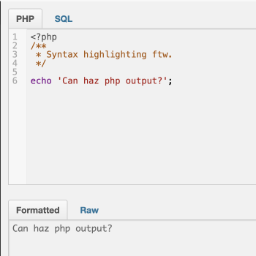
Adds a PHP/SQL console to the Debug Bar. Requires the Debug Bar plugin.
WPScore
Debug Bar Rewrite Rules adds a new panel to Debug Bar that displays information about WordPress Rewrites Rules (if used).
WPScore
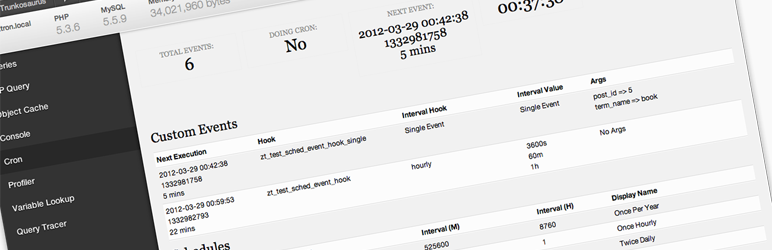
Debug Bar Cron adds a new panel to Debug Bar that displays information about WP scheduled events.
WPScore
[ ✅ 𝐒𝐄𝐂𝐔𝐑𝐄 𝐏𝐋𝐔𝐆𝐈𝐍𝐒 b𝓎 𝒫𝓊𝓋𝑜𝓍] You can easily enable WP_DEBUG using a toolbar button. READ DESCRIPTION!
WPScore
Log/Debug the PHP code in your Theme/Plugin with your Browser Console (no extension needed)
WPScore
Displays all the hooks( Actions and Filters ) for the current request in Debug Bar panel.
WPScore
Easily find out which actions and filters are the slowest during a page load.
WPScore
BlackBox is a plugin for plugin and theme developers. It collects and displays useful debug information (errors, executed queries, globals, profiler).
WPScore
Adds a Panel to the Debug Bar for Timber information
WPScore