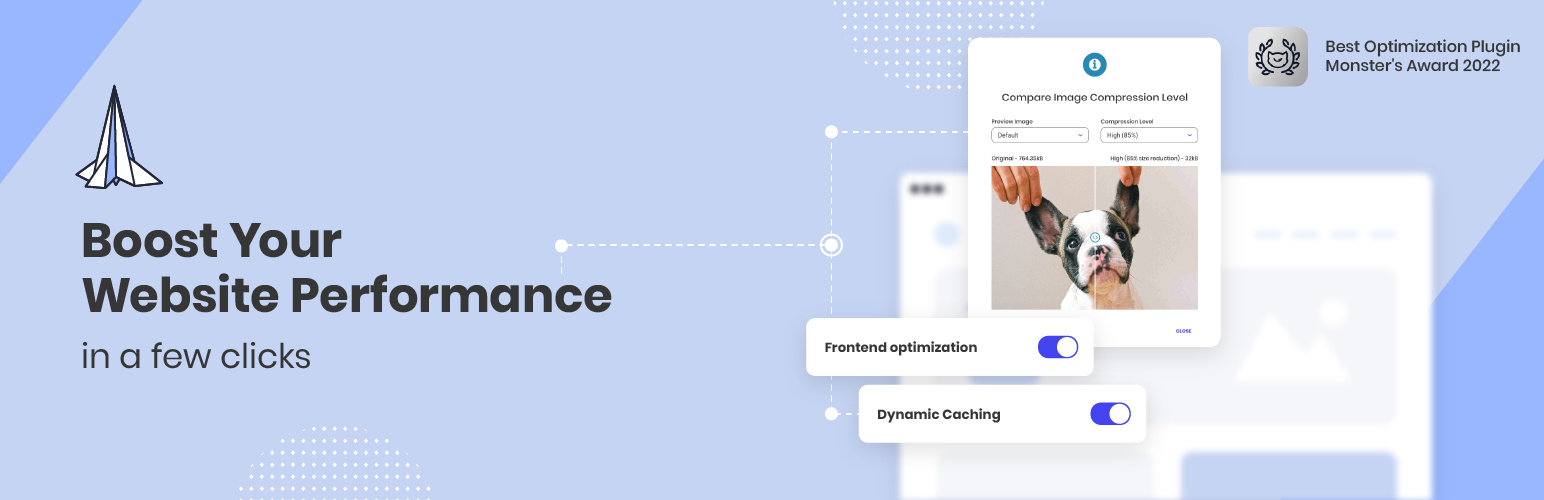
Boost your website performance and page speed, and increase conversions with powerful caching, frontend, media...
Free
1M+ installs 4.2★ (639)
By using this plugin, you can easily create an augmented reality viewer or 3D model viewer anywhere on your website.

The Augmented Reality Viewer is a WordPress plugin that allows you to display 3D models on your website. It integrates with both WordPress and Elementor, enabling users to create immersive augmented reality experiences without needing technical expertise.
This plugin is designed for website owners and developers who want to enhance user engagement by showcasing products or designs in a dynamic way. It offers customization options for the appearance and behaviour of the AR content, making it suitable for various applications.
Best for: This plugin suits e-commerce sites or portfolios that want to showcase products or designs in 3D.
What it does well
Where it falls short
The Augmented Reality Viewer provides a straightforward way to integrate 3D models into your site, but users may need to explore its features to fully understand its capabilities.
bdthemes's own description of Augmented Reality Viewer, lightly tidied.
Experience the power of augmented reality on your WordPress site with the AR Viewer plugin. Effortlessly display 3D models with seamless integration and advanced customization options, making it perfect for showcasing products, designs, or any 3D content.
Built with the model viewer project capabilities, the AR Viewer plugin supports both WordPress and Elementor page builder plugins. Now you can easily display 3D product tours to your audience on both platforms.
The AR Viewer WordPress plugin 💎 addresses several pain points for website owners and developers looking to integrate augmented reality (AR) into their sites.
Firstly, it simplifies the process of embedding AR experiences, eliminating the need for complex coding and technical expertise.
Secondly, the plugin offers extensive customization options, allowing you to tailor the AR experience to match your brand.
Thirdly, AR Viewer enhances user interaction and engagement on your site by providing immersive AR experiences.
With this amazing plugin, you can do many things such as 🔥
👍 Embed 3D models for products
👍 Tailor appearance and behavior of AR content
👍 Provide consistent AR experience on all devices
👍 Enhance user engagement
✔️ gITF and GLB models
✔️ Archives
✔️ Group and Folders
✔️ Custom lighting
✔️ HDR
✔️ Custom shadows
✔️ Immersive model viewer customizations
✨ Dynamic Viewing experience with real-time 3D models.
✨ Advanced panning and staging features with model manipulation.
✨ Full real-world-like Augmented Reality integration.
✨ WordPress shortcode and Elementor widget support.
✨ Lightweight & free plugin with tons of features.
Let’s talk about the features.
✅ 3D Model:- Add 3D models of your own choice and let users see real-time interactive images.
✅ AR View:- Turn your 3D models into Augmented Reality for an immersive experience.
✅ Custom Poster:- You can tailor the poster content of your AR image.
✅ Custom Environment:- Change the total display environment of your content and customize model placement.
✅ AR Model:- Choose your preferred AR model by model viewer project.
✅ Canvas:- Fully customize the display canvas for frontend presentation.
✅ Camera Settings:- Customize camera placement for your AR and 3D models.
✅ Light & Environment:- Adjust lighting and environmental elements to make your 3D model bloom in real time.
With AR 360-degree’s user-friendly interface and powerful customization options, you can create engaging and immersive experiences for your visitors directly within Elementor. Enjoy full flexibility and compatibility.
Other plugins for environmental organisations.
Boost your website performance and page speed, and increase conversions with powerful caching, frontend, media...

Free memory & server IP display, PHP EOL countdown, live CPU/RAM sparklines, server location, environment...

Automatically purge every server-side cache on your WordPress site — plugins, hosting environments, PHP, memor...

Use custom admin bar colors and favicons to differentiate your environments (staging/prod)

Turn off unwanted AI features and notifications in plugins, themes, and WordPress Core.

Displays WordPress 5.5's environment type setting in the admin bar and the "At a Glance" dashbo...