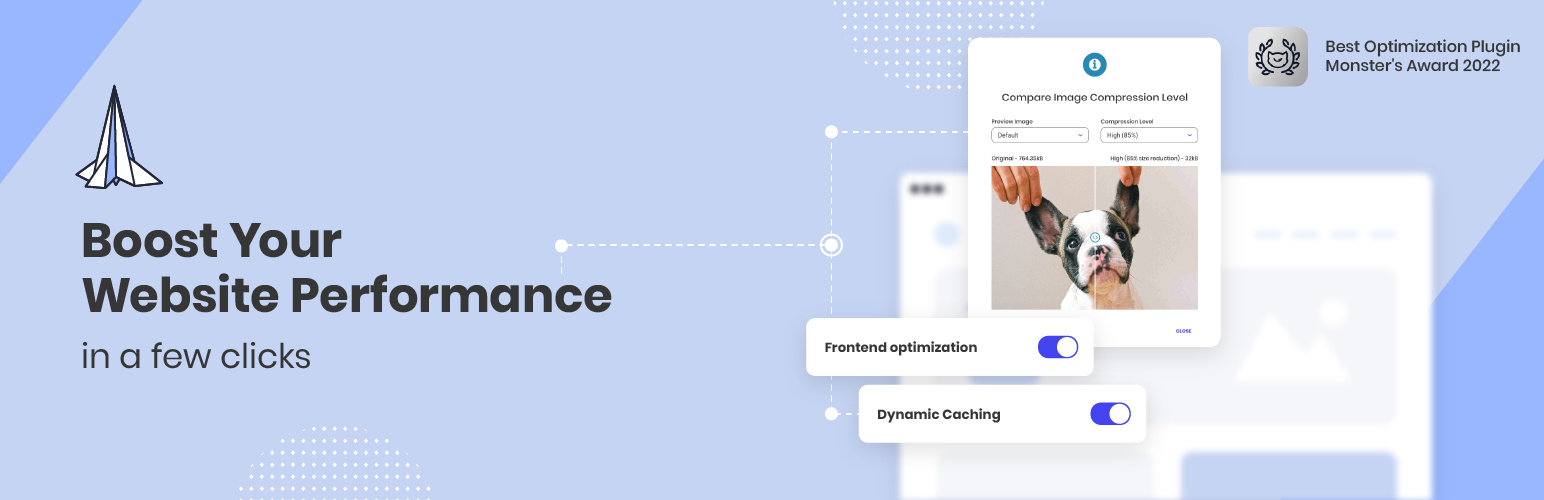
Boost your website performance and page speed, and increase conversions with powerful caching, frontend, media...
Free
1M+ installs 4.2★ (639)
Displays WordPress 5.5's environment type setting in the admin bar and the "At a Glance" dashboard widget.

Display Environment Type is a WordPress plugin that helps you identify the environment type of your site, such as development, staging, or production. It displays this information in the admin bar and the dashboard's 'At a Glance' widget, making it easier for site administrators to manage different environments.
This plugin is suitable for developers and site managers who need to quickly ascertain the environment in which they are working. It can be particularly useful for those managing multiple environments and wanting to avoid mistakes when making changes.
Best for: This plugin is best for developers and site managers working with multiple WordPress environments.
What it does well
Where it falls short
Display Environment Type offers a straightforward solution for identifying site environments. It is a useful tool for those managing development, staging, and production sites.
Stoil Dobreff's own description of Display Environment Type, lightly tidied.
WordPress 5.5 introduced a way to differentiate between environment types (development, staging, production). This plugin shows your site’s environment type in the admin bar and the dashboard “At a Glance” widget.
To gain additional control — for example, setting the environment or other values from the WP admin (when wp-config.php is writable) — consider installing our other plugin 0 Day Analytics.
Other plugins for environmental organisations.
Boost your website performance and page speed, and increase conversions with powerful caching, frontend, media...

Free memory & server IP display, PHP EOL countdown, live CPU/RAM sparklines, server location, environment...

Automatically purge every server-side cache on your WordPress site — plugins, hosting environments, PHP, memor...

Use custom admin bar colors and favicons to differentiate your environments (staging/prod)

Turn off unwanted AI features and notifications in plugins, themes, and WordPress Core.
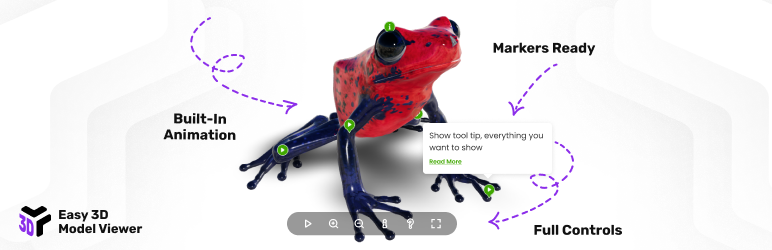
Interactive 3D model viewer with hotspots/markers, tooltips, animations, environment maps and realistic lighti...