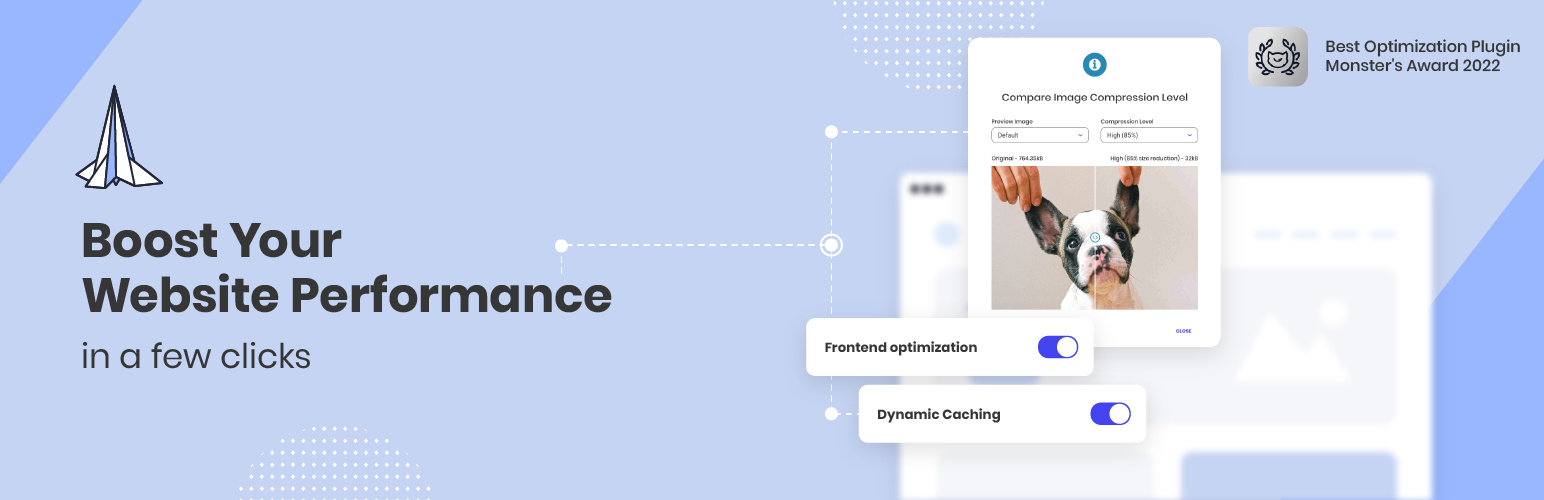
Boost your website performance and page speed, and increase conversions with powerful caching, frontend, media...
Free
1M+ installs 4.2★ (639)
Use custom admin bar colors and favicons to differentiate your environments (staging/prod)

Contextual Adminbar Color is a WordPress plugin that allows you to customise the admin bar colours to distinguish between different environments such as staging, preproduction, and production. It includes a settings screen where you can select from predefined colour schemes, add favicons, and display custom messages in the admin bar. The plugin is designed to be user-friendly and developer-friendly, with options to control visibility based on user roles.
This plugin is suitable for developers and site administrators who need a clear visual differentiation between various environments in WordPress. It helps ensure that users are aware of the environment they are working in, which can prevent mistakes during development or updates.
Best for: Developers and site administrators managing multiple WordPress environments.
What it does well
Where it falls short
Contextual Adminbar Color provides useful functionality for distinguishing between WordPress environments. It is straightforward to use and could be beneficial for those needing clear visual cues.
Jb Audras's own description of Contextual Adminbar Color, lightly tidied.
This plugins provides custom admin bar colors to differentiate environments (staging, preprod, production). It’s really easy to use and developer-friendly.
The plugin provides a settings screen which several options:
It also offers few PHP constants you can use in your wp-config.php file (see Frequently Asked Questions below).
Since WordPress Core will probably deprecate alternate admin color schemes in mid-term, this plugin is meant to be use by those who rely on colors to know is they are in staging, preproduction or production environment.
Last but not least, all provided color schemes are accessibility-ready!
Other plugins for environmental organisations.
Boost your website performance and page speed, and increase conversions with powerful caching, frontend, media...

Free memory & server IP display, PHP EOL countdown, live CPU/RAM sparklines, server location, environment...

Automatically purge every server-side cache on your WordPress site — plugins, hosting environments, PHP, memor...

Turn off unwanted AI features and notifications in plugins, themes, and WordPress Core.

Displays WordPress 5.5's environment type setting in the admin bar and the "At a Glance" dashbo...
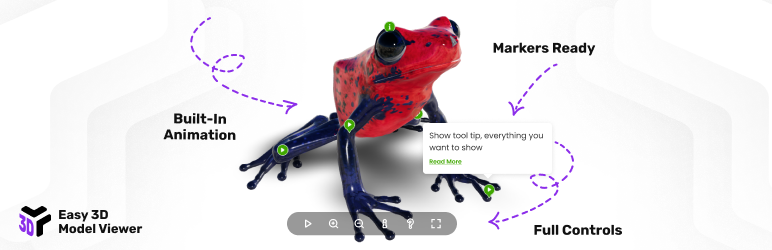
Interactive 3D model viewer with hotspots/markers, tooltips, animations, environment maps and realistic lighti...