
Easy to use Under Construction Page & Coming Soon Page. Enable Under Construction Mode in seconds & sh...
Free
600k+ installs 4.8★ (1,285)
View visitor stats and track user behavior from within WordPress. A Google Analytics plugin with dashboard reports and Google Tag Manager support.
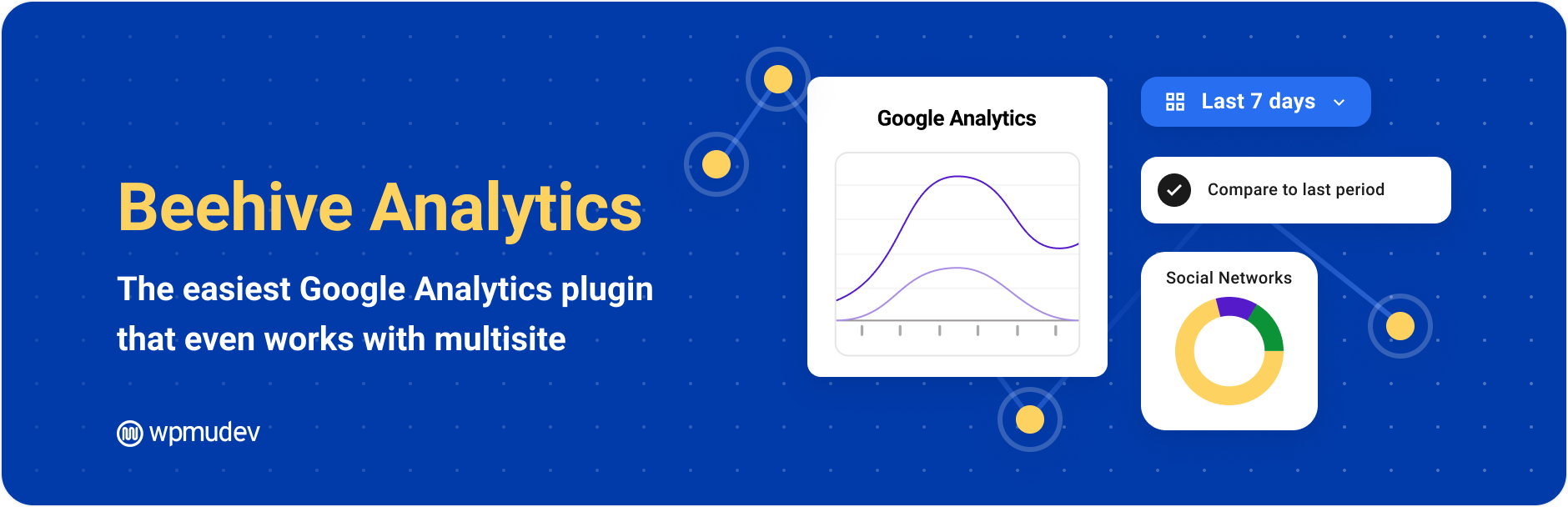
Beehive Analytics is a WordPress plugin that integrates Google Analytics directly into your WordPress dashboard. It allows you to track visitor statistics, monitor display ads, and view real-time traffic data without needing to navigate away from your admin area.
This plugin is suitable for both single-site users and those managing multisite networks, providing insights to optimise traffic and understand user behaviour. It features a guided setup for easy integration and offers various reporting options to suit different needs.
Best for: This plugin is best for WordPress site owners and developers looking for integrated analytics solutions.
What it does well
Where it falls short
Beehive Analytics offers a straightforward way to access Google Analytics data within WordPress, making it a practical choice for users wanting to streamline their analytics process.
WPMU DEV - Your All-in-One WordPress Platform's own description of Beehive Analytics, lightly tidied.
The smart, privacy-friendly way to add Google Analytics to WordPress. Track visitor stats, monitor display ads, and view your traffic dashboard, all from your WP admin.
Beehive brings your Google Analytics data right into your WordPress dashboard. No fuss, no confusing setup, just real-time stats and smart reports that actually make sense.
Whether you’re running a single site or managing a massive multisite network, Beehive gives you the insights you need to optimize traffic, track user behavior, and understand your audience, all in one place.
GA4 Integration: Connect Google Analytics 4 seamlessly.
Multisite-Ready: Track subsites with a single setup.
Google Tag Manager Support: Track how users interact with your site.
User-Role-Based Access Control: Restrict analytics access as needed.
Real-Time Reporting: Get instant insights into site traffic.
Customizable Reports: View the metrics that matter most.
Visual Data Insights: Graphs and trend analysis for easy tracking.
Top Content Tracking: See your best-performing pages instantly.
Visitor Geo Insights: View traffic sources on a world map.
Ad & Referral Tracking: Monitor Display Ads and referral links.
Privacy-Focused: Anonymize user IPs for GDPR compliance.
One-Click Setup Wizard: Get started quickly with guided setup.
Beehive isn’t just another Google Analytics plugin. It’s your all-in-one website analytics dashboard built for WordPress: designed for devs and data nerds who want deep insights, fast.
Connect Google Analytics 4 in minutes.
No code, no manual scripts. Just a guided setup wizard that makes it simple to link your GA4 property. Stay up-to-date with Google’s latest analytics standard and future-proof your tracking setup.
Your traffic data, where you need it.
Access key site metrics like sessions, pageviews, bounce rate, traffic sources, and user behavior, directly inside your WP admin. No more switching tabs or logging into external tools.
Measure the impact of your Google Display Ads.
Track ad clicks, impressions, and referral traffic so you know exactly what’s driving results and where to double down. Perfect for marketers and publishers who want clarity on ROI.
Advanced tracking, made simple.
Easily connect GTM to set up event tracking, measure conversions, and monitor deeper user interactions, all without touching your theme files. Ideal for developers and power users who want total flexibility.
Other plugins for measuring traffic.
Easy to use Under Construction Page & Coming Soon Page. Enable Under Construction Mode in seconds & sh...

Manage Google AdSense ads, banners, ad rotation, sticky widgets, AMP ads, ads.txt, tracking, header and footer...

The best free Google Analytics plugin for WordPress. See how visitors find and use your website so you can gro...

Great looking maintenance, coming soon & under construction pages. Put your site under maintenance in minu...

Easily add tracking code snippets, conversion pixels, or other scripts required by third party services for an...

Adds Google Analytics tracking code to your WordPress site. Supports many tracking features.