
FluentCRM
91The easiest and fastest Email Marketing, Newsletter, Marketing Automation Plugin & CRM Solution for WordPr...
Free
80k+ installs 4.8★ (249)
Disable unwanted blocks and patterns, organize blocks by changing categories - complete control over your WordPress Block Editor experience.

Block Manager is a WordPress plugin that provides users with control over the Block Editor. It allows you to disable unwanted blocks and patterns, reorganise block categories, and streamline your editing experience. This plugin is particularly useful for client sites, custom workflows, and anyone looking to maintain a clean Block Editor interface.
With features such as the ability to globally remove blocks, hide specific block patterns, and update block categories, Block Manager helps you tailor the editing environment to suit your needs. It includes additional functionalities like code hooks for advanced users, a search feature for easy navigation, and options for exporting settings across different environments.
Best for: This plugin suits WordPress users who want to customise their Block Editor for specific workflows or client needs.
What it does well
Where it falls short
Block Manager offers practical tools for managing the Block Editor, making it a valuable addition for users seeking a more organised editing experience.
Darren Cooney's own description of Block Manager, lightly tidied.
Block Manager gives you complete control over the WordPress Block Editor by allowing you to:
✅ Disable Blocks – Remove unwanted blocks from the Block Inserter and Editor
✅ Disable Patterns – Hide block patterns you don’t need with a single click
✅ Change Block Categories – Reorganize blocks by updating their categories for better workflow
Simplify your WordPress editing experience by removing clutter and organizing blocks exactly how you need them. Perfect for client sites, custom workflows, and maintaining a clean, focused Block Editor.
Disable Blocks
– Globally remove any block from the Block Inserter and Block Editor.
– Disable block variations individually while keeping the core block.
– Control Embed blocks (Twitter, Facebook, YouTube, etc.) to remove unwanted options.
– Toggle entire block categories on/off with one click.
Disable Block Patterns
– Remove unwanted block patterns with a simple toggle.
– Hide core WordPress patterns that don’t fit your site.
– Clean up the pattern library for a focused editing experience.
Change Block Categories
– Update the category of any block to better organize your Block Inserter.
– Create a custom workflow that matches your editing process.
– Improve findability by grouping related blocks together.
Additional Features
– Code Hooks: Use filters to control blocks and patterns via functions.php.
– Search and Filter: Quickly locate blocks and patterns with built-in search.
– Export Options: Generate code snippets for syncing across environments.
– Status Reports: View active and disabled blocks at a glance.
Use Block Manager hooks to controls blocks via code and sync options across multiple WordPress environments.
Use the gbm_disabled_blocks hook to remove blocks via backend code.
// functions.php
add_filter( 'gbm_disabled_blocks', function() {
    return [
        'core/buttons',
        'core/columns',
        'core/freeform',
        'core/table'
    ];
});
Use the gbm_disabled_patterns hook to remove block patterns via backend code.
// functions.php
add_filter( 'gbm_disabled_patterns', function() {
   return ['gbm/core-patterns', 'core/query-standard-posts', 'core/query-medium-posts'];
});
Other plugins for automating workflows.
The easiest and fastest Email Marketing, Newsletter, Marketing Automation Plugin & CRM Solution for WordPr...
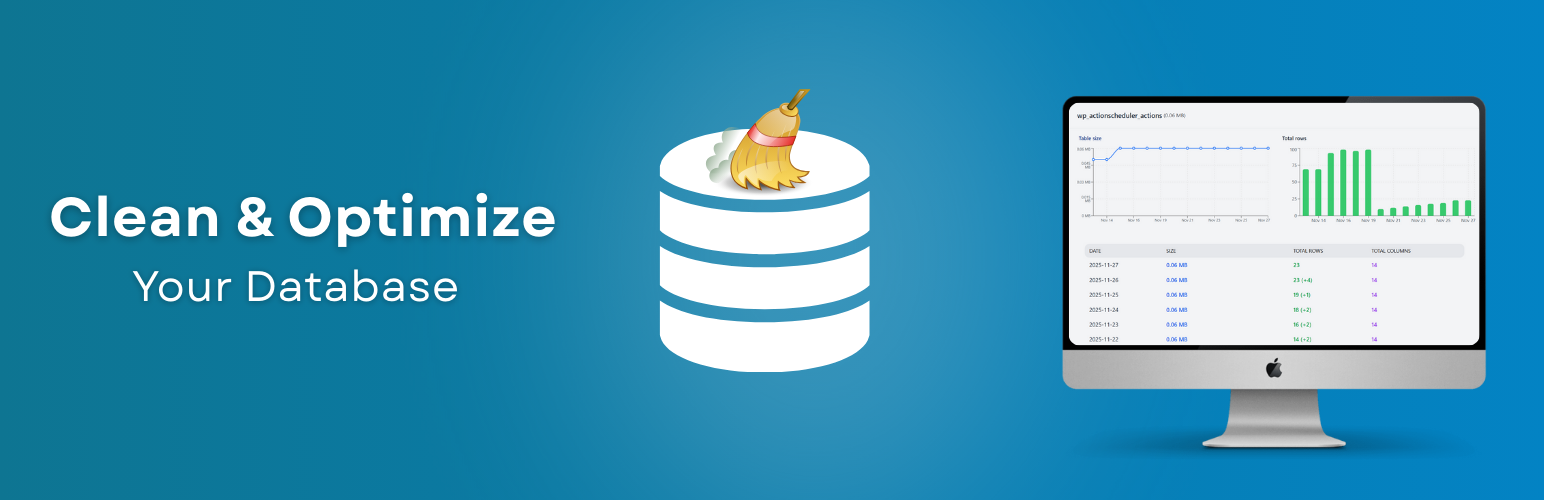
Clean database by deleting orphaned data such as 'revisions', 'expired transients', optimi...

Free email automation, email campaigns, exit intent popup builder, gamified popups with spin the wheel, contac...

Send beautiful newsletters from WordPress. Collect subscribers with signup forms, automate your emails for Woo...
Experience the power of automation within WordPress: Connect 1,500+ apps, automate manual tasks, and unlock yo...

Newsletters, Email Marketing, Email Automation, Forms, Pop Up, SMS by Omnisend