Cargus
Use Cargus delivery methods to ship and deliver your orders.

The facts
- Rating
- 2★ from 4
- Active installs
- 700+
- Price
- Free
- Last updated
- 23 Mar 2026
- Added
- Jul 2022
- Requires WP
- 5.0
- Tested up to
- WP 6.9.7
- Requires PHP
- 7.4
- Downloads
- 15,239
Our analysis
AI-assistedCargus is a WordPress plugin designed for cargo delivery, enabling users to manage shipping methods and create AWBs for orders delivered via Cargus. It requires users to sign up on the urgentcargus.portal and follow specific steps to obtain the necessary API keys before installation and configuration.
This plugin is suitable for eCommerce sites using WooCommerce that need a dedicated shipping method for Cargus deliveries. It is a rebranding of the UrgentCargus plugin, and users must uninstall the previous version before installing Cargus.
Best for: This plugin is best for eCommerce sites using WooCommerce that require Cargus as a shipping option.
What it does well
- ✓Enables cargo delivery management
- ✓Facilitates creation of AWBs for orders
- ✓Comes with thorough documentation for setup and customization
Where it falls short
- •Requires uninstallation of the UrgentCargus plugin before use
- •Setup involves multiple steps for API key acquisition
- •Low rating may indicate user dissatisfaction
Verdict
Cargus provides essential shipping functionality for WooCommerce, but its setup complexity and low user rating may be concerns for potential users.
From the developer
Cargus eCommerce's own description of Cargus, lightly tidied.
Cargo delivery. Enables the use of Cargus as a shipping method, management and creation of awbs for orders delivered with Cargus.
Important!! The Cargus plugin comes as a rebranding for the existing UrgentCargus plugin. Before installing the Cargus plugin, if the UrgentCargus plugin is present on your site, it must be uninstalled first and only after that you can install, activate and configure the Cargus shipping plugin!
Before you are able to use the Cargus plugin you must do the following:
– Access urgentcargus.portal.
– Click the ‘Sign up’ button and fill in the form (you can not use the credentials that the client has for WebExpress).
– Confirm your registration by clicking on the link you received by mail (a real email address should be used).
– On the urgentcargus.portal page, click on PRODUCTS in the menu, then UrgentOnlineAPI and click ‘Subscribe’, then ‘Confirm’.
– After the Cargus team confirms subscription to the API, the customer receives a confirmation email.
– On the urgentcargus.portal page, click on the user name at the top right, then click Profile'.
- The two subscription keys are masked by the charactersxxx … xxxand 'Show in the right of each for display.
– It is recommended to use Primary key in the Cargus module.
You can find the documentation here. The documentation contains all the steps necessary in order to get the required api key, download, install and configure the Cargus plugin. In the documentation you will also find information on how to use and easily customize the plugin using the provided hooks.
Tagged as
industry
Knowledge Base & Documentation
feature
Thorough Documentation
Alternatives
Other plugins for documentation and knowledge bases.

BetterDocs
87Documentation, FAQ & Knowledge Base plugin to create docs, FAQs, product FAQ, wikis & help center with...
Free
30k+ installs 4.8★ (511)
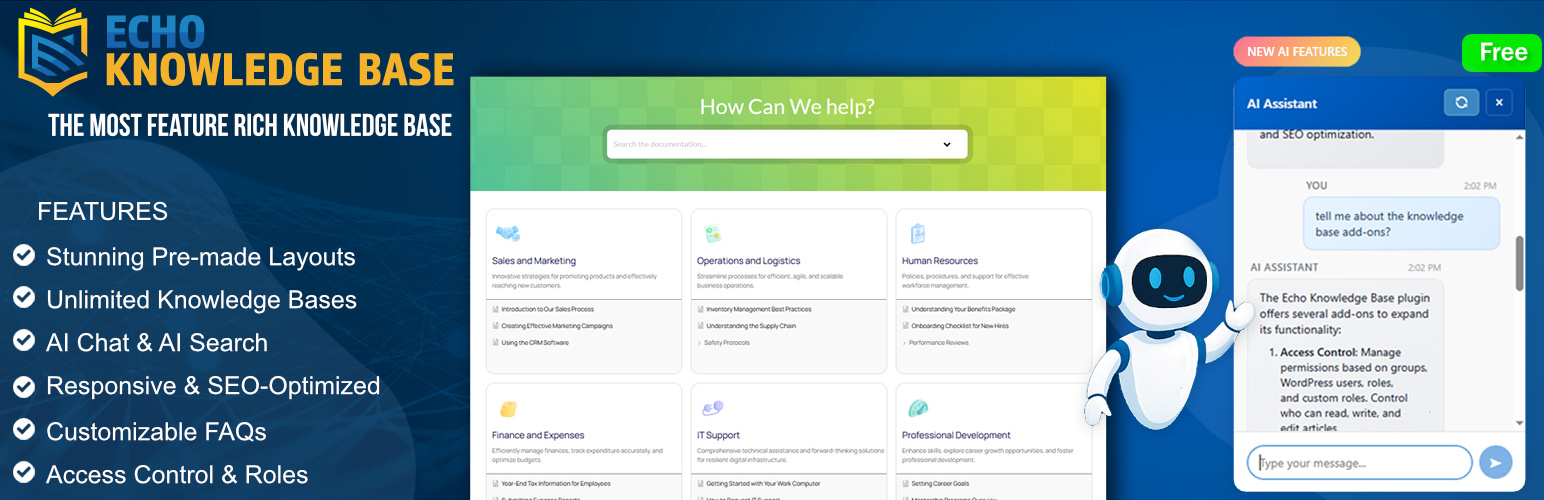
A fully featured, easy-to-use documentation plugin with AI chat, search, FAQs, and quizzes. Build beautiful kn...
Free
10k+ installs 4.9★ (123)

Use this service plugin to easily activate any of our products, open a support ticket and view documentation a...
Free
10k+ installs 5★ (3)
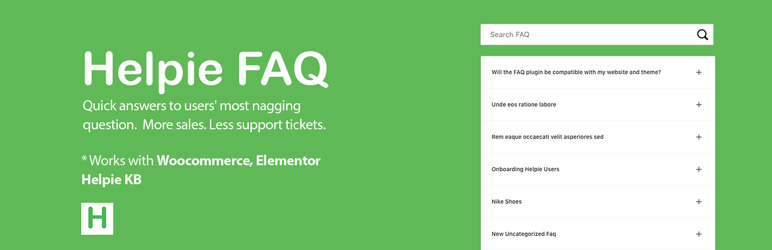
Helpie FAQ
83Accordion , FAQ & Docs builder with Drag and Drop features. Helpie Accordion FAQ plugin works with Helpie...
Free
9k+ installs 4.5★ (80)

WordPress polls plugin with multiple-choice, custom answers, cache compatibility, widgets, and shortcodes. Doc...
Free
7k+ installs 4.6★ (86)