Show Pages IDs
This plugin will show the IDs of posts and pages on the admin bar and on the admin panel.
- 5★
- from 101 ratings
- 10k+
- active installs
- Updated
- Aug 2026
- Tested to
- WP 7.1
WPScore
15 plugins compared · Updated August 2026 · Admin Bar
Choosing a WordPress plugin for admin bar comes down to a few things: whether it is still actively maintained, whether real users rate it well, and whether it does the specific job you need without dragging the rest of the site down.
We ranked 15 plugins using our WPScore, which weighs the user rating (adjusted for how many people actually rated it), how many sites run it, how recently it was updated, and which WordPress version it is tested against. 15 of them have enough public data to be scored; the rest are listed below the ranked block, clearly marked, rather than being given a number we cannot justify.
How this list is funded. Some links here earn us a commission if you buy. It costs you nothing extra, and it does not move anything up the list — the order comes from the WPScore, which is calculated from public ratings, install counts and update history. See the method.
At a glance
This plugin will show the IDs of posts and pages on the admin bar and on the admin panel.
WPScore
Change your dashboard language quickly and easily from the admin bar as often as you need.
WPScore
Hide the WordPress admin bar for specific user roles, capabilities, devices or pages. Remove the toolbar for subscribers, customers & guests.
WPScore
Hides the WordPress toolbar (admin bar) for all non-admin users. Simple plugin with no settings to configure.
WPScore
This plugin adds an auto-hide feature to the WordPress Admin Bar or Toolbar.
WPScore
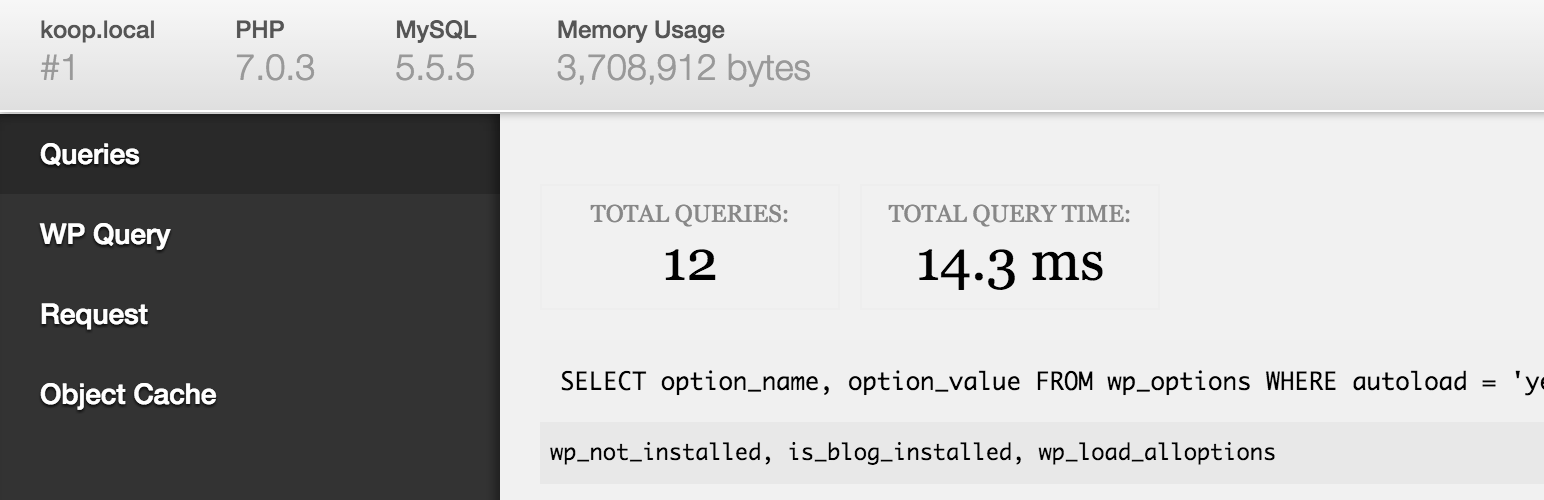
Adds a debug menu to the admin bar that shows query, cache, and other helpful debugging information.
WPScore
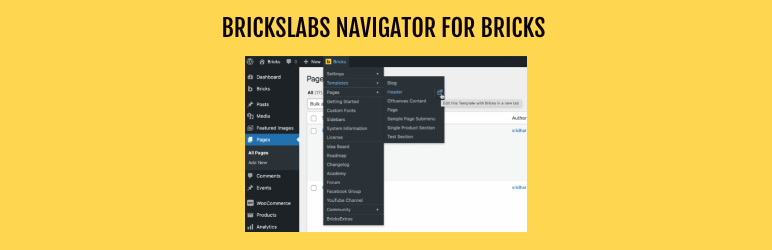
Adds quick links in the WordPress admin bar for users of Bricks theme.
WPScore
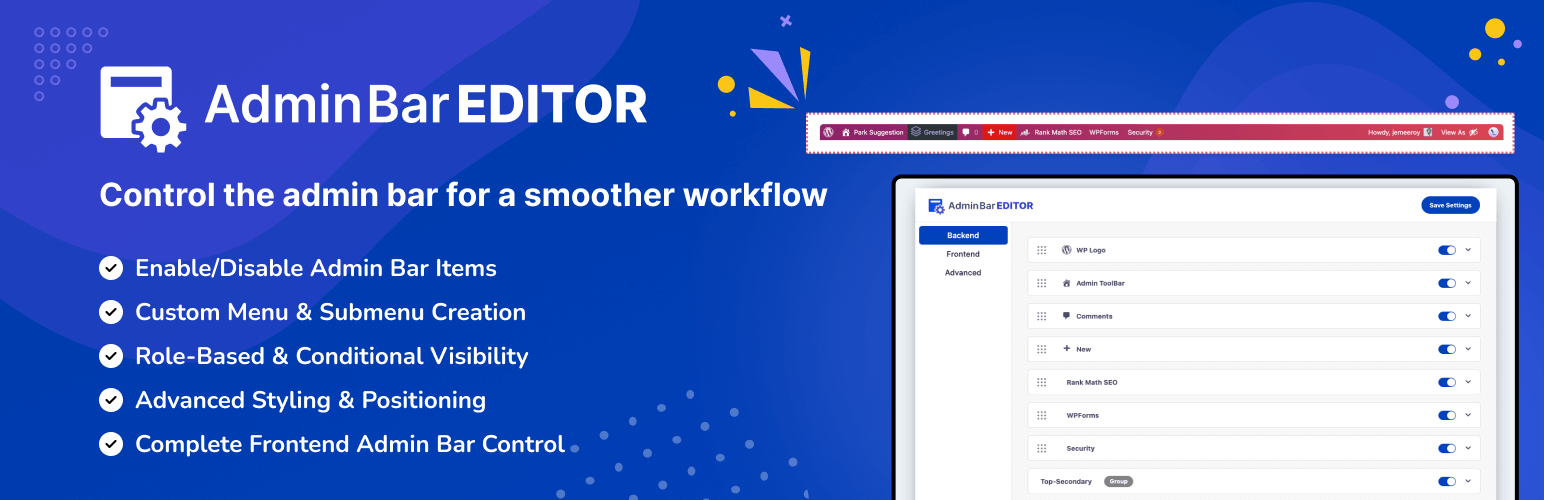
Take full control of your WordPress admin bar: hide items, reorder menus, and design a cleaner toolbar for every user.
WPScore
Stick the WordPress admin bar to the bottom of the screen. Hide it with SHIFT + Down Arrow keyboard shortcut.
WPScore
Show your logo anywhere: theme header, login screen, admin bar and emails. Retina, dark mode, mobile, sticky, scheduled and per-page logos.
WPScore
Remove admin bar logo wp from the admin-bar.
WPScore
Clear all cache sources in one click from the WordPress admin bar, including WP cache, transients, sessions, browser cache.
WPScore
Use custom admin bar colors and favicons to differentiate your environments (staging/prod)
WPScore
Puts all your pages and posts into the admin bar so you can simply hover, view & edit anything in one click.
WPScore
Allows you to to change the login image, admin bar logo and admin footer text.
WPScore