
FluentCRM
91The easiest and fastest Email Marketing, Newsletter, Marketing Automation Plugin & CRM Solution for WordPr...
Free
80k+ installs 4.8★ (249)
Effortlessly publish Google Docs to WordPress, preserving formatting and structure for a streamlined content workflow
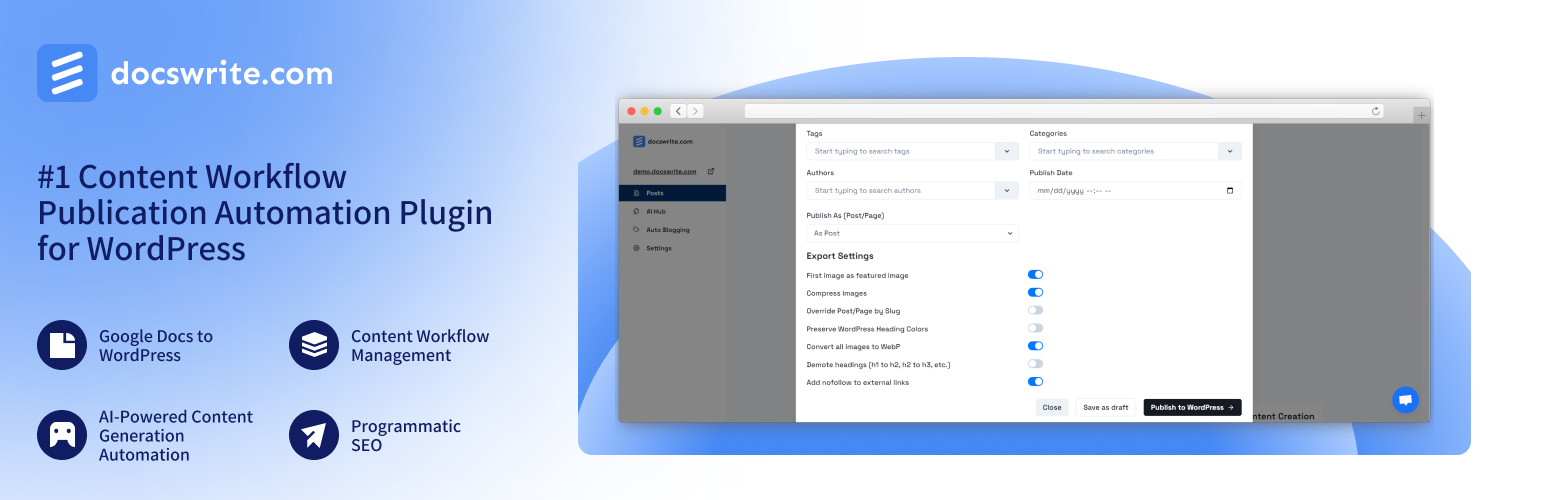
Docswrite is a WordPress plugin designed for editorial and content teams to streamline the publication process. It connects your WordPress site with Docswrite, enabling the import of Google Docs and automating content management tasks. This tool is particularly useful for teams looking to enhance their workflow and save time on content distribution.
With features like bulk publishing, content workflow management, and programmatic SEO, Docswrite aims to facilitate the efficient creation and management of content. It also supports ACF, Rank Math, and Yoast SEO, making it suitable for users focused on search engine optimisation.
Best for: Content teams and website owners looking to streamline their publishing process.
What it does well
Where it falls short
Docswrite offers a range of features aimed at improving content management for teams, though details on user experience are limited.
docswrite's own description of Docswrite, lightly tidied.
Docswrite is a powerful tool for editorial and content teams. It automates and optimizes content publication, making it easier for teams to manage and publish content consistently. Whether you’re editing blog posts, articles, or any other type of content, Docswrite integrates seamlessly with your WordPress site to enhance your content management workflow.
This plugin allows you to connect your WordPress website to Docswrite, a platform offering seamless content transformation from Google Docs to WordPress. With this integration, website owners can save hundreds of hours per month by simplifying the content distribution process.
Join hundreds of content teams that use Docswrite! Interested to know the difference between us and our competitors? Check out the full details and insights from each challenge on our blog:
Discover how Docswrite stacks up against other solutions:
Want to see these comparisons in action? Check out our YouTube channel for visual breakdowns:
Activate the plugin from the Plugins menu in your WordPress admin panel.
Have an account at Docswrite.
After Docswrite is activated, click on “Connect” and you will be redirected to Docswrite.
If you have an account with Docswrite, your website will be automatically registered. If not, you will be redirected to the signup page.
Once connected, go to the Docswrite dashboard and start your publishing journey.
Happy publishing!
For support or inquiries, please visit Docswrite Support or contact us at team@docswrite.com
Other plugins for automating workflows.
The easiest and fastest Email Marketing, Newsletter, Marketing Automation Plugin & CRM Solution for WordPr...

Clean database by deleting orphaned data such as 'revisions', 'expired transients', optimi...

Free email automation, email campaigns, exit intent popup builder, gamified popups with spin the wheel, contac...

Send beautiful newsletters from WordPress. Collect subscribers with signup forms, automate your emails for Woo...

Experience the power of automation within WordPress: Connect 1,500+ apps, automate manual tasks, and unlock yo...

Newsletters, Email Marketing, Email Automation, Forms, Pop Up, SMS by Omnisend