
Integration-CMB2-qTranslate
CMB2 and qTranslate X integration.

The facts
- Rating
- 5★ from 3
- Active installs
- 100+
- Price
- Free
- Last updated
- 16 Apr 2016
- Added
- Sep 2015
- Requires WP
- 4.0
- Tested up to
- WP 4.3.34
- Downloads
- 3,440
Our analysis
AI-assistedCMB2-qTranslate is a WordPress plugin designed for integrating CMB2 with qTranslate X. It adds language switch buttons above selected CMB2 fields, allowing content to be translated easily. The plugin supports various CMB2 field types, including input, textarea, wysiwyg, and repeatable field groups.
To make a field translatable, you need to add the .cmb2-qtranslate class or use the data-cmb2-qtranslate attribute for non-WYSIWYG fields. This plugin is suitable for developers who are using CMB2 and qTranslate X to create multilingual content in WordPress.
Best for: Developers creating multilingual WordPress sites using CMB2 and qTranslate X.
What it does well
- ✓Integrates CMB2 with qTranslate X
- ✓Supports multiple CMB2 field types
- ✓Allows easy content translation
Where it falls short
- •Limited information on usage and setup
- •Requires both CMB2 and qTranslate X to function
Verdict
CMB2-qTranslate provides a straightforward solution for integrating translation features into CMB2 fields, though it requires additional plugins and has limited documentation.
From the developer
jmarceli's own description of Integration-CMB2-qTranslate, lightly tidied.
CMB2-qTranslate is WordPress plugin for CMB2 and qTranslate X integration. Adds language switch buttons above selected CMB2 fields to make content translatable.
For updated docs please refer to the Github project page https://github.com/jmarceli/integration-cmb2-qtranslate.
Supported CMB2 field types:
- input
- textarea
- wysiwyg
- repeatable field groups
In order to make field translatable add .cmb2-qtranslate class to it. For non-WYSIWYG fields you may prefer to use data-cmb2-qtranslate which is also supported (since 0.0.3 version).
Usage example
WYSIWYG field:
> $field1 = $cmb_demo2->add_field( array(
>   'name' => __( 'SECOND Text', $this->plugin_slug ),
>   'desc' => __( 'field description (optional)', $this->plugin_slug ),
>   'id' => $prefix . $this->plugin_slug . '_second_text',
>   'class' => 'cmb2',
>   'type' => 'wysiwyg',
>   'options' => array(
>     'editor_class' => 'cmb2-qtranslate'
>   )
> ) );
Other fields:
> $field2 = $cmb_demo->add_field( array(
>   'name' => __( 'Text Small', $this->plugin_slug ),
>   'desc' => __( 'field description (optional)', $this->plugin_slug ),
>   'id' => $prefix . $this->plugin_slug . '_textsmall',
>   'class' => 'cmb2',
>   'type' => 'text',
>   'attributes' => array(
>     'class' => 'cmb2-qtranslate'
>   )
> ) );

> // You may also use data-attributes instead of class to trigger qTranslate for the field
> // however it is not supported by WYSIWYG field (WordPress limitation)

> $field2 = $cmb_demo->add_field( array(
>  'name' => __( 'Text Small', $this->plugin_slug ),
>  'desc' => __( 'field description (optional)', $this->plugin_slug ),
>  'id' => $prefix . $this->plugin_slug . '_textsmall',
>  'class' => 'cmb2',
>  'type' => 'text',
>  'attributes' => array(
>    'data-cmb2-qtranslate' => true
>  )
> ) );
Detailed info about field creation could be found in CMB2 project documentation (https://github.com/WebDevStudios/CMB2/wiki).
Usage on custom Theme Options Page:
See https://github.com/qTranslate-Team/qtranslate-x/wiki/Custom-page-(plugin)-integration
You should define at least one form field in $admin-config array to trigger qTranslate LSB on your custom Theme Options Page. In other case you will end up with not working LSB. It happens because by default qTranslate is available only on specific pages: content pages, general options and maybe some others, but not your custom page (if you will create one).
Requirements/Dependencies
- CMB2 (https://pl.wordpress.org/plugins/cmb2/)
- qTranslateX (https://pl.wordpress.org/plugins/qtranslate-x/)
Links
Tagged as
industry
Knowledge Base & Documentation
Alternatives
Other plugins for documentation and knowledge bases.

BetterDocs
87Documentation, FAQ & Knowledge Base plugin to create docs, FAQs, product FAQ, wikis & help center with...
Free
30k+ installs 4.8★ (511)
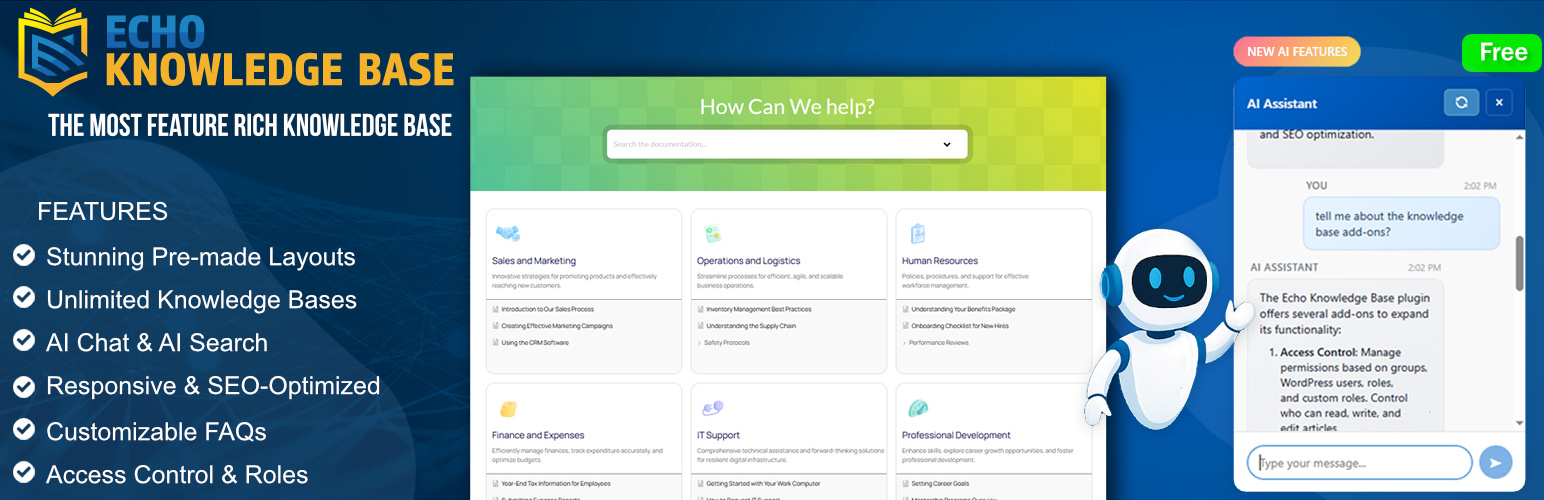
A fully featured, easy-to-use documentation plugin with AI chat, search, FAQs, and quizzes. Build beautiful kn...
Free
10k+ installs 4.9★ (123)

Use this service plugin to easily activate any of our products, open a support ticket and view documentation a...
Free
10k+ installs 5★ (3)
Helpie FAQ
83Accordion , FAQ & Docs builder with Drag and Drop features. Helpie Accordion FAQ plugin works with Helpie...
Free
9k+ installs 4.5★ (80)

WordPress polls plugin with multiple-choice, custom answers, cache compatibility, widgets, and shortcodes. Doc...
Free
7k+ installs 4.6★ (86)