
WhatsApp chat, Facebook Messenger, Telegram, TikTok, Instagram, Email, Line, WeChat Phone call, SMS, 20+ live...
Free
300k+ installs 5★ (1,240)
Live chat and help desk software plugin for WooCommerce. Add live chat to your WooCommerce store to connect immediately with customers.
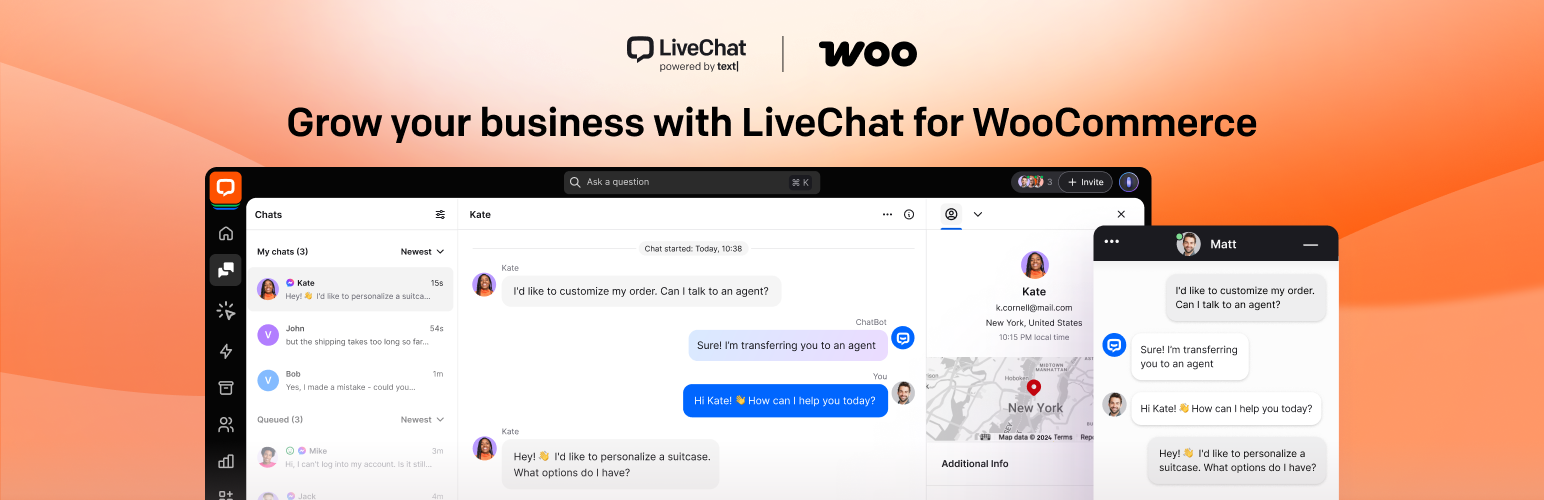
The Live Chat Plugin for WooCommerce by Text enables direct communication between you and your customers on your WooCommerce site. It allows you to address customer inquiries instantly, which can help increase confidence in making purchases. The plugin features automated messages, chat invitations, and visitor analytics to enhance customer engagement and provide insights into sales trends.
This plugin is suitable for WooCommerce store owners looking to improve customer support and boost sales through real-time interaction. It includes a built-in ticketing system for offline communication and integrates with various third-party applications like Mailchimp and Zendesk.
Best for: WooCommerce store owners seeking to enhance customer support and increase sales.
What it does well
Where it falls short
The Live Chat Plugin for WooCommerce provides essential tools for engaging with customers in real-time, making it a practical choice for improving online sales and support.
Text's own description of Live Chat Plugin for WooCommerce, lightly tidied.
With the live chat plugin for WooCommerce by Text, you allow customers to talk to you directly from your WooCommerce website. Address any questions instantly, and send prompt replies about shipping or return policies to give customers the confidence needed to complete a purchase.
The live chat plugin for WooCommerce by LiveChat combines a variety of features into one seamless interface:
– Set up automated messages to proactively contact customers when they get stuck on the checkout page.
– Increase customer engagement with one of the key features brought to you by LiveChat – chat invitations.
– Browse the archive, visitor analytics, and live chat surveys to discover sales insights.
Enrich the visual side of your store with our modern chat window, neatly looking eye-catchers, and chat buttons. Choose a theme, pick a color, display your logo, and add a lot more tweaks to your chat widget. Provide customers with a better shopping experience and increase sales using the live chat plugin for WooCommerce by LiveChat.
LiveChat comes with a built-in ticketing system to provide customer support after office hours. Manage all your offline communication without using any additional software.
LiveChat integrates with popular third-party apps, including Mailchimp, Zendesk, HubSpot, and more.
Engage website visitors in real time. Offer assistance, capture new sales opportunities, and close more deals thanks to our WooCommerce plugin. See your customer’s cart contents to increase conversions with returning buyers.
Install our live chat plugin to add a live chat option to your WooCommerce store. This will automatically embed the live chat code on all your WooCommerce store pages. Once you’ve installed LiveChat, download our desktop app for Windows or Mac OS. Use our web-based app if you prefer, with no additional software required to make it work. Chat on the go. Don’t make your customers wait and talk to them wherever you are, thanks to our iOS and Android apps.
With this WooCommerce plugin, there are many other features that can help you close more sales and satisfy more customers; you can see all of them here.
Other plugins for customer support.
WhatsApp chat, Facebook Messenger, Telegram, TikTok, Instagram, Email, Line, WeChat Phone call, SMS, 20+ live...

AI meets WordPress. Your site can now chat, write poetry, solve problems, and maybe make you coffee.

AI powered SEO assistant & content writer with 40+ templates, chatbot, NLP keyword research, AEO, GEO, SEO...

AI chatbot agent & human live chat for customer support, FAQ, chat buttons including WhatsApp with Chatway...
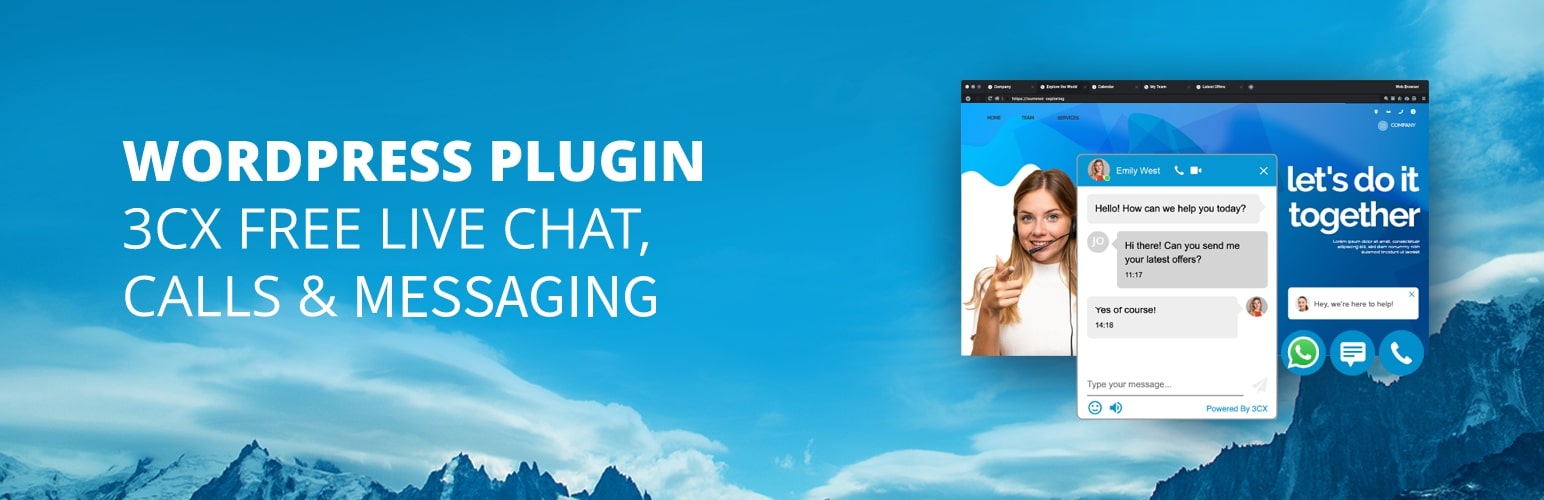
Chat with your website visitors in real-time for free! Engage with your customers and increase sales.
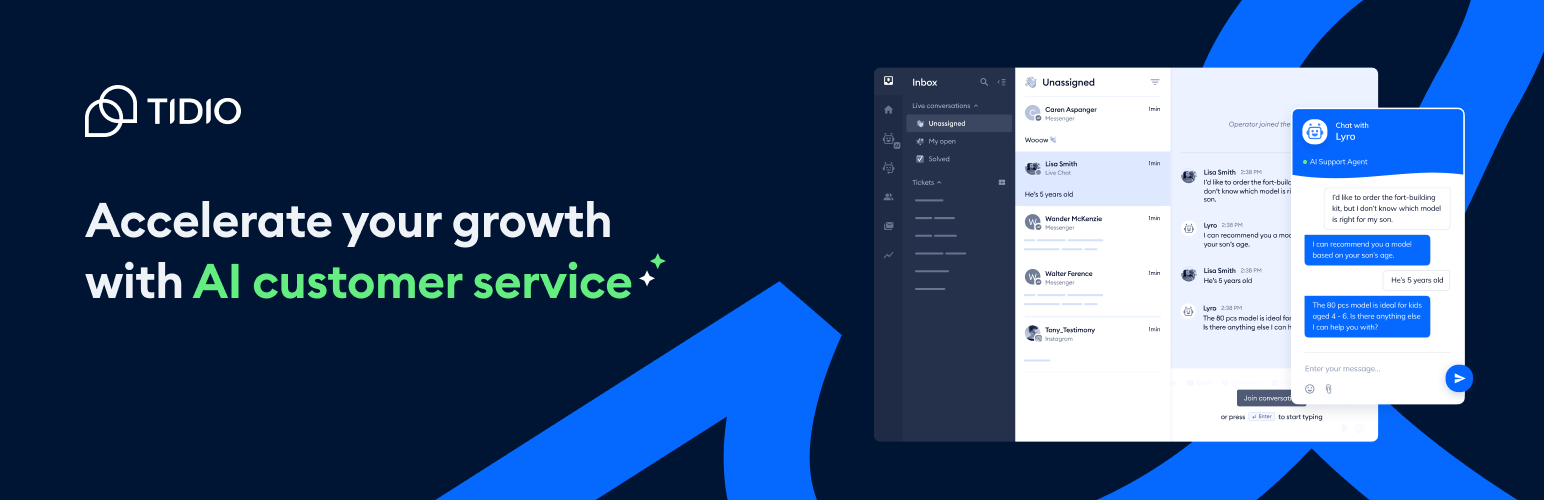
Add Tidio Live Chat to your WordPress for free to answer customers’ questions, engage website visitors, genera...