
WPThumbs
Themes Plugins By purpose By industry Best-of lists Fix it guides
Free Plugin by kdrazkiewicz v1.0.0

LiveSession

LiveSession is a session replay tool that will help you learn more about your users. You can watch how they interact with your website.

LiveSession

The facts

Rating
5★ from 1
Active installs
100+
Price
Free
Last updated
19 Jul 2021
Added
Oct 2020
Requires WP
4.6
Tested up to
WP 5.7.17
Requires PHP
5.6
Downloads
70,793

Our analysis

AI-assisted

LiveSession is a WordPress plugin that records visitor sessions on your website, enabling you to observe user interactions such as mouse movements, scrolls, and clicks. The recordings can be filtered by various criteria, including location and engagement score, allowing for targeted analysis of user behaviour.

This tool is suitable for UX designers, marketing professionals, and customer support teams, helping them to understand user experience and improve website performance through detailed session analysis and insights.

Best for: This plugin is best for professionals involved in UX design, marketing, and customer support.

What it does well

  • Records all visitor interactions, including mouse movements and clicks
  • Filters sessions by engagement score and other criteria
  • Includes features like rage clicks and error clicks detection
  • Provides clickmaps and engagement heatmaps for analysis
  • Integrates with other analytics tools

Where it falls short

  • Limited information on specific integrations
  • Data on user experience is dependent on session volume
  • Directory score indicates potential areas for improvement

Verdict

LiveSession offers a comprehensive way to analyse user interactions on your website, but its effectiveness may depend on the volume of recorded sessions and the quality of data integration.

From the developer

kdrazkiewicz's own description of LiveSession, lightly tidied.

LiveSession is a session replay tool that will help you learn more about your users. You can watch how they interact with your website. The sessions can be filtered according to different variables, including location, devices, browsers, engagement score,and many more.

LiveSession is a great solution for UX designers, marketing professionals, customer support teams, and everyone who works with websites.

This plugin allows you to install LiveSession on your WordPress website.

Features

  • Always-on session recordings – The software records everything the visitor does on the website, including mouse movements, scrolls, and clicks. The sessions can be replayed, rewatched, and analyzed later. You can see exactly what your user sees, just like you’re sitting next to them.
  • Engagement score – When you record a lot of sessions, it’s time-consuming to go through all of them one by one. Thanks to the engagement score, you can filter the most interesting recordings automatically.
  • Custom properties – Would you like to identify the users you’re watching? It’s possible with custom properties. You can import data from other analytics tools and add more context to your sessions.
  • Inspect mode – Track how users interact with particular elements of your website. Inspect mode allows you to find sessions that contain what you’re looking for.
  • Rage clicks and error clicks – Rage clicks detect JavaScript errors, while error clicks are recorded when the user clicks on something very fast and repeatedly. These two features will help you spot points of frustration.
  • Clickmaps – Clickmap allows you to see what elements of your website were clicked and how many times in a retroactive fashion. You can view aggregated click values from multiple sessions for a given section during session playbacks. With engagement heatmaps, you see the most frequently interacted elements of your web page from all sessions. This in turn helps the user refine their websites and CTAs for better conversion rates and lead generation, boosting company growth and success through optimized user experience.
  • DevTools – See all console logs in one view or by a severity level – info, warn and error. Debug your website or web application with ease and shorten the time needed to provide superb customer support.
  • Funnels (NEW) – analyze your visitors’ paths and boost conversion rates by eliminating obstacles that prevent your customers from buying. Use LiveSession Funnels to add another dimension to your UX research.

Use cases

LiveSession can be used by professionals from different fields:

  • UX/Product
    Use session recordings as a usability testing method. Research your design decisions, see what works and what can be improved.
  • Marketing
    Filter sessions by UTM tags and track the effectiveness of your campaigns. See how visitors interact with the website and find new marketing opportunities.
  • Customer support
    LiveSession can be integrated with the most popular help center tools (more details below). What’s more, you can assign support tiers to particular recordings. This will help you deliver the best service possible.
  • UX/Product
    Use session recordings as a usability testing method. Research your design
  • Software development
    Thanks to in-depth qualitative analysis, as well as automatic rage clicks and error clicks detection, you’re able to debug your web application faster.

Wide range of integrations

LiveSession can be integrated with:

  • other analytics stacks, such as Google Analytics, Google Tag Manager,and Segment
  • help center tools, including Intercom, LiveChat, HelpScout, Drift, Crisp,and Olark
  • E-commerce software, e.g. Shopify, BigCommerce,and Wix

The full list of integrations is available here.

Testimonials

We tried almost every recording tool out there. LiveSessions was the best in relation to price/quality. The recordings are perfect and the app is loading fast. The support is super fast & friendly!

Gasper Vidovic, Databox

––––

Read the full description on the official page →

Tagged as

Alternatives

Other plugins for testing and CRO.

Popup Builder

Increase Sales, Lead Generation, Conversion rates and receive good Call to Action rates with smart WordPress p...

Free 200k+ installs 4.7★ (2,213)
Fluid Checkout for WooCommerce

Frictionless Multistep Checkout for WooCommerce. Get up to 36% increase in conversion rates with a better purc...


Free 20k+ installs 4.9★ (158)
AI

AI

86

AI features, experiments and capabilities for WordPress.

Free 40k+ installs 4.6★ (8)
Nelio A/B Testing

A/B Testing, conversion rate optimization, and beautiful Heatmaps with AI Assistance.

Free 4k+ installs 4.8★ (97)
EasyTest

A/B test your WordPress pages, headlines and buttons. Split your traffic, track conversions, and see which ver...
Free 10k+ installs 5★ (1)
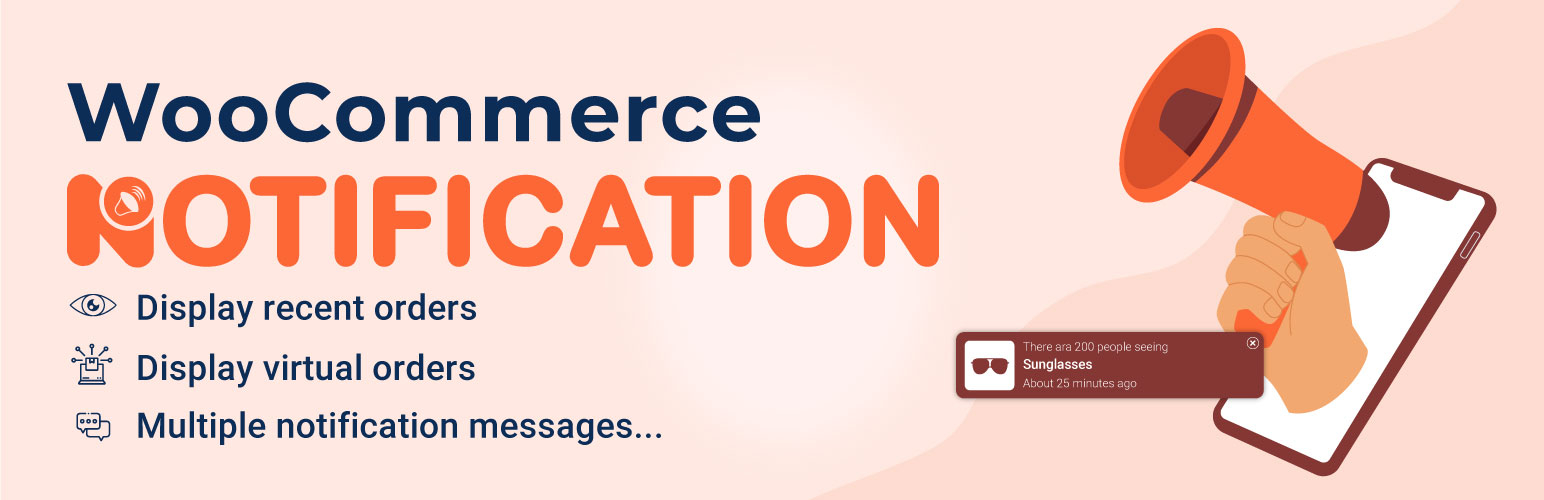
Notivo Notification for WooCommerce

Display recent orders as popup notifications, boosting conversion rates by showing real-time purchase, creatin...

Free 5k+ installs 4.3★ (80)