
FluentCRM
91The easiest and fastest Email Marketing, Newsletter, Marketing Automation Plugin & CRM Solution for WordPr...
Free
80k+ installs 4.8★ (249)
Media Metadata Workflow Wizard: Integrate your media metadata workflow with WordPress's Media Library

MMWW is a WordPress plugin designed to automate the transfer of metadata from media files into the WordPress Media Library. It supports various file types, including images and audio, and allows users to specify templates for how this metadata populates attachment fields like title, caption, and description.
This plugin is suitable for users who frequently upload media and want to streamline the process of entering metadata manually. By using MMWW, you can ensure that your media files are organised according to their original creation dates and that relevant metadata is automatically applied.
Best for: This plugin is best for users who regularly upload media files and want to automate metadata entry.
What it does well
Where it falls short
MMWW offers a practical solution for managing media metadata in WordPress, making it easier for users to maintain organisation and accessibility of their media files.
OllieJones's own description of MMWW, lightly tidied.
If you create lots of images, graphics, audio clips, or video clips you probably go to some trouble to put metadata (titles, copyrights, track names, dates, and all that) into them. You may also put tags and ratings (one to five stars) on your media files.
If you use a production tool like Acrobat, Adobe Bridge or Audacity, you probably put this kind of metadata into your files. And then you probably rekey it when you put the files into your WordPress site.
This Media Metadata Workflow Wizard plugin will get you out of doing that. Now you can have that metadata transferred into the Media Library automatically when you upload your media.
You can choose to have the creation date in your media file used as the “Uploaded” date in WordPress. So, for example, your photos can be ordered in the media library in order of the date and time they were taken, and your pdfs in the order they were scanned.
You can specify templates defining what metadata items should be used to create each WordPress attachment post’s fields: title, caption, alt text, and description.
For audio files, MMWW can automatically create the [audio] shortcode provided by Jetpack. Choose Link To Media File and the shortcode will be generated for you. WordPress 3.6 and later has an integrated audio player, so you may not need this feature. The Settings page lets you turn this behavior off.
If you use the [Media Tags][https://wordpress.org/plugins/media-tags/] plugin together with this one, you’ll be able to handle metadata tags as a taxonomy. You can also use metadata ratings (one to five stars) as a taxonomy.
Once the plugin is installed and activated, it will populate the text fields in your site’s attachment
posts using metadata from the media files you upload.
The attachment text files are Title, Description, Caption and Alternate Text. The Title of the attachment is also used to create the slug.
Many media editor programs, such as Photoshop, Paint Shop Pro, Acrobat and Audacity have ways of loading metadata into media. These usually can be found in a dialog box named “Properties,” “Image Information,” or something similar.
MMWW’s settings page lets you specify the templates to use for populating the text fields. For example, you can set the Description template for an image file from a smartphone to
Other plugins for automating workflows.
The easiest and fastest Email Marketing, Newsletter, Marketing Automation Plugin & CRM Solution for WordPr...
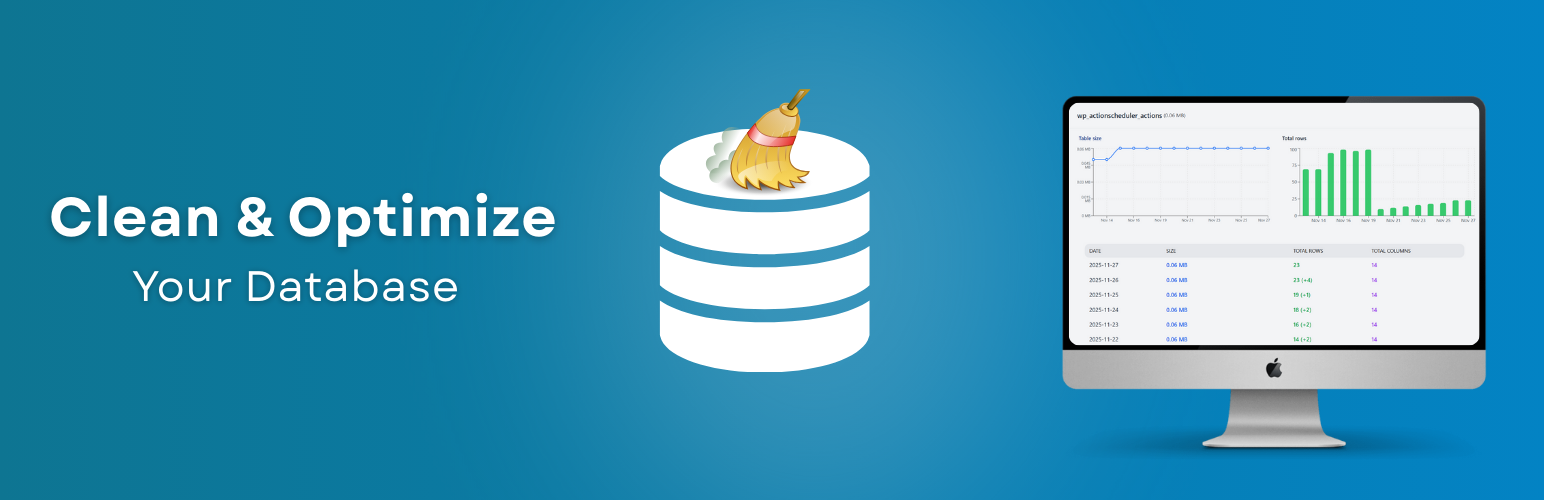
Clean database by deleting orphaned data such as 'revisions', 'expired transients', optimi...

Free email automation, email campaigns, exit intent popup builder, gamified popups with spin the wheel, contac...

Send beautiful newsletters from WordPress. Collect subscribers with signup forms, automate your emails for Woo...
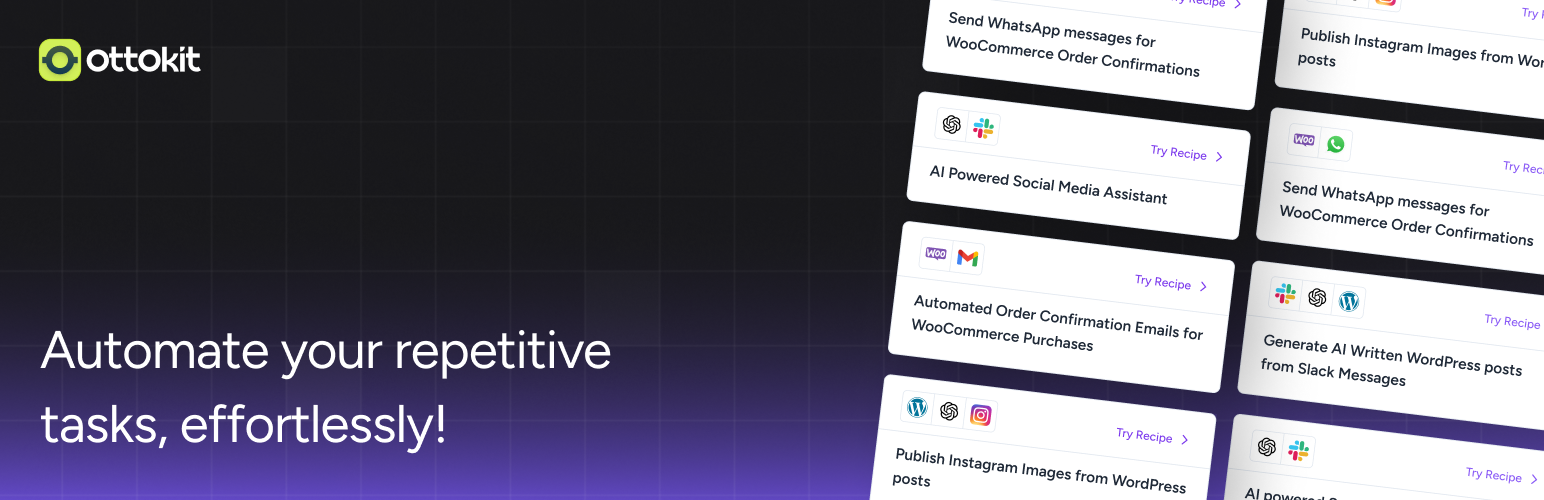
Experience the power of automation within WordPress: Connect 1,500+ apps, automate manual tasks, and unlock yo...

Newsletters, Email Marketing, Email Automation, Forms, Pop Up, SMS by Omnisend