
FluentCRM
91The easiest and fastest Email Marketing, Newsletter, Marketing Automation Plugin & CRM Solution for WordPr...
Free
80k+ installs 4.8★ (249)
Automate your WordPress Editorial Workflow with Oasis Workflow. Simple, intuitive drag and drop workflow builder to streamline your editorial process.
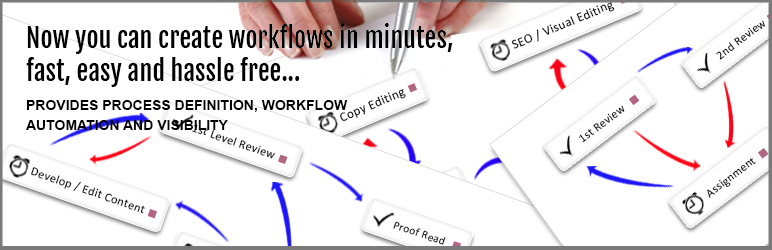
Oasis Workflow is a WordPress plugin that automates editorial workflow processes using a drag and drop interface. It is designed for WordPress sites with multiple authors, particularly in industries such as healthcare, law, finance, and non-profits that require a formal review process for their content.
The plugin offers features like task assignment, content review, and publishing, along with role-based routing, custom statuses, and an inbox for task management. It also includes process history for auditing and reminders for due dates, making it suitable for teams that need to manage content efficiently.
Best for: This plugin suits WordPress sites with multiple authors needing to manage content review and publication efficiently.
What it does well
Where it falls short
Oasis Workflow provides useful tools for managing editorial processes, particularly for teams in regulated industries. It is a solid choice for those looking to streamline their content management workflows.
nuggetsol's own description of Oasis Workflow, lightly tidied.
Oasis Workflow is a powerful feature rich plugin designed to automate any editorial workflow process using a simple, intuitive drag and drop interface.
Visual Work flow Designer
– Configure your workflow using our easy drag and drop designer interface. See screen shots for more detail.
Role-Based routing definitions allow you to assign tasks dynamically
– By using role-based routing, you can ensure that your process moves forward as quickly as possible without sacrificing accountability.
Inbox
– Users can view their current assignments and sign off their tasks once it’s completed.
Custom Statuses
– Define custom statuses for your editorial workflow. With custom statuses you can define your own post statuses and assign it to the success or failure path of the workflow.
Process history lets users retrace their steps
– For auditing purposes a record is created every time an article is routed through a workflow process. The process history also captures the comments added by the user during task sign off.
Reassign – How to pass the buck?
– What if you have been assigned a workflow task, but you feel you are not the appropriate person to complete it? No worry, you can use the re-assign feature to pass the task to another person.
Due Date and Email reminders help you to publish your articles on time.
Out of the box workflow
– To get you started, the plugin comes with two out of the box workflow – Single Level Review Workflow, and Multi Level Review Workflow. You can modify the workflow to suit your needs.
If you are looking for additional functionality, check out our “Pro” version – Oasis Workflow Pro: https://www.oasisworkflow.com/pricing-purchase
It comes with additional features like,
If you want to try out the “Pro” features, send us a message at Request a Demo Site and we will setup a demo site for you to try out the “Pro” features. As a bonus, we will also add our add-ons to the demo site.
More details for each feature, screenshots and documentation can be found on our website.
Other plugins for automating workflows.
The easiest and fastest Email Marketing, Newsletter, Marketing Automation Plugin & CRM Solution for WordPr...
Clean database by deleting orphaned data such as 'revisions', 'expired transients', optimi...

Free email automation, email campaigns, exit intent popup builder, gamified popups with spin the wheel, contac...

Send beautiful newsletters from WordPress. Collect subscribers with signup forms, automate your emails for Woo...
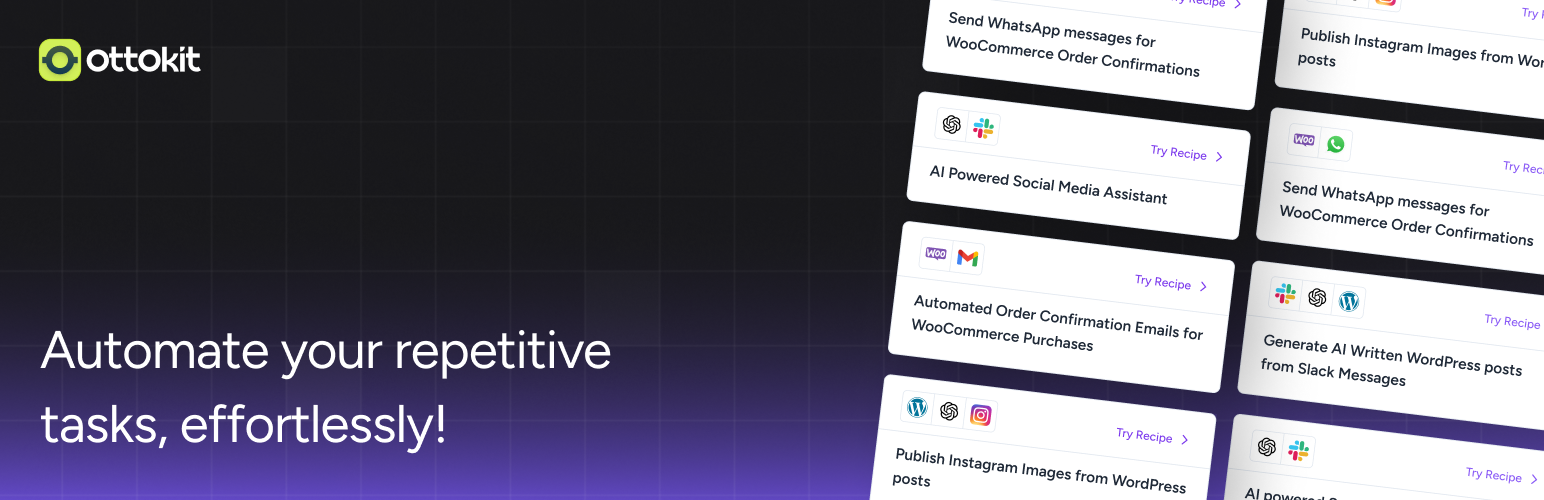
Experience the power of automation within WordPress: Connect 1,500+ apps, automate manual tasks, and unlock yo...

Newsletters, Email Marketing, Email Automation, Forms, Pop Up, SMS by Omnisend