Pixelgrade Assistant
The free companion for the Pixelgrade LT stack — stack health, recommended plugins, and starter content. No account required.

The facts
- Active installs
- 2k+
- Price
- Free
- Last updated
- 13 Aug 2026
- Added
- Aug 2019
- Requires WP
- 5.9
- Tested up to
- WP 7.1
- Requires PHP
- 7.4
- Downloads
- 87,799
Our analysis
AI-assistedPixelgrade Assistant is a free WordPress plugin designed to support users of the Pixelgrade LT stack, which includes the Anima LT theme and related plugins. It provides a central dashboard for managing the health of your site, including the status of the Style Manager and Nova Blocks. Users can install recommended plugins, access starter content, and find documentation links directly within the dashboard.
The plugin operates without needing a Pixelgrade.com account, making it accessible for anyone using the free stack. It also includes features that ensure compatibility between the theme and its companion plugins, enhancing the overall user experience for those looking to optimise their Pixelgrade site.
Best for: This plugin is best suited for users of the Pixelgrade LT stack looking for an easy way to manage their site.
What it does well
- ✓Free to use with no account required
- ✓Central dashboard for managing site health
- ✓One-click installation of recommended plugins
- ✓Access to starter content and documentation links
- ✓Compatibility logic for seamless integration with Pixelgrade themes
Where it falls short
- •Limited to users of the Pixelgrade LT stack
- •No published rating or extensive user feedback available
Verdict
Pixelgrade Assistant is a practical tool for those using Pixelgrade themes and plugins, offering essential features to streamline site management. However, it may not be useful for users outside this ecosystem.
From the developer
pixelgrade's own description of Pixelgrade Assistant, lightly tidied.
Pixelgrade Assistant is the free companion for the Pixelgrade LT stack — the Anima LT theme together with the Style Manager and Nova Blocks plugins.
It gives you a calm, in-dashboard home for getting the most out of your free Pixelgrade site:
- Stack health — see at a glance whether Style Manager and Nova Blocks are installed, active, or need an update.
- One-click install of recommended free companions, straight from WordPress.org.
- Starter content to give your new site a head start.
- Documentation links to help you along the way.
- Behind-the-scenes compatibility logic so your theme and its companion plugins play nicely together.
No account required. Pixelgrade Assistant works out of the box — you do not need a Pixelgrade.com account or a license to use the free stack. Optional commercial features live in a separate plugin, Pixelgrade Plus (see below); the free stack never asks you to connect an account.
Looking for more? Pixelgrade Plus is the optional premium companion that adds advanced design tools on top of the free stack. It is never required, and you can explore it any time from the Pixelgrade screen.
Made with love by Pixelgrade
External services
Pixelgrade Assistant runs almost entirely on your own site — installing recommended plugins (from WordPress.org), documentation links, and the stack-health information never leave your server. A few features reach Pixelgrade-hosted services, described below. No Pixelgrade.com account is required for any of them.
- Theme configuration and documentation (pixelgrade.com). When Pixelgrade Assistant needs the configuration or documentation for your active theme, it requests it from
https://pixelgrade.com(/wp-json/pxm/v2/front/). Responses are cached locally, so they are not requested on every page load. - Starter content (starter.pixelgrade.com and demos.pixelgrade.com). When you browse or apply a starter, layout, or page, the plugin requests the corresponding manifest and content from Pixelgrade-hosted starter sources. No account is required.
- Design assets (cloud.pixelgrade.com). Style Manager requests compatible palettes, fonts, and theme configuration from the Pixelgrade Cloud API (
https://cloud.pixelgrade.com,/wp-json/pixcloud/v1/front/design_assets). The request includes the current color-palette identifier, variation, and customized state when available. - First-party site registry (automatic). The functional requests above automatically include your canonical site URL, active theme and version, WordPress and Pixelgrade plugin versions, site language, RTL state, environment type, and — only when already connected — the numeric Pixelgrade customer ID. Pixelgrade retains the normalized URL, first/last-seen dates, latest observed service, stack details, and aggregate daily request counts at
https://cloud.pixelgrade.com(/wp-json/pixcloud/v1/front/stats). The registry does not include site content, credentials, license hashes, support messages, email addresses, user names, or IP addresses. These requests are described as observed service traffic, not as clicks or completed user actions.
The WordPress.org build never downloads or installs plugin code from servers other than WordPress.org.
Your use of these Pixelgrade services is subject to Pixelgrade’s privacy policy and terms, available at pixelgrade.com.
Issues
If you identify any errors or have an idea for improving the plugin, please open an issue.
If Github is not your thing but you are passionate about Pixelgrade Assistant and want to help us make it better, don’t hesitate to reach us.
Credits
Unless otherwise specified, all the plugin files, scripts and images are licensed under GNU General Public License v3.0.
This plugin makes heavy use of JavaScript libraries and packages since it’s entire interface is built with React. The primary packages being bundled are as follows:
Tagged as
industry
Knowledge Base & Documentation
feature
Thorough Documentation
Alternatives
Other plugins for documentation and knowledge bases.

BetterDocs
87Documentation, FAQ & Knowledge Base plugin to create docs, FAQs, product FAQ, wikis & help center with...
Free
30k+ installs 4.8★ (511)
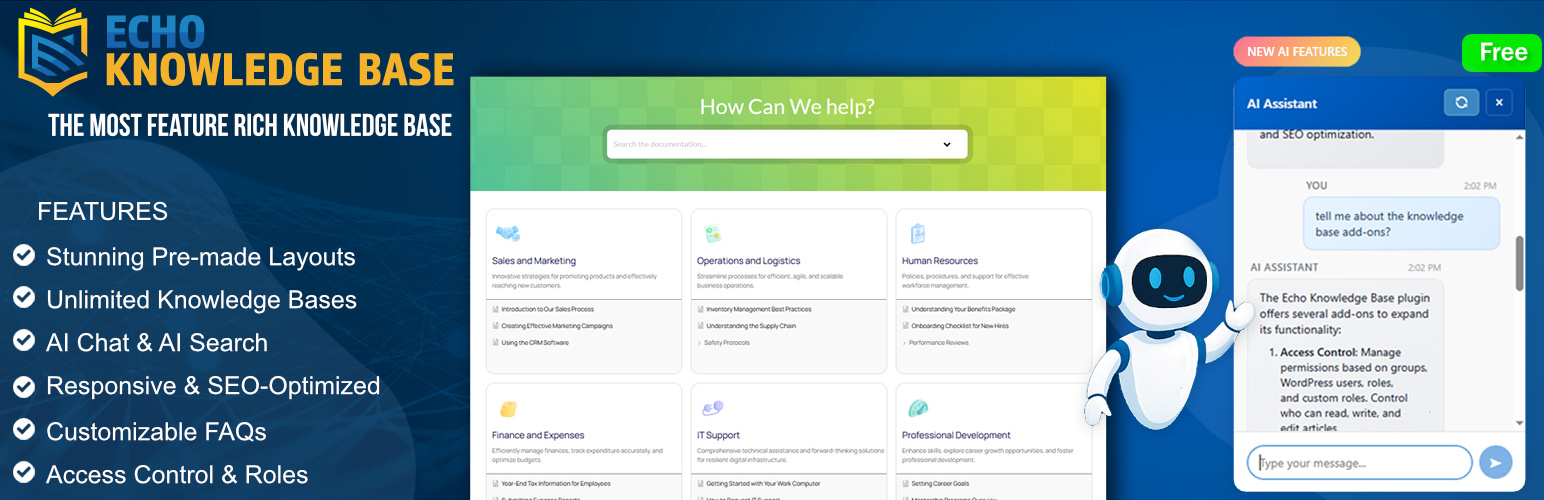
A fully featured, easy-to-use documentation plugin with AI chat, search, FAQs, and quizzes. Build beautiful kn...
Free
10k+ installs 4.9★ (123)

Use this service plugin to easily activate any of our products, open a support ticket and view documentation a...
Free
10k+ installs 5★ (3)
Helpie FAQ
83Accordion , FAQ & Docs builder with Drag and Drop features. Helpie Accordion FAQ plugin works with Helpie...
Free
9k+ installs 4.5★ (80)

WordPress polls plugin with multiple-choice, custom answers, cache compatibility, widgets, and shortcodes. Doc...
Free
7k+ installs 4.6★ (86)