
FluentCRM
91The easiest and fastest Email Marketing, Newsletter, Marketing Automation Plugin & CRM Solution for WordPr...
Free
80k+ installs 4.8★ (249)
PublishPress Future can make scheduled changes to your content. You can unpublish posts, move posts to a new status, update the categories, and more.
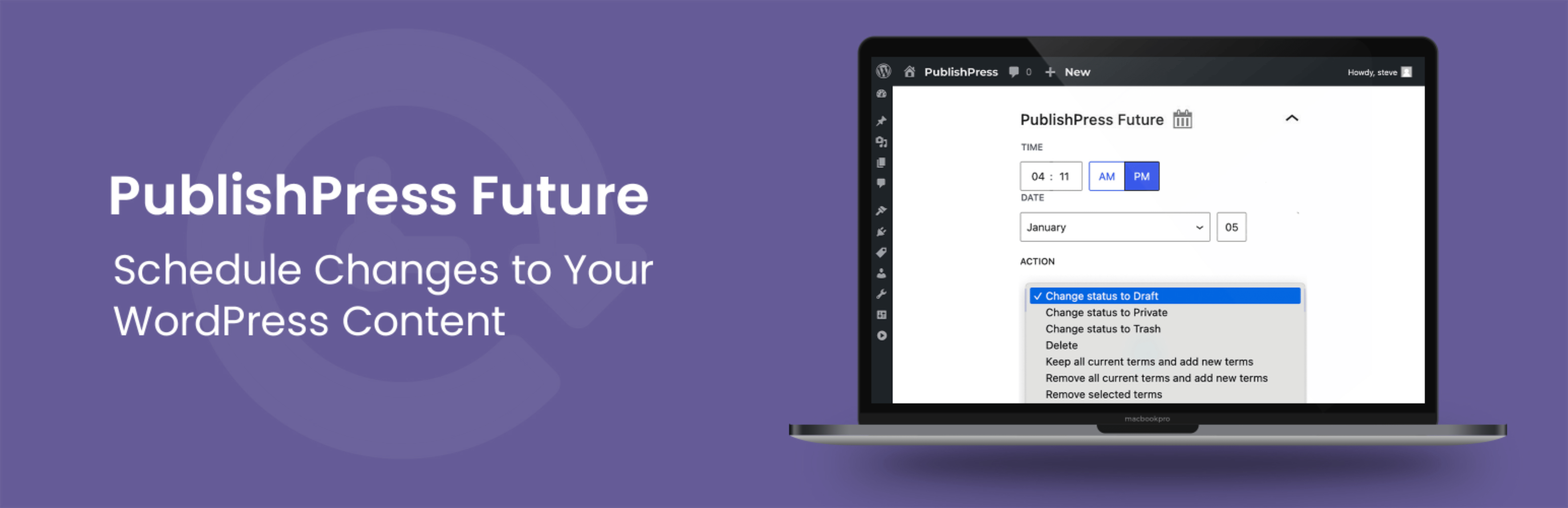
Schedule Post Changes With PublishPress Future is a WordPress plugin that allows you to automate changes to your posts, pages, and other content types. You can schedule actions such as unpublishing, deleting, or changing the status of your content. The plugin provides an easy interface for selecting future action dates while editing posts.
This plugin is suited for users who need to manage content updates efficiently. It includes features like email notifications for changes and options to configure default actions for different post types. The Pro version offers additional capabilities, such as custom workflows and integrations with other plugins.
Best for: This plugin is best for WordPress users looking to automate content management tasks.
What it does well
Where it falls short
PublishPress Future offers a straightforward solution for scheduling content changes. While the free version provides essential features, advanced users may need to consider the Pro version for more complex workflows.
PublishPress's own description of Schedule Post Changes With PublishPress Future: Unpublish, D..., lightly tidied.
The PublishPress Future plugin allows you to schedule changes to posts, pages and other content types. With this plugin you can create automatic actions to unpublish, delete, trash, move a post to a new status and more. With the Pro version you can update your content using custom workflows with multiple steps and schedules.
Here’s an overview of what you can do with PublishPress Future:
Upgrade to PublishPress Future Pro
This plugin is the free version of the PublishPress Future plugin. The Pro version comes with all the features you need to schedule changes to your WordPress content. Click here to purchase the best plugin for scheduling WordPress content updates!
With PublishPress Future, you can configure actions that will happen automatically to your content. Here are the changes you can choose for your posts:
With PublishPress Future Pro, you can build Action Workflows. These allow you to update your content using custom workflows with multiple steps and schedules. Here are some examples of what you can do with Action Workflows:
PublishPress Future allows you to place automatically show the expiry or action date inside your articles. The date will be added at the bottom of your post.
You can use shortcodes to show the expiration date inside your posts. You can customize the shortcode output with several formatting options.
PublishPress Future can support any post type in WordPress. Go to Settings > PublishPress Future > Defaults and you can choose default actions for each post type.
Other plugins for automating workflows.
The easiest and fastest Email Marketing, Newsletter, Marketing Automation Plugin & CRM Solution for WordPr...
Clean database by deleting orphaned data such as 'revisions', 'expired transients', optimi...

Free email automation, email campaigns, exit intent popup builder, gamified popups with spin the wheel, contac...

Send beautiful newsletters from WordPress. Collect subscribers with signup forms, automate your emails for Woo...
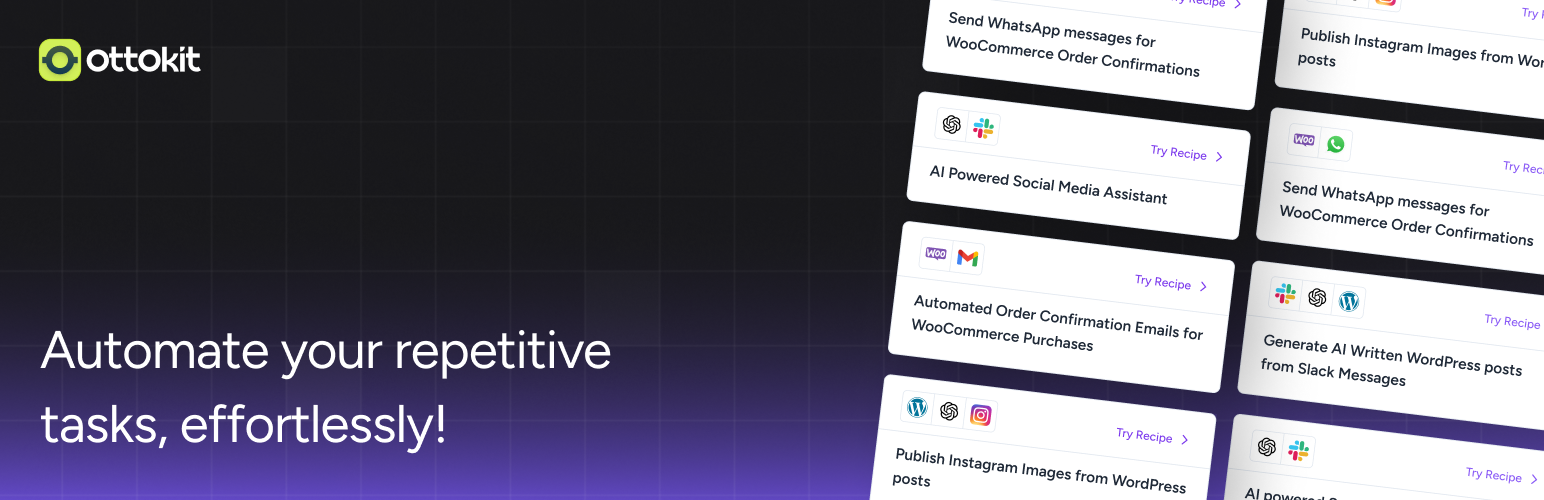
Experience the power of automation within WordPress: Connect 1,500+ apps, automate manual tasks, and unlock yo...

Newsletters, Email Marketing, Email Automation, Forms, Pop Up, SMS by Omnisend