
FluentCRM
91The easiest and fastest Email Marketing, Newsletter, Marketing Automation Plugin & CRM Solution for WordPr...
Free
80k+ installs 4.8★ (249)
The PublishPress Statuses plugin allows you to create additional statuses for your posts. You can use each status to create publishing workflows.
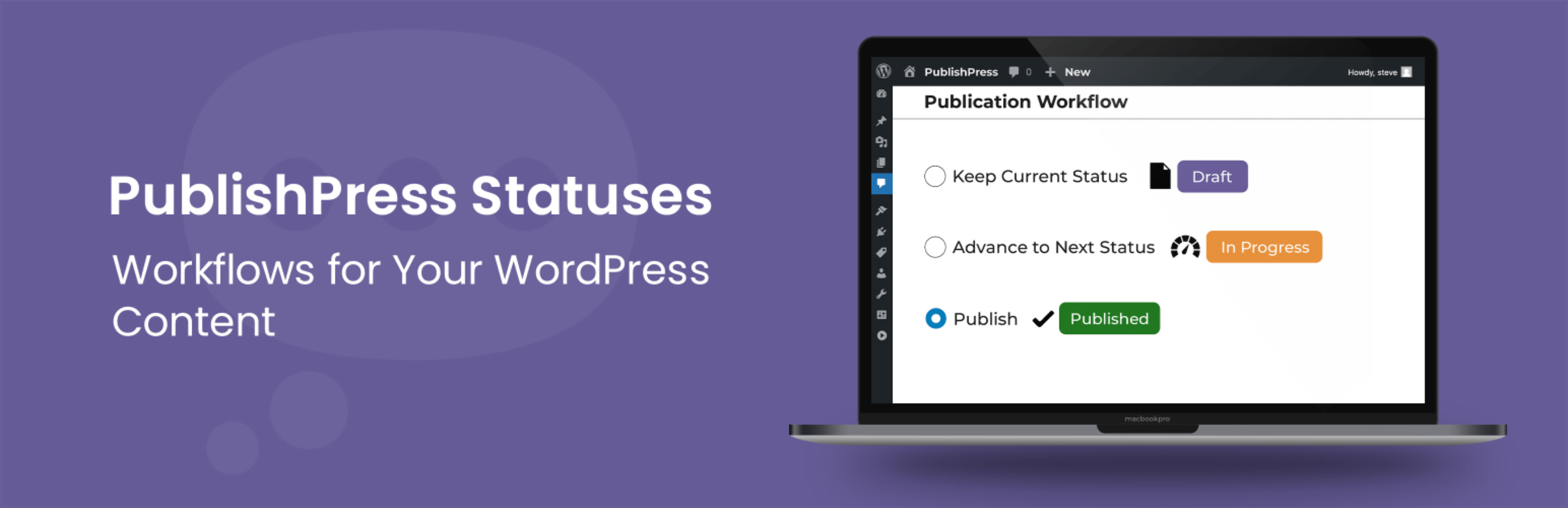
PublishPress Statuses is a WordPress plugin that enables you to create custom post statuses beyond the default options of 'Draft' and 'Pending Review'. This allows for a more nuanced workflow, accommodating various stages of content development such as 'In Progress', 'Needs Work', and 'Rejected'. You can also manage user permissions for moving posts between these statuses, tailoring access based on user roles.
This plugin is particularly useful for publishers and content teams who require a more detailed classification of their posts during the editorial process. By implementing additional statuses, teams can better track the progress of content and assign tasks more effectively.
Best for: This plugin suits content teams and publishers looking for a flexible workflow in WordPress.
What it does well
Where it falls short
PublishPress Statuses offers a practical solution for enhancing post management in WordPress, particularly for those needing more than the standard status options.
PublishPress's own description of PublishPress Statuses, lightly tidied.
Have you ever wanted to label a WordPress post something other than “Draft” or “Pending Review”? The PublishPress Statuses plugin can help.
PublishPress Statuses allows you to create additional statuses for your posts. For example, you can add statuses such as “In Progress”, “Needs Work”, or “Rejected”. You can also control which users can move posts to each status.
WordPress provides you with only two statuses for your post: “Draft” or “Pending Review”. This means that before your content is published it can only be labeled as “Draft” or “Pending Review”.
Those statuses are too limiting for many publishers. For example, what label should you use for content that is assigned to a writer? What label should you use for a post that needs work, or has been rejected? With the PublishPress Statuses plugin, you can add new statuses that accurately describe the stages of your publishing process.
There are two types of statuses:
Go to the “Statuses” area in your WordPress site and you’ll six different statuses. This is the main workflow. Every post on your site must use this workflow. However, with PublishPress Statuses, you can move, rearrange and add to this workflow.
In addition to the default workflow, PublishPress Statuses allows you to create alternate workflows. These statuses are for content that is not on a direct path to publication. Examples of these alternate workflows include “Deferred”, “Needs Work” and “Rejected”.
PublishPress Statuses allows to decide which users can move content to which statuses. Go to “Statuses” then “Settings” and click the “Roles” tab. This allows you to choose which user roles can move a post to this status.
See how control access to statuses.
You can take this further and decide who assign, edit, and delete content in each status. This is possible if you also use the PublishPress Permissions Pro plugin.
Other plugins for automating workflows.
The easiest and fastest Email Marketing, Newsletter, Marketing Automation Plugin & CRM Solution for WordPr...
Clean database by deleting orphaned data such as 'revisions', 'expired transients', optimi...

Free email automation, email campaigns, exit intent popup builder, gamified popups with spin the wheel, contac...

Send beautiful newsletters from WordPress. Collect subscribers with signup forms, automate your emails for Woo...
Experience the power of automation within WordPress: Connect 1,500+ apps, automate manual tasks, and unlock yo...

Newsletters, Email Marketing, Email Automation, Forms, Pop Up, SMS by Omnisend