
Scroll Down Arrow
Encourage your website visitors to scroll down and view more content with this simple plugin.

The facts
- Rating
- 5★ from 2
- Active installs
- 800+
- Price
- Free
- Last updated
- 20 May 2026
- Added
- Apr 2024
- Requires WP
- 5.2
- Tested up to
- WP 7.0.4
- Requires PHP
- 5.6
- Downloads
- 6,621
Our analysis
AI-assistedScroll Down Arrow is a WordPress plugin that adds a downward-pointing arrow to pages and posts, providing a visual cue for users to scroll down for more content. It is designed to be easy to use, requiring no coding skills for implementation and customization.
The plugin allows you to choose from five arrow shapes, upload custom images, and adjust the size and colour of the arrow. It also includes features like bouncing animations, configurable visibility duration, and the ability to link to specific sections of a page.
Best for: This plugin suits website owners looking to enhance user navigation on content-heavy pages.
What it does well
- ✓Easy to use with no coding required
- ✓Customizable arrow shapes, sizes, and colours
- ✓Bouncing animation to attract attention
- ✓Configurable visibility and fade-away options
- ✓Compatible with various themes
Where it falls short
- •Limited information on specific use cases or user feedback
Verdict
Scroll Down Arrow provides a simple solution for guiding users to additional content on a page. Its customisation options make it adaptable for different site designs.
From the developer
echoplugins's own description of Scroll Down Arrow, lightly tidied.
Scroll Down Arrow is an easy-to-use WordPress plugin that displays a downward-pointing arrow. It provides users with a visual cue that there is more content further down the page.
Features of the plugin include:
- Adds an arrow to any page
- Adds an arrow to any post type
- Compatible with themes
- Offers 5 arrow shapes
- Offers custom image uploads [ NEW ]
- Requires no coding
- Allows independent customization of each arrow
- Sets the duration of arrow visibility
- Choose any size and color
- Bouncing animation to attract attention
- Selectable bouncing speed
- Option to disable bouncing
- Configurable permanent display of the arrow
- Customizable fade-away of the arrow upon scrolling
- Adds CSS Classes for further customization
- Enables linking to specific page sections, guiding users to a chosen CSS ID upon arrow click
More information can be found at Echo Knowledge Base.com.
✅ Echo Knowledge Base is a documentation plugin for WordPress. Create knowledge base, docs, FAQs, and wikis easily. Learn More
✅ Help Dialog Chat offers a chatbot-like dialog for better customer support and increased leads and sales. The Help Dialog Chat includes FAQs, search, and a contact form. Learn More
✅ Creative Add-Ons for Elementor helps you write articles and documents faster and more easily using our powerful and practical Elementor widgets. Learn More
Tagged as
industry
Knowledge Base & Documentation
Alternatives
Other plugins for documentation and knowledge bases.

BetterDocs
87Documentation, FAQ & Knowledge Base plugin to create docs, FAQs, product FAQ, wikis & help center with...
Free
30k+ installs 4.8★ (511)
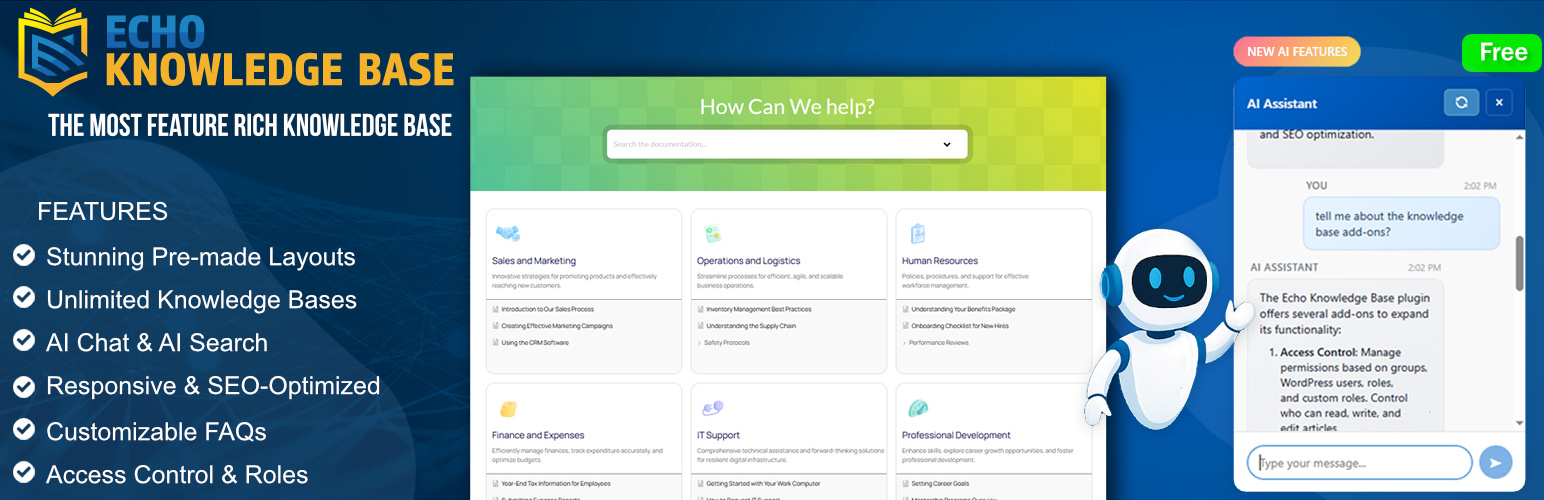
A fully featured, easy-to-use documentation plugin with AI chat, search, FAQs, and quizzes. Build beautiful kn...
Free
10k+ installs 4.9★ (123)

Use this service plugin to easily activate any of our products, open a support ticket and view documentation a...
Free
10k+ installs 5★ (3)
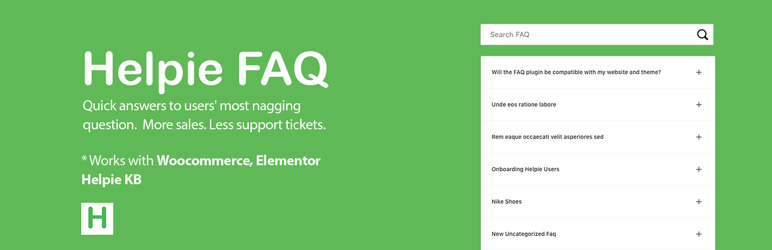
Helpie FAQ
83Accordion , FAQ & Docs builder with Drag and Drop features. Helpie Accordion FAQ plugin works with Helpie...
Free
9k+ installs 4.5★ (80)

WordPress polls plugin with multiple-choice, custom answers, cache compatibility, widgets, and shortcodes. Doc...
Free
7k+ installs 4.6★ (86)