Sentinote
Sentinote converts your notes into WordPress posts or pages. Keep using Evernote and when you’re ready to publish assign the “published” tag.

The facts
- Rating
- 4★ from 5
- Active installs
- 10+
- Price
- Free
- Last updated
- 28 Apr 2014
- Added
- Apr 2014
- Requires WP
- 3.2
- Tested up to
- WP 3.9.40
- Downloads
- 5,081
Our analysis
AI-assistedSentinote is a WordPress plugin that integrates Evernote with your website. It enables you to publish blog posts and pages directly from Evernote by tagging your notes appropriately. This tool is designed for users who prefer managing their content through Evernote and want to streamline their publishing process.
To use Sentinote, you need an Evernote account and a self-hosted WordPress website. The plugin requires PHP 5.3 or higher, which is typically supported by most hosting providers. Documentation for the plugin is available online for users seeking assistance.
Best for: This plugin suits users who frequently use Evernote and want to publish content on a self-hosted WordPress site.
What it does well
- ✓Allows publishing from Evernote to WordPress
- ✓Supports creating both posts and pages through tagging
- ✓Free to use from the WordPress.org directory
Where it falls short
- •Limited active installs may indicate low user engagement
- •Last updated in April 2014, which may affect compatibility
- •Requires a self-hosted WordPress site, not suitable for WordPress.com users
Verdict
Sentinote provides a specific solution for Evernote users looking to integrate their notes with WordPress. However, its outdated status and limited active installs may be a concern for potential users.
From the developer
rheinardkorf's own description of Sentinote, lightly tidied.
Sentinote provides a complete Evernote integration solution for WordPress. It allows you to quickly make changes to your website or blog by simply typing notes inside Evernote.
Note: Seeking contributor.
Features:
- Easy publishing to your WordPress website using Evernote.
- Create a blog post by tagging your note with “published”.
- Create a page by tagging your note with “published” and “page”.
Requirements:
- An Evernote account.
- A self-/hosted WordPress website (Not a WordPress.com website. They don’t support 3rd party plugins)
- Evernote’s tools require that your website runs PHP 5.3 or higher. Most hosting providers meet this requirement although some hosts do not enable this by default. A simple support ticket to your provider will do the trick.
Documentation:
Sentinote documentation can be found at http://sentinote.com/documentation/
Tagged as
industry
Knowledge Base & Documentation
feature
Thorough Documentation
Alternatives
Other plugins for documentation and knowledge bases.

BetterDocs
87Documentation, FAQ & Knowledge Base plugin to create docs, FAQs, product FAQ, wikis & help center with...
Free
30k+ installs 4.8★ (511)
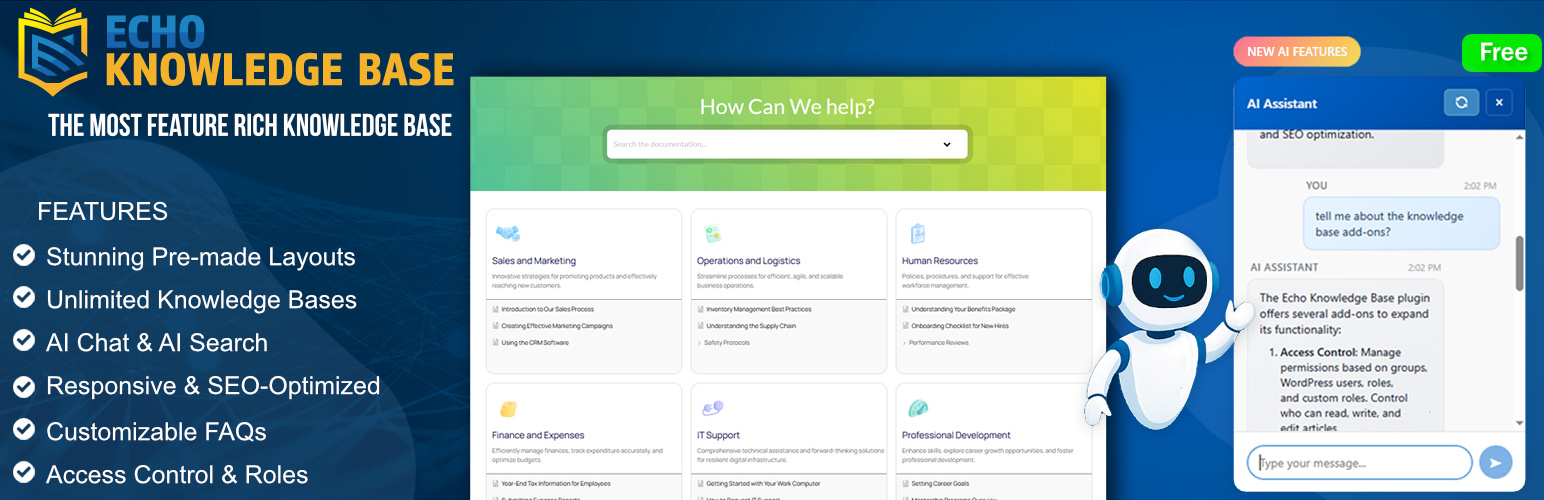
A fully featured, easy-to-use documentation plugin with AI chat, search, FAQs, and quizzes. Build beautiful kn...
Free
10k+ installs 4.9★ (123)

Use this service plugin to easily activate any of our products, open a support ticket and view documentation a...
Free
10k+ installs 5★ (3)
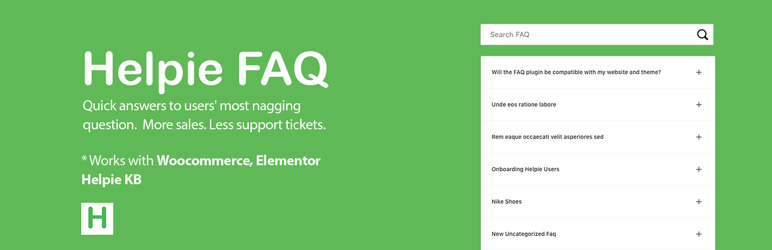
Helpie FAQ
83Accordion , FAQ & Docs builder with Drag and Drop features. Helpie Accordion FAQ plugin works with Helpie...
Free
9k+ installs 4.5★ (80)

WordPress polls plugin with multiple-choice, custom answers, cache compatibility, widgets, and shortcodes. Doc...
Free
7k+ installs 4.6★ (86)