
FluentCRM
91The easiest and fastest Email Marketing, Newsletter, Marketing Automation Plugin & CRM Solution for WordPr...
Free
80k+ installs 4.8★ (249)
WordPress VIP-compatible plugin for the Sophi.io Site Automation service.

Sophi is a WordPress plugin designed to assist content publishers with automated content curation and analytics. Developed by The Globe and Mail, it uses artificial intelligence to optimise website content based on audience engagement and historical data. The plugin aims to streamline workflows by providing insights into what content should be promoted or reduced, thereby improving resource allocation.
To use Sophi, you need a Sophi.io account for authentication. The plugin offers features like real-time decision support, automated curation, and a dynamic paywall engine, making it suitable for publishers looking to enhance their content strategy and audience understanding.
Best for: This plugin is suited for content publishers and bloggers looking to improve their content strategy through automation and analytics.
What it does well
Where it falls short
Sophi offers a range of AI-driven tools for content optimisation, but its reliance on an external account may limit accessibility for some users.
Sophi.io's own description of Sophi, lightly tidied.
Sophi.io is a suite of artificial intelligence (AI) tools developed by The Globe and Mail to help content publishers make important strategic and tactical decisions. The tools range from automated content curation engines to predictive analytics and paywall solutions.
Sophi-driven pages outperform human curated pages by a significant margin and free up publisher resources so that they can focus on finding the next story that matters. Invisible, automated curation of your home and section pages to streamline your team’s workflow. Continuously optimize the performance characteristics of the site based on demand and your brand, so the content is always the right fit.
Note that a Sophi.io account and related credentials are required in order to authorize and authenticate access within the plugin settings.
There are two potential ways to integrate Sophi Site Automation results with your WordPress site. The default approach includes a Sophi Site Automation block that integrates with get_posts by injecting Posts IDs via the posts_pre_query filter that gets fetched later to return the actual Posts. In the same fashion, you can integrate Sophi results with your WP_Query object by setting the sophi_curated_page and sophi_curated_widget query parameters.
More details on each of these two options are described below. If you are not certain on the best integration approach, considering the following:
Reasons to use the Site Automation block:
– No additional development effort needed for initial Sophi integration
– Immediate integration with Sophi Site Automation API and page/widget settings
– Basic block display settings allow for basic configurations (show/hide post excerpt, author name, post date, featured image)
Reasons to use the Query integration:
– Can implement more custom caching and content fallback options
– Can implement support into non-block editor setups
– Likely more flexible for headless setups
– Block editor is not in-use within your WordPress environment
– You need an integration with Category/Taxonomy Pages and cannot integrate using a sidebar widget
You can utilize the Site Automation block by configuring the Site Automation page and widget names and adjusting block content and post meta settings to display Site Automation content on your site.
The Site Automation block comes with a barebone HTML output and styling. It’s made to be filtered using sophi_site_automation_block_output.
add_filter(
    'sophi_site_automation_block_output',
    function( $output, $curated_posts, $attributes, $content, $block ) {
        // ...
        return $new_output;
    },
    10,
    5
);
The Site Automation block will automatically add a data-sophi-feature=<widget_name> attribute for the rendered HTML content so Sophi can understand what content section is rendered on your site.
Other plugins for automating workflows.
The easiest and fastest Email Marketing, Newsletter, Marketing Automation Plugin & CRM Solution for WordPr...
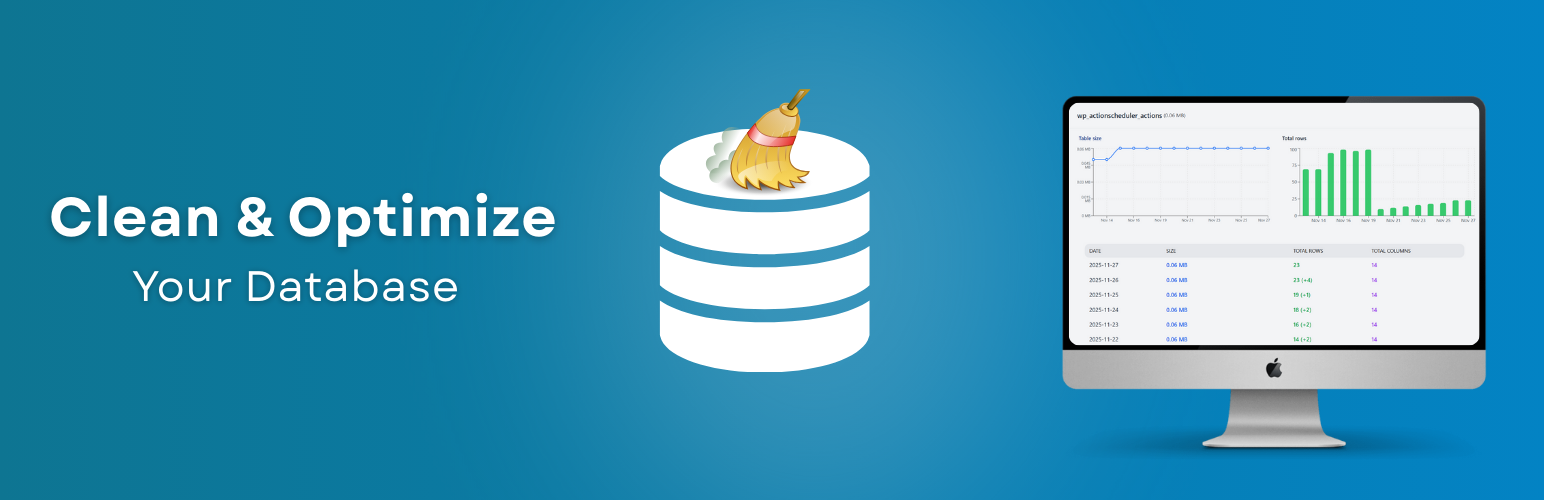
Clean database by deleting orphaned data such as 'revisions', 'expired transients', optimi...

Free email automation, email campaigns, exit intent popup builder, gamified popups with spin the wheel, contac...

Send beautiful newsletters from WordPress. Collect subscribers with signup forms, automate your emails for Woo...
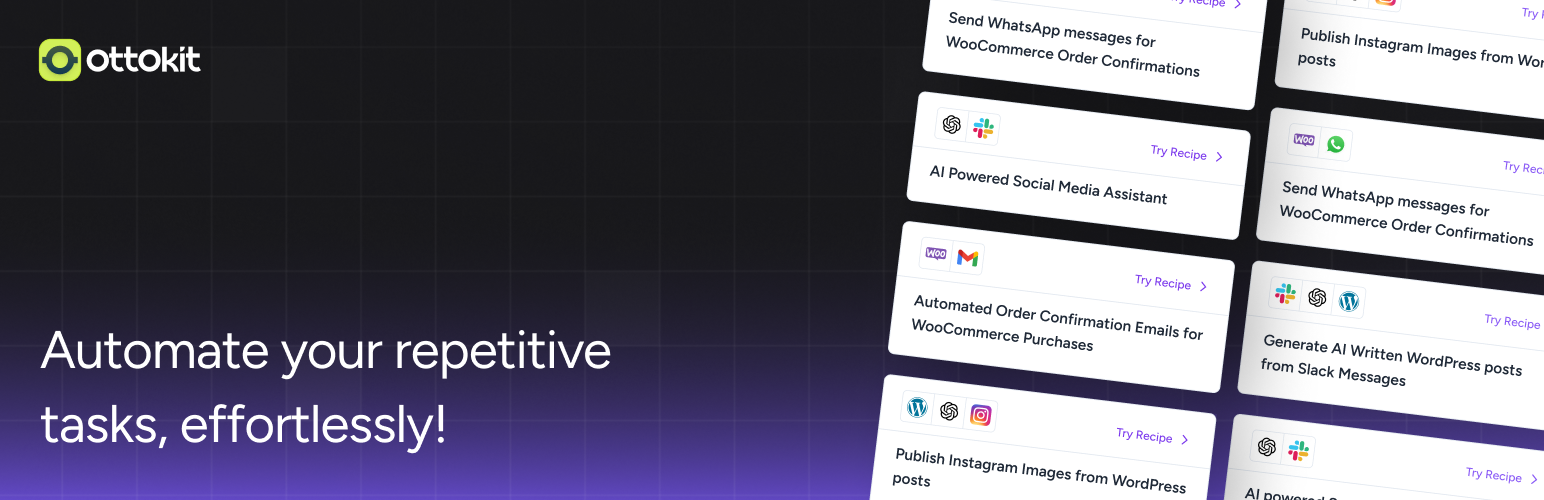
Experience the power of automation within WordPress: Connect 1,500+ apps, automate manual tasks, and unlock yo...

Newsletters, Email Marketing, Email Automation, Forms, Pop Up, SMS by Omnisend