Stepped Content
Break long content into interactive steps or tabs in Gutenberg – perfect for tutorials, onboarding flows, documentation, guides, and courses.

The facts
- Rating
- 5★ from 1
- Active installs
- 200+
- Price
- Free
- Last updated
- 26 Jul 2026
- Added
- Sep 2022
- Requires WP
- 6.5
- Tested up to
- WP 7.0.4
- Requires PHP
- 7.4
- Downloads
- 5,340
Our analysis
AI-assistedStepped Content is a WordPress plugin designed to help you present long content in a more manageable format by breaking it into guided steps. This approach aims to improve readability and user engagement, making it suitable for tutorials, onboarding processes, documentation, lessons, and feature walkthroughs.
The plugin integrates with the Gutenberg block editor, allowing you to customize layouts and navigation without any coding. You can adjust settings such as step height, sidebar colours, and button styles directly within the editor, making it user-friendly for those looking to enhance their content presentation.
Best for: This plugin is best for anyone creating tutorials, onboarding flows, or educational content on their WordPress site.
What it does well
- ✓Transforms long content into digestible steps
- ✓Customisable layouts and navigation
- ✓No coding required for setup
- ✓Integrates with Gutenberg block editor
- ✓Free to use from the WordPress.org directory
Where it falls short
- •Limited features compared to the Pro version
- •No information on specific user feedback or extensive testing
Verdict
Stepped Content offers a straightforward solution for breaking down lengthy content into manageable sections, making it a useful tool for content creators focused on enhancing user engagement.
From the developer
bPlugins's own description of Stepped Content, lightly tidied.
Turn overwhelming walls of text into engaging, guided steps your readers actually finish.
Stepped Content | Pricing | Support | Demo
Why Stepped Content?
Long pages lose readers. Stepped Content is a powerful Gutenberg plugin that transforms long content into engaging, guided steps. Instead of overwhelming visitors with large blocks of text, you break information into simple, digestible sections – boosting readability and user engagement.
Whether you’re creating tutorials, onboarding flows, guides, lessons, courses, or feature walkthroughs, Stepped Content gives you clean navigation, customizable layouts, and flexible design controls – all from the block editor, no coding required.
Free Features
- Reading Time Indicator: Show the remaining duration needed to finish reading the content.
- Custom Step Height: Set a custom height for the step content.
- Navbar Customization: Customize the navbar with a custom title and colors.
- Sidebar Colors: Apply different colors to the sidebar menu.
- Per-Step Styling: Change the text color and background for each step.
- Step Titles: Show or hide the step title, or set a custom title instead of the default.
- Button Colors: Set custom colors for the Back, Next, and Done buttons.
Pro Version – Unlock Premium Power
Stepped Content Pro adds layout enhancements and deeper content control for advanced users.
Pro features include:
- Navigation Bar Toggle: Show or hide the top navigation bar.
- Sidebar Themes: Change the sidebar theme for better appearance.
- Custom Back Button: Use an icon, the previous step title, or custom text.
- Custom Next Button: Use an icon, the next step title, or custom text.
- Custom Done Button: Set custom text for the Done button.
- Done Button Target: Choose whether the Done button link opens in a new or current tab.
How to Use – Quick Start
- Install and activate the Stepped Content plugin.
- In the Gutenberg editor, add the Stepped Content block from the “Widgets” block category.
- Add your steps and adjust settings from the right-side settings sidebar.
- Publish and enjoy!
Use Cases
- Tutorials & How-Tos: Walk readers through processes one step at a time.
- Onboarding Flows: Guide new users or customers through setup.
- Documentation: Organize product docs into clear, navigable sections.
- Lessons & Courses: Deliver learning material in digestible steps.
- Feature Walkthroughs: Present product features as a guided tour.
Tagged as
industry
Knowledge Base & Documentation
platform
Gutenberg & Block Editor
feature
Thorough Documentation
Alternatives
Other plugins for documentation and knowledge bases.

BetterDocs
87Documentation, FAQ & Knowledge Base plugin to create docs, FAQs, product FAQ, wikis & help center with...
Free
30k+ installs 4.8★ (511)
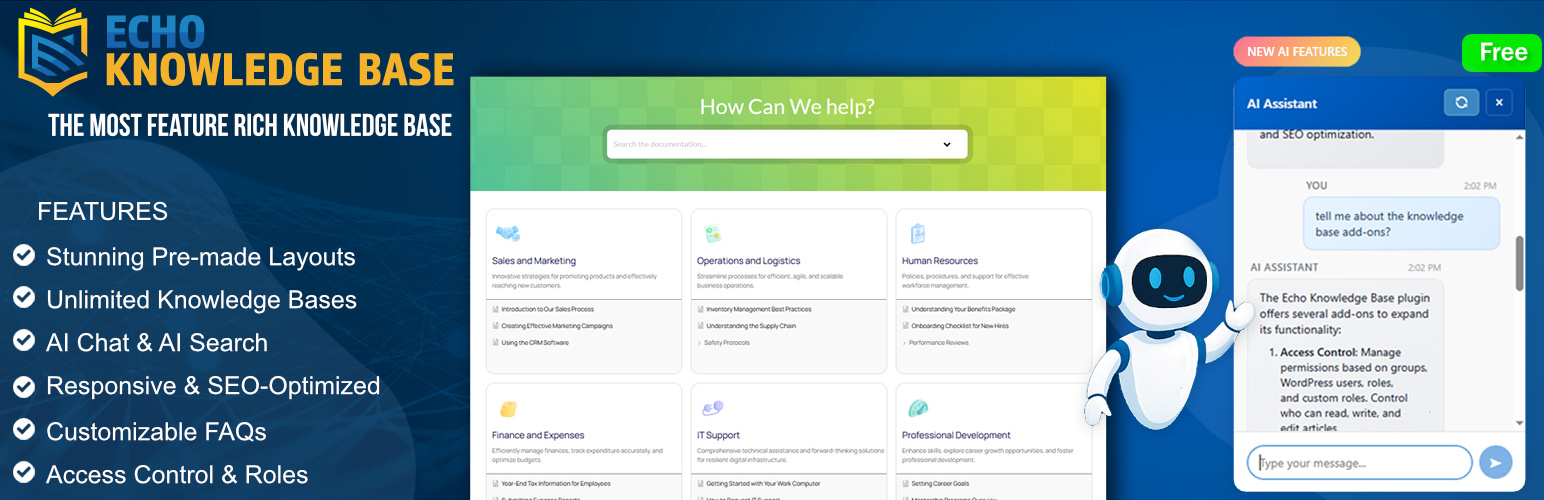
A fully featured, easy-to-use documentation plugin with AI chat, search, FAQs, and quizzes. Build beautiful kn...
Free
10k+ installs 4.9★ (123)
Use this service plugin to easily activate any of our products, open a support ticket and view documentation a...
Free
10k+ installs 5★ (3)
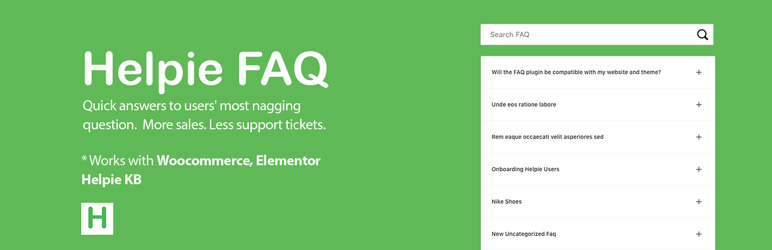
Helpie FAQ
83Accordion , FAQ & Docs builder with Drag and Drop features. Helpie Accordion FAQ plugin works with Helpie...
Free
9k+ installs 4.5★ (80)

WordPress polls plugin with multiple-choice, custom answers, cache compatibility, widgets, and shortcodes. Doc...
Free
7k+ installs 4.6★ (86)