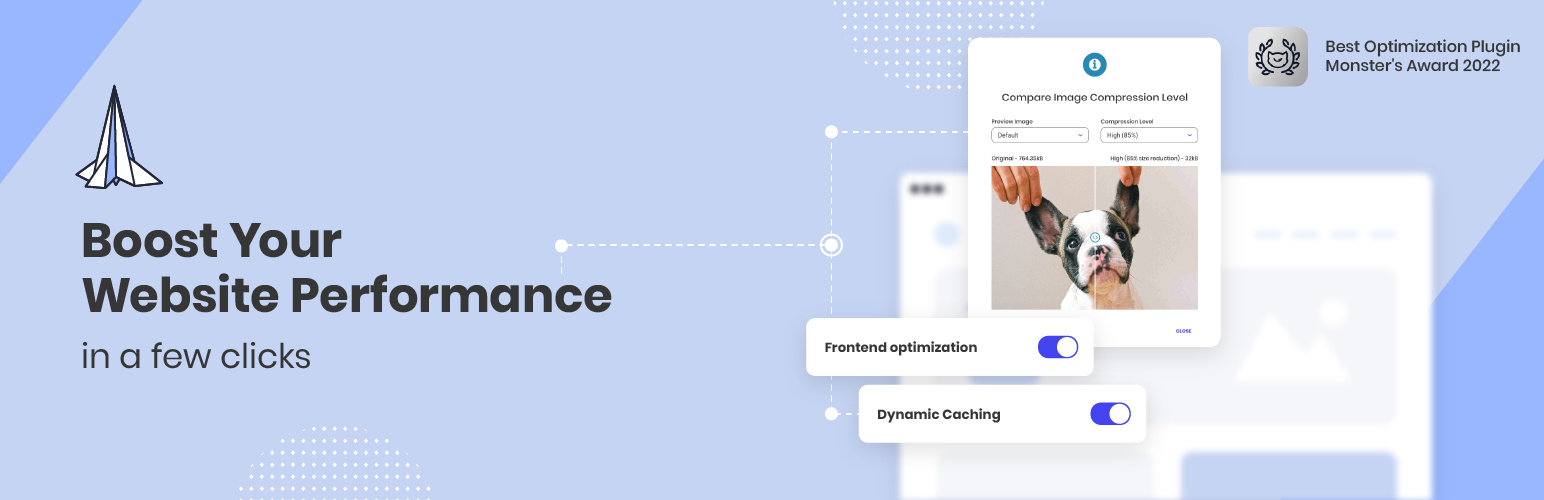
Boost your website performance and page speed, and increase conversions with powerful caching, frontend, media...
Free
1M+ installs 4.2★ (639)
Lets any Administrator simplify the WordPress Admin interface, on a per-user basis, by turning specific menu/submenu sections off.

User Admin Simplifier is a WordPress plugin designed to help Administrators customise the WordPress Admin interface for different users. It allows for the hiding of specific menus, submenus, and the admin bar on a per-user basis or based on user roles.
The plugin offers three modes for menu control: per-user only, role-based only, and role-based with per-user overrides. This flexibility makes it suitable for sites where different users require tailored access to the admin features, enhancing usability and organisation.
Best for: This plugin is suitable for WordPress sites with multiple users needing different admin access levels.
What it does well
Where it falls short
User Admin Simplifier provides a straightforward solution for managing user permissions in the WordPress Admin area, though it may require some technical expertise to set up.
Adam Silverstein's own description of User Admin Simplifier, lightly tidied.
Lets any Administrator simplify the WordPress Admin interface, on a per-user basis. Hide any specific menu or submenu (including in the admin bar) or hide the admin bar entirely.
User Admin Simplifier offers three menu control modes:
Existing per-user configurations are preserved. Existing installs see no change unless an Administrator switches modes. Regardless of mode, the User Admin Simplifier settings page (under Tools) always remains accessible to Administrators, so you can never lock yourself out.
composer install to install PHP dependenciesnpm install to install JavaScript dependenciesnpm run build to build the React applicationThis plugin uses PHPStan for static analysis to ensure code quality and type safety.
To run PHPStan:
composer install (first time only)
npm run phpstan
Or directly with PHP:
php vendor/bin/phpstan analyse
Other plugins for environmental organisations.
Boost your website performance and page speed, and increase conversions with powerful caching, frontend, media...

Free memory & server IP display, PHP EOL countdown, live CPU/RAM sparklines, server location, environment...

Automatically purge every server-side cache on your WordPress site — plugins, hosting environments, PHP, memor...

Use custom admin bar colors and favicons to differentiate your environments (staging/prod)

Turn off unwanted AI features and notifications in plugins, themes, and WordPress Core.

Displays WordPress 5.5's environment type setting in the admin bar and the "At a Glance" dashbo...